1. Танилцуулга
This manual provides detailed instructions for the Varmilo Sword68 Sakura 65% Hotswap Wireless RGB Mechanical Keyboard. Please read this manual thoroughly before using the product to ensure proper operation and to maximize its lifespan. This keyboard features a full 6063 aluminum CNC case, multiple connectivity options, hot-swappable switches, and customizable RGB lighting.
2. Аюулгүй байдлын мэдээлэл
- Гарыг гэмтээхээс сэргийлж шингэн болон хэт их чийгнээс хол байлга.
- Гарыг хэт өндөр температурт оруулахаас зайлсхий.
- Гарыг задлах эсвэл өөрчлөх гэж бүү оролдоорой, учир нь энэ нь баталгааг хүчингүй болгож, эвдрэлд хүргэж болзошгүй.
- Цэнэглэх болон утастай холболтод зөвхөн дагалдаж ирсэн USB-C кабелийг ашиглана уу.
- Хүүхдийн гар хүрэхгүй газар хадгална.
3. Багцын агуулга
Бүх зүйл багцад байгаа эсэхийг шалгана уу:
- Varmilo Sword68 Mechanical Keyboard
- USB-C кабель
- Товчлуур татагч (оруулж болно)
- Шилжүүлэгч татагч (оруулж болно)
4. Тохиргоо
4.1 Анхны цэнэглэлт
Before first use, connect the keyboard to a USB power source using the provided USB-C cable. The keyboard features a 4000mAh rechargeable battery. A full charge is recommended for optimal wireless performance.
4.2 Холболтын сонголтууд
The Varmilo Sword68 supports three connection modes:
- Утастай (USB-C): Connect the keyboard directly to your computer using the USB-C cable. The keyboard will automatically switch to wired mode.
- Bluetooth 5.0:
- Turn on the keyboard and switch to Bluetooth mode (refer to the keyboard's function keys for mode switching).
- On your device (PC, laptop, smartphone, tablet), enable Bluetooth and search for new devices.
- Select 'Varmilo Sword68' from the list of available devices to pair.
- 2.4 GHz утасгүй:
- Insert the 2.4 GHz USB receiver into an available USB port on your computer.
- Switch the keyboard to 2.4 GHz wireless mode (refer to the keyboard's function keys for mode switching). The keyboard should automatically connect to the receiver.
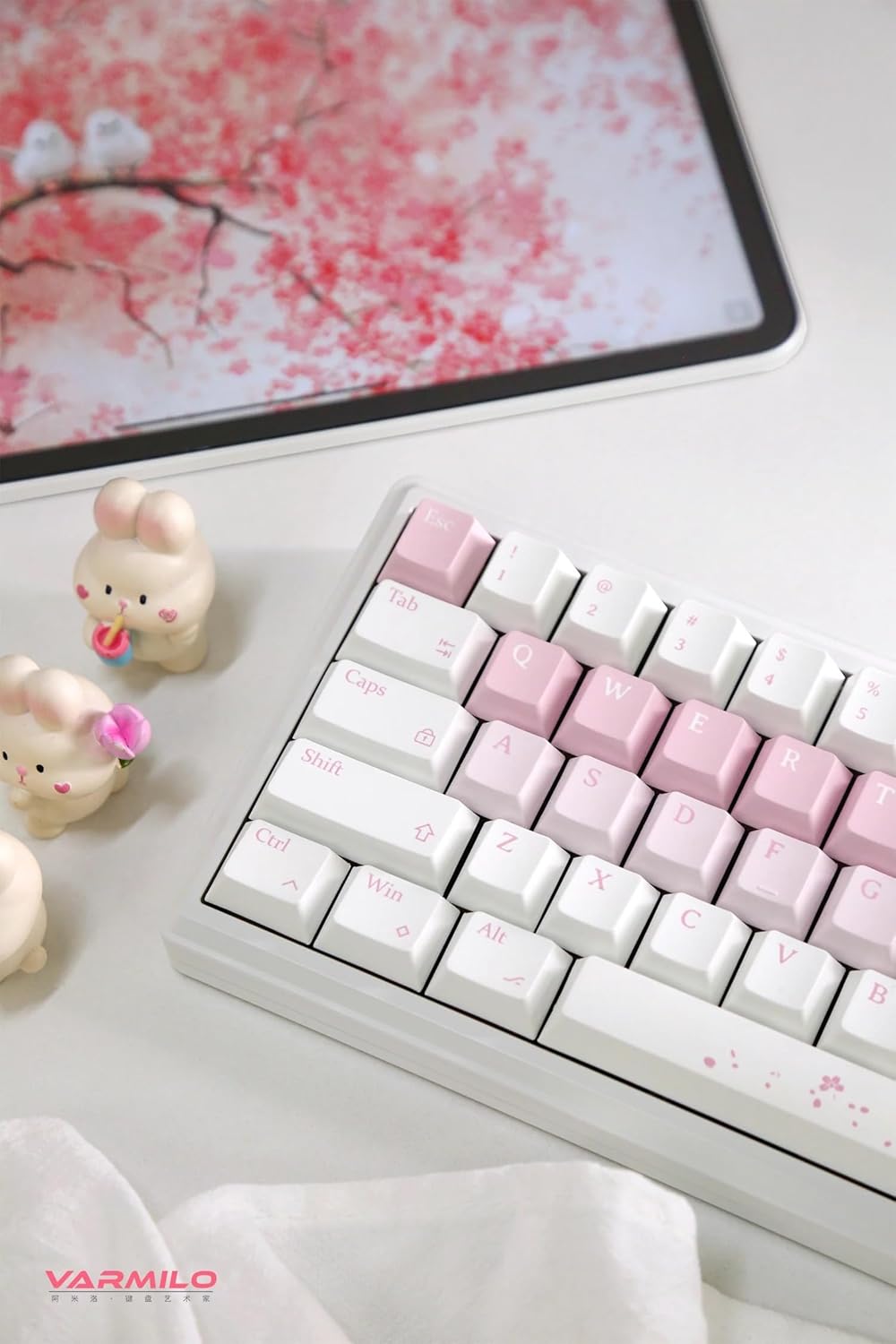
Image: The Varmilo Sword68 keyboard set up on a desk, demonstrating its compact size and aesthetic design alongside a tablet.
5. Ажиллаж байгаа
5.1 Гарны үндсэн функцууд
The Varmilo Sword68 functions as a standard 65% mechanical keyboard. All keys perform their labeled functions. For secondary functions (accessed via the Fn key), refer to the keycap legends or the custom software.

Зураг: Нарийвчилсан view of the Varmilo Sword68 keyboard's right side, highlighting the white and pink keycaps and the Sakura-themed spacebar and escape key.
5.2 RGB арын гэрэлтүүлэг
The keyboard features RGB backlighting. Lighting effects and colors can be customized using the dedicated software. Refer to the software's instructions for detailed customization options.
5.3 Custom Layout Control
The Varmilo Sword68 supports custom layout control through its software. This allows users to remap keys, create macros, and personalize the keyboard's functionality to suit their workflow or gaming preferences.
5.4 Халуун сольж болдог унтраалга
The PCB is hot-swappable, allowing users to change mechanical switches without soldering. This feature supports both plate mount and PCB mount stabilizers. To replace a switch:
- Түлхүүрийн тагийг түлхүүрийн тагийг татагч ашиглан зөөлөн салга.
- Шилжүүлэгчийг самбараас болгоомжтой гаргаж авахын тулд унтраалга татагчийг ашиглана уу.
- Шинэ унтраалгын зүүг хэлхээний самбар дээрх нүхнүүдтэй зэрэгцүүлээд, байрандаа орох хүртэл чанга дарна уу. Зүүг нугалаагүй эсэхийг шалгаарай.

Зураг: Ойрын зураг view of the Varmilo Sword68 keyboard, showcasing the arrangement of its white and pink keycaps and the decorative spacebar.
6. Засвар үйлчилгээ
6.1 Гарыг цэвэрлэх
Гарын харагдах байдал, ажиллагааг хадгалахын тулд:
- Цэвэрлэхийн өмнө гарыг бүх тэжээлийн эх үүсвэрээс салга.
- Зөөлөн, хөвөнгүй даавууг бага зэрэг хэрэглээрэй dampтүлхүүрийн таг болон гэрийг ус эсвэл зөөлөн цэвэрлэгээний уусмалаар арчина.
- Товчлуурын хоорондох тоос шороо, хог хаягдлыг шахсан агаар эсвэл жижиг сойз ашиглана уу.
- Химийн хатуу бодис, зүлгүүрийн материал ашиглахаас зайлсхий.
6.2 Түлхүүрийн таг болон унтраалгын арчилгаа
The Double Shot ABS keycaps are durable. If removing keycaps or switches, do so gently to avoid damaging the components or the PCB.
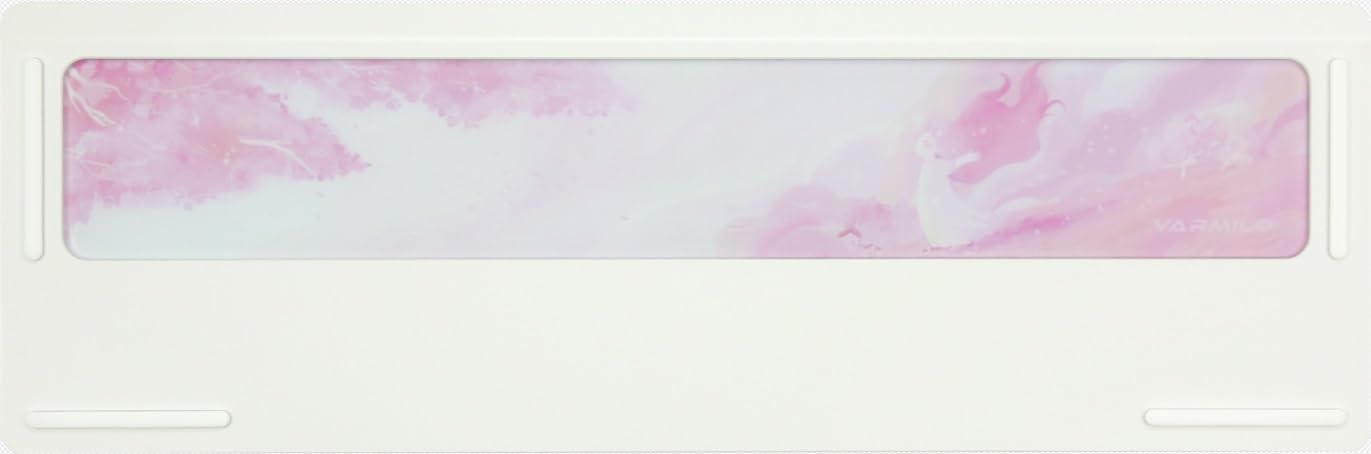
Image: The underside of the Varmilo Sword68 keyboard, revealing the frosted glass weight and rubber feet for stability.
7. Алдаа засах
- Гар хариу өгөхгүй байна: Ensure the USB-C cable is securely connected or that the wireless receiver is properly inserted and the keyboard is in the correct mode (wired, Bluetooth, 2.4 GHz). Check battery level if in wireless mode.
- Bluetooth холболттой холбоотой асуудлууд: Ensure the keyboard is in pairing mode and your device's Bluetooth is enabled. Try removing previous pairings and re-pairing.
- RGB гэрэлтүүлэг ажиллахгүй байна: Check the software settings for RGB control. Ensure the keyboard is not in a low-power mode that disables lighting.
- Бүртгүүлээгүй түлхүүрүүд: For hot-swappable switches, ensure the switch is fully seated and its pins are not bent. Try replacing the switch if the issue persists.
- Утасгүй холболтын завсарлага: Ensure the keyboard is within range of the receiver/device and there are no significant obstructions or interference sources.
8. Техникийн үзүүлэлтүүд
| Брэнд | Вармило |
| Загвар | Sword68 |
| ASIN | B0DMXL67WS |
| Холболтын технологи | Bluetooth, USB-C |
| Гарын тайлбар | Механик |
| Онцлог шинж чанарууд | Арын гэрэлтүүлэгтэй, халуунаар сольж болдог, цэнэглэдэг |
| Гарны арын гэрэлтүүлгийн өнгөний дэмжлэг | RGB |
| Материал | Хөнгөн цагаан, поликарбонат |
| Зайны багтаамж | 4000 мАч |
| Товчлуурууд | Давхар цохилттой ABS |
| Дуу шингээх чадвар | 3x Poron foam, 2x PET foam, 1x IXPE foam |
| Кейсийн материал | 6063 Aluminum CNC with electrophoresis finish |
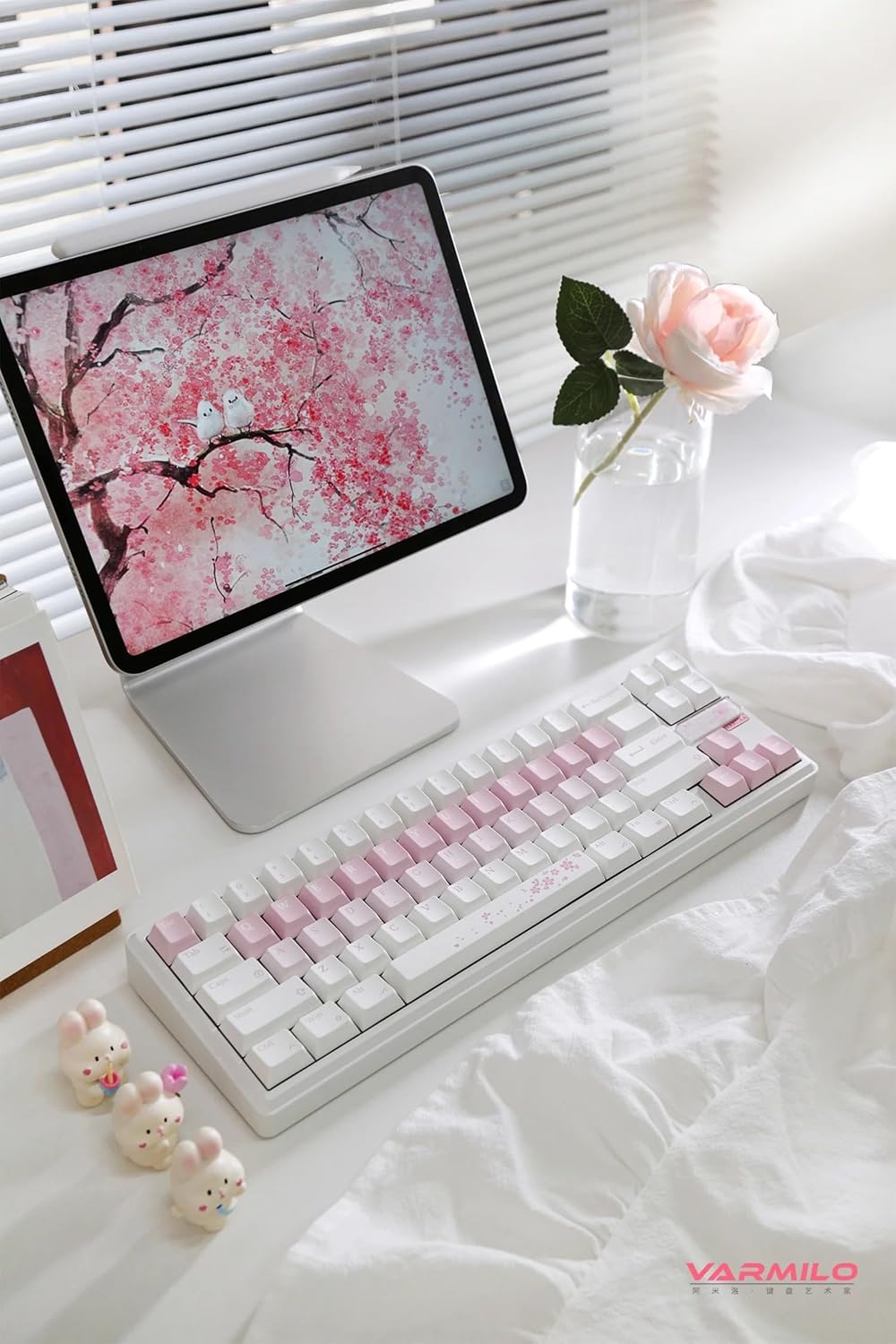
Зураг: Бүрэн view of the Varmilo Sword68 keyboard in a desk setup, showcasing its elegant design and compact form factor.
9. Баталгаат хугацаа ба дэмжлэг
For warranty information, technical support, or service inquiries, please refer to the official Varmilo webсайт эсвэл хэрэглэгчийн дэмжлэгтэй шууд холбогдоно уу. Баталгаат зарга авахын тулд худалдан авалтын баримтаа хадгална уу.


