1. Аюулгүй байдлын чухал мэдээлэл
Please read all safety instructions carefully before using your COLORROOM A30 tablet. Keep this manual for future reference.
- Төхөөрөмжийг хэт өндөр температур, нарны шууд тусгал, өндөр чийгшилд бүү тавь.
- Avoid dropping or subjecting the tablet to strong impacts.
- Гэмтлээс урьдчилан сэргийлэх, аюулгүй байдлыг хангахын тулд зөвхөн зөвшөөрөгдсөн цэнэглэгч болон дагалдах хэрэгслийг ашиглана уу.
- Төхөөрөмжийг өөрөө задлах, засах гэж бүү оролдоорой. Тусламж авахын тулд хэрэглэгчийн дэмжлэгтэй холбоо барина уу.
- Keep the tablet away from children and pets to prevent accidental ingestion of small parts.
2. Багцын агуулга
Бүх зүйл багцад байгаа эсэхийг шалгана уу:
- COLORROOM A30 Tablet
- USB төрөл-C кабель
- Power Adapter (18W PD compatible)
- Хэрэглэгчийн гарын авлага
- Хамгаалалтын хайрцаг
- Дэлгэц хамгаалагч (урьдчилан хэрэглэсэн эсвэл хавсаргасан)
- SIM Ejector Tool (SD pin)

Image: The COLORROOM A30 tablet and its included accessories, such as the USB-C cable, power adapter, and documentation, neatly arranged in the product box.
3. Төхөөрөмж дууссанview
Familiarize yourself with the physical components of your COLORROOM A30 tablet.
- Урд камер: Хэвтээ байрлалд барихад дээд төв хэсэгт байрладаг бөгөөд видео дуудлага болон селфи хийхэд ашигладаг.
- Дэлгэц: 10.1-inch IPS screen for clear visuals.
- Цахилгаан товч: Ихэвчлэн хажуу талд нь байрладаг бөгөөд төхөөрөмжийг асаах/унтраах эсвэл дэлгэцийг сэрээх/унтуулахад ашигладаг.
- Дууны товчлуурууд: Дууны түвшинг тохируулах зориулалттай цахилгаан товчны хажууд.
- USB Type-C порт: Цэнэглэх, өгөгдөл дамжуулах зориулалттай.
- MicroSD картны үүр: Хадгалах хэмжээг 2 ТБ хүртэл өргөжүүлэх зориулалттай.
- Арын камер: Ар талд байрладаг, зураг, видео бичлэг хийхэд ашигладаг.
- Илтгэгчид: Аудио туршлагыг сайжруулахын тулд хос чанга яригчтай.
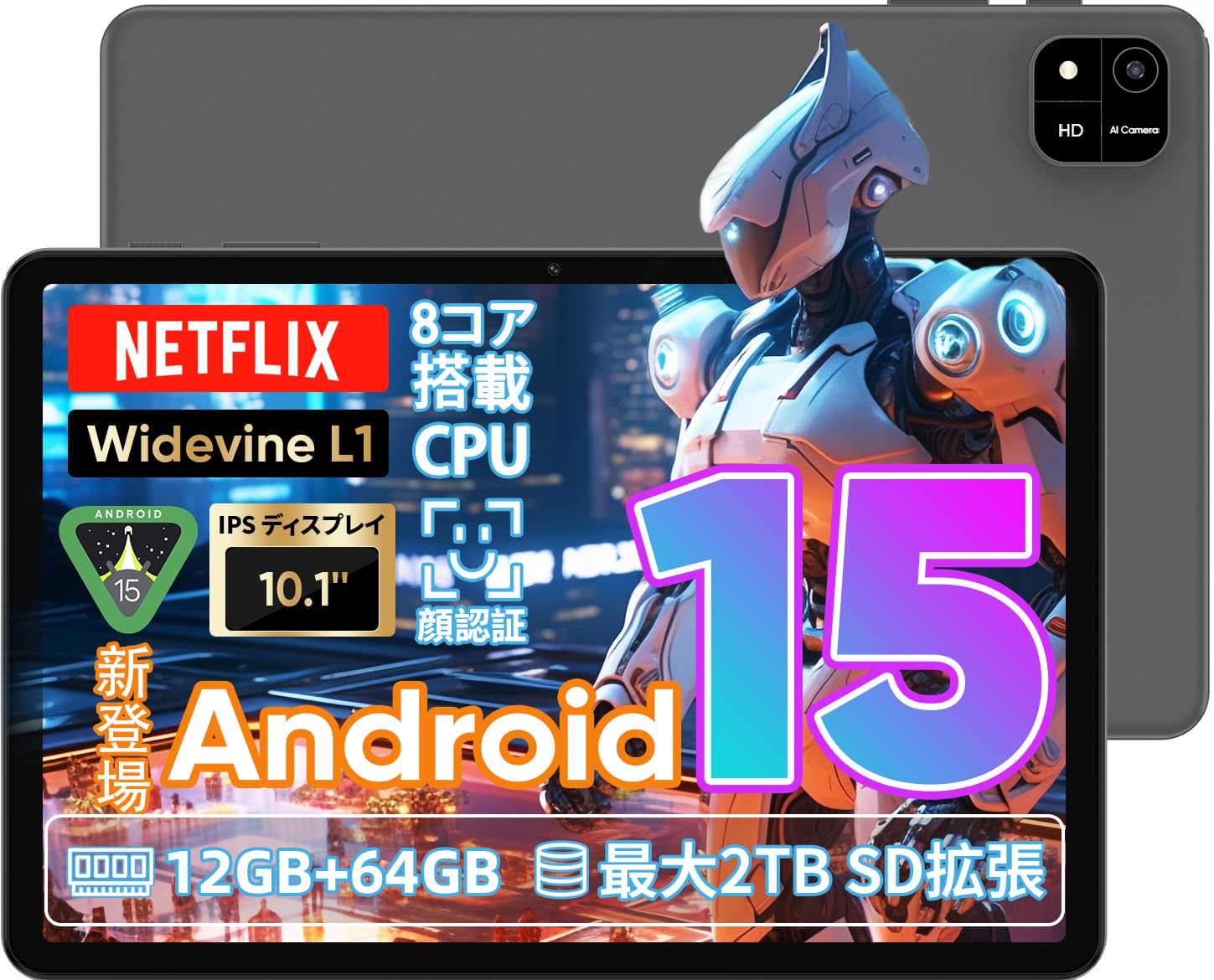
Image: A visual representation of the COLORROOM A30 tablet, highlighting its 10.1-inch display, Android 15 OS, T606 8-core CPU, 12GB RAM, 64GB ROM, 6000mAh battery, 5MP front camera, 8MP rear camera, 2.4G/5G WiFi, Bluetooth 5.0, GPS, and Widevine L1 support.
4. Тохиргоо
4.1 Анхдагч асаалт ба хэлний сонголт
- Press and hold the Power button until the COLORROOM logo appears.
- Follow the on-screen prompts to select your preferred language (e.g., Japanese).
- Tap 'Start' or 'Next' to proceed.
4.2 Wi-Fi холболт
- Жагсаалтаас хүссэн Wi-Fi сүлжээгээ сонгоно уу.
- Хэрэв асуувал Wi-Fi нууц үгээ оруулна уу.
- Tap 'Connect'.
4.3 Google дансны тохиргоо
- Google бүртгэлээрээ нэвтэрч эсвэл шинээр үүсгэнэ үү. Энэ нь Google Play Store-оос програм татаж авахад шаардлагатай.
- Review мөн Google-ийн Үйлчилгээний нөхцөл болон Нууцлалын бодлогыг хүлээн зөвшөөрнө үү.
4.4 Set Screen Lock (PIN/Pattern/Password)
- For security, set a screen lock method (PIN, pattern, or password). A 6-digit PIN is recommended.
- You may choose to skip this step, but it is not recommended for device security.
Video: This video demonstrates the initial setup process for an Android 15 tablet, including language selection, Wi-Fi connection, Google account setup, and setting a screen lock. While the video features an M30 tablet, the setup steps are generally applicable to the COLORROOM A30.
5. Ашиглалтын заавар
5.1 Үндсэн үйлдлүүд
- Виджетүүд: Long-press on an empty area of the home screen to add widgets like a clock or calendar for quick access to information.
- Дэлгэц асаах/унтраах: The tablet can be configured to turn on the screen automatically when lifted, allowing you to quickly check notifications. This setting can be found under System > Gestures.
Video: This video illustrates basic Android tablet functions, including adding and removing widgets from the home screen, and enabling the 'lift to wake' feature for notifications. Although shown on an M30 tablet, these features are common to Android 15 devices like the COLORROOM A30.
5.2 Дэлгэцийн онцлог
The COLORROOM A30 features a 10.1-inch IPS display with 1280x800 resolution, offering clear and vibrant visuals for all your content. It supports Widevine L1, enabling high-definition streaming from platforms like Netflix and Hulu.

Image: The COLORROOM A30 tablet showcasing its 10.1-inch IPS display with vivid colors and sharp details, ideal for watching movies and reading e-books.
5.3 Гүйцэтгэл
Powered by an 8-core T606 CPU, the COLORROOM A30 delivers smooth performance for multitasking, gaming, and media consumption. It comes with 12GB (virtual) RAM and 64GB of internal storage, expandable up to 2TB via a TF (MicroSD) card.

Зураг: Нарийвчилсан view of the COLORROOM A30 tablet's internal components, emphasizing the T606 8-core CPU and the 6000mAh large-capacity battery, indicating high performance and extended usage.
5.4 Камер
The tablet is equipped with an 8MP rear camera for capturing photos and videos, and a 5MP front camera for video calls and selfies. Face recognition is supported for convenient unlocking.

Image: The COLORROOM A30 tablet displayed from the front and back, showcasing its 8MP rear camera and 5MP front camera, designed for capturing moments and facilitating video communication.
5.5 Холболт
Enjoy seamless connectivity with 2.4G/5G dual-band Wi-Fi, Bluetooth 5.0, and built-in GPS for navigation and location services.
5.6 Батерейны удирдлага
The 6000mAh battery provides extended usage, and with Type-C and 18W PD fast charging, you can quickly recharge your device.
5.7 Kids Space
The tablet includes a Kids Space feature, offering a safe and curated environment for children. Parents can manage content, set usage limits, and monitor activities remotely.
Video: This video demonstrates the Kids Space feature on a tablet, showing how children can access age-appropriate content and how parents can manage settings like usage time and content restrictions remotely. While shown on a T10 tablet, the functionality is similar for the COLORROOM A30.
5.8 Multitasking and Split Screen
Android 15 enhances multitasking capabilities. You can use the split-screen feature to run two applications simultaneously, improving productivity. For example, watch a video while browsing the web.
Video: This video showcases the unboxing of an Android 15 tablet and demonstrates various features including reading comics, watching videos, using split-screen mode for multitasking, and taking screenshots. While the video features an AvidPad S60, the demonstrated features are applicable to the COLORROOM A30.
6. Засвар үйлчилгээ
- Цэвэрлэгээ: Таблетын дэлгэц болон их биеийг цэвэрлэхийн тулд зөөлөн, хөвөнгүй даавуу ашиглана уу. Химийн хатуу бодис, зүлгүүрийн материал ашиглахаас зайлсхий.
- Програм хангамжийн шинэчлэлтүүд: Тохиромжтой гүйцэтгэл, аюулгүй байдал, шинэ функцуудад хандах хандалтыг хангахын тулд системийн шинэчлэлтүүдийг тогтмол шалгаж, суулгаарай. Тохиргоо > Систем > Системийн шинэчлэлт рүү очно уу.
- Хадгалах менежмент: Үе үе тодорхой шаардлагагүй files болон програмууд нь хадгалах зайг чөлөөлж, төхөөрөмжийн хурдыг хадгалах.
7. Алдаа засах
| Асуудал | Шийдэл |
|---|---|
| Таблет асахгүй байна | Ensure the battery is charged. Connect the charger and wait a few minutes before attempting to power on again. If unresponsive, perform a forced restart by holding the power button for 10-15 seconds. |
| Wi-Fi холболтын асуудал | Check if Wi-Fi is enabled in settings. Restart your router and the tablet. Ensure you are within range of the Wi-Fi signal. |
| Аппликейшнүүд гацаж эсвэл хөлддөг | Close and reopen the app. Clear the app's cache (Settings > Apps > [App Name] > Storage > Clear cache). Ensure the app is updated to the latest version. Restart the tablet. |
| Удаан гүйцэтгэл | Ашиглагдаагүй аппликейшнуудыг хаах. Кэш болон түр зуурын зүйлсийг цэвэрлэх files. Check for system updates. Consider a factory reset if the issue persists (backup data first). |
8. Техникийн үзүүлэлтүүд
| Онцлог | Дэлгэрэнгүй |
|---|---|
| Брэнд | ӨНГӨ ӨРӨӨ |
| Загвар | A30 |
| Үйлдлийн систем | Android 15 |
| Процессор | Unisoc T606 8-core CPU |
| RAM | 12GB (Virtual) |
| ROM | 64 ГБ |
| Өргөтгөх боломжтой хадгалах сан | Up to 2TB via TF (MicroSD) card |
| Дэлгэц | 10.1-inch IPS, 1280x800 resolution, Widevine L1 support |
| Зайны багтаамж | 6000 мАч |
| Цэнэглэж байна | Type-C, 18W PD |
| Арын камер | 8 МП |
| Урд камер | 5 МП |
| Холболт | 2.4G/5G WiFi, Bluetooth 5.0, GPS |
| Хэмжээ | 32.29 x 19.8 x 3.7 см (Савлагааны хэмжээ) |
| Жин | 1.04 кг (Багцын жин) |
9. Баталгаат хугацаа ба дэмжлэг
Your COLORROOM A30 tablet comes with a manufacturer's warranty. Please refer to the warranty card included in your package for specific terms and conditions.
For technical support, troubleshooting, or warranty claims, please contact COLORROOM customer service through the retailer where you purchased the product or visit the official COLORROOM webхолбоо барих мэдээлэл авах сайт.
Always provide your product model (A30) and purchase details when seeking support.


