1. Танилцуулга
Thank you for choosing the LUVIN G8 Motorcycle Helmet Bluetooth Headset. This device is designed to enhance your riding experience by providing clear communication, music playback, and navigation audio directly within your helmet. It supports rider-to-passenger intercom, Bluetooth 5.3 connectivity, and features CVC+DSP noise reduction for optimal audio quality. Please read this manual thoroughly before use to ensure proper installation and operation.
2. Аюулгүй байдлын мэдээлэл
- Always prioritize road safety. Do not operate the device in a manner that distracts you from riding.
- Adjust volume to a level that allows you to hear ambient traffic sounds.
- Унахаасаа өмнө төхөөрөмж дуулгадаа найдвартай бэхлэгдсэн эсэхийг шалгаарай.
- Төхөөрөмжийг задлах эсвэл өөрчлөх гэж бүү оролдоорой. Энэ нь баталгааг хүчингүй болгож, аюулгүй байдлын эрсдэл учруулж болзошгүй.
- Keep the device away from extreme temperatures and open flames.
3. Багцын агуулга
Таны багцад бүх зүйл байгаа эсэхийг шалгана уу:
- LUVIN G8 Bluetooth Headset Unit (x2 for 2-rider pack)
- Helmet Speakers and Microphone Kit (x2 for 2-rider pack)
- Холбох клип
- Flat Back Clip
- USB Type-C цэнэглэх кабель
- Хэрэглэгчийн гарын авлага
- Velcro Pads for Speakers/Microphone

4. Бүтээгдэхүүн дууссанview болон Хяналтууд
The LUVIN G8 headset features intuitive controls and an RGB lighting strip for enhanced visibility. Familiarize yourself with the buttons and indicators:

- Цахилгаан товч: Press and hold to power on/off. Short press for play/pause, answer/hang up calls.
- Volume Up/Next Song Button: Дууны хэмжээг нэмэгдүүлэхийн тулд богино дарж, дараагийн дууг удаан дарна уу.
- Volume Down/Previous Song Button: Дууны дууг багасгахын тулд богино дарж, өмнөх дууг удаан дарна уу.
- Төрөл-C порт: Төхөөрөмжийг цэнэглэхэд зориулагдсан.
- RGB гэрлийн зурвас: Indicates device status and adds visual flair.
5. Тохиргоо ба суурилуулалт
Proper installation ensures optimal performance and comfort.
5.1 Mounting the Headset Unit
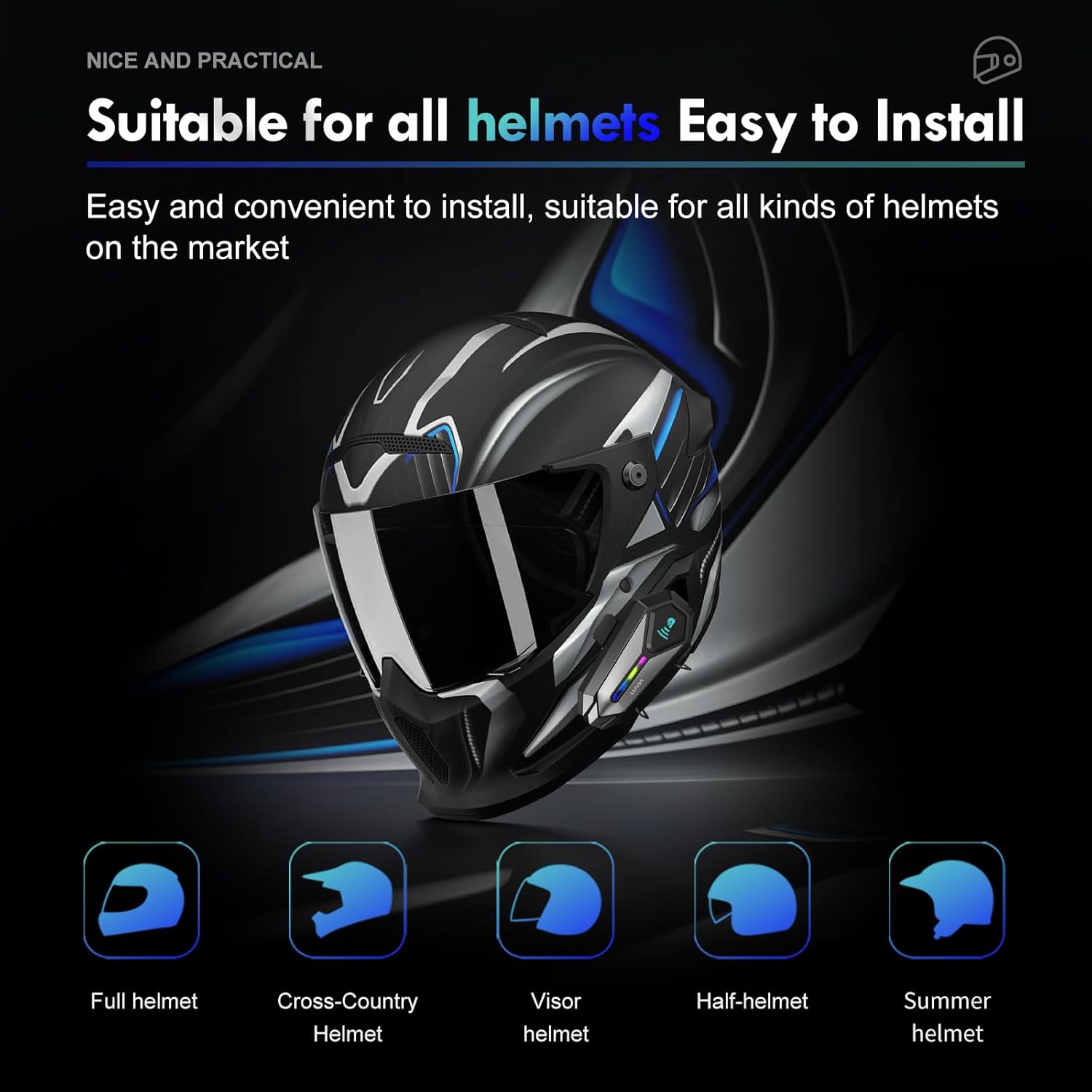
- Choose a suitable location on the left side of your helmet, near the bottom edge.
- Attach the mounting clip or flat back clip to the helmet. Ensure it is secure.
- Slide the LUVIN G8 main unit onto the mounted clip until it clicks into place.
5.2 Чанга яригч болон микрофон суурилуулах
- Open the helmet's inner lining.
- Attach the speakers to the ear pockets using the provided Velcro pads. Ensure they are centered over your ears for best audio.
- Attach the microphone to the inside of the helmet, near your mouth. Position it to avoid wind noise.
- Route the speaker and microphone wires neatly under the helmet lining to the main unit's connector.
- Connect the speaker/microphone jack to the main unit's audio port.
6. Ашиглалтын заавар
6.1 Асаах/унтраах
- Асаах: Press and hold the Power Button for approximately 3 seconds until you hear a voice prompt and the RGB lights illuminate.
- Унтраах: Press and hold the Power Button for approximately 3 seconds until you hear a voice prompt and the RGB lights turn off.
6.2 Дууны хяналт
- Эзлэхүүнийг нэмэгдүүлэх: Дууг нэмэгдүүлэх товчийг богино хугацаанд дарна уу.
- Эзлэхүүнийг бууруулах: Дууг багасгах товчийг богино хугацаанд дарна уу.
6.3 Хөгжим тоглуулах
- Тоглуулах/түр зогсоох: Цахилгаан товчийг богино хугацаанд дарна уу.
- Дараагийн дуу: Дууг нэмэгдүүлэх товчийг удаан дар.
- Өмнөх дуу: Дууг багасгах товчийг удаан дар.
7. Bluetooth хослол
7.1 Гар утастай хослуулах
- Ensure the LUVIN G8 headset is powered off.
- Press and hold the Power Button for approximately 5-7 seconds until the RGB lights flash red and blue alternately, indicating pairing mode.
- Гар утсан дээрээ Bluetooth-г асаагаад шинэ төхөөрөмжүүдийг хайгаарай.
- Select "LUVIN G8" from the list of available devices.
- Once paired, the RGB lights will flash blue slowly, and you will hear a confirmation tone.
7.2 Intercom Pairing (Rider to Passenger)
The LUVIN G8 supports front and rear rider communication.
- Ensure both LUVIN G8 headsets are powered off.
- On both units, press and hold the Power Button for approximately 5-7 seconds until the RGB lights flash red and blue alternately, entering pairing mode.
- Short press the Power Button on нэг of the units. It will search for the other unit.
- Once connected, the RGB lights on both units will flash green slowly, indicating intercom mode.

8. Домофон холбооны функц
- Интеркомыг эхлүүлэх: After successful pairing, short press the Power Button on either unit to start intercom communication.
- Интеркомын төгсгөл: Short press the Power Button again to end the intercom conversation.
- Хөгжим хуваалцах: The LUVIN G8 supports music sharing between two connected units. Refer to the specific instructions for activating music sharing, typically a long press on a designated button while in intercom mode.
9. Дуут туслах
The LUVIN G8 features an AI voice assistant for hands-free control.
- Дуут туслахыг идэвхжүүлэх: While connected to your phone, short press the Power Button twice rapidly to activate your phone's voice assistant (e.g., Siri, Google Assistant).
- You can then use voice commands to control music, make calls, or get navigation directions.

10. Цэнэглэх
The LUVIN G8 is equipped with a 1000mAh battery and a Type-C fast charging port.
- Connect the provided USB Type-C cable to the charging port on the headset and to a standard USB power adapter (not included).
- The charging indicator light will illuminate red during charging and turn off when fully charged.
- Бүрэн цэнэглэхэд ихэвчлэн 2 цаг зарцуулдаг.
- Battery life: Up to 20 hours of continuous music playback, 15 hours of intercom.

11. Ус үл нэвтрэх
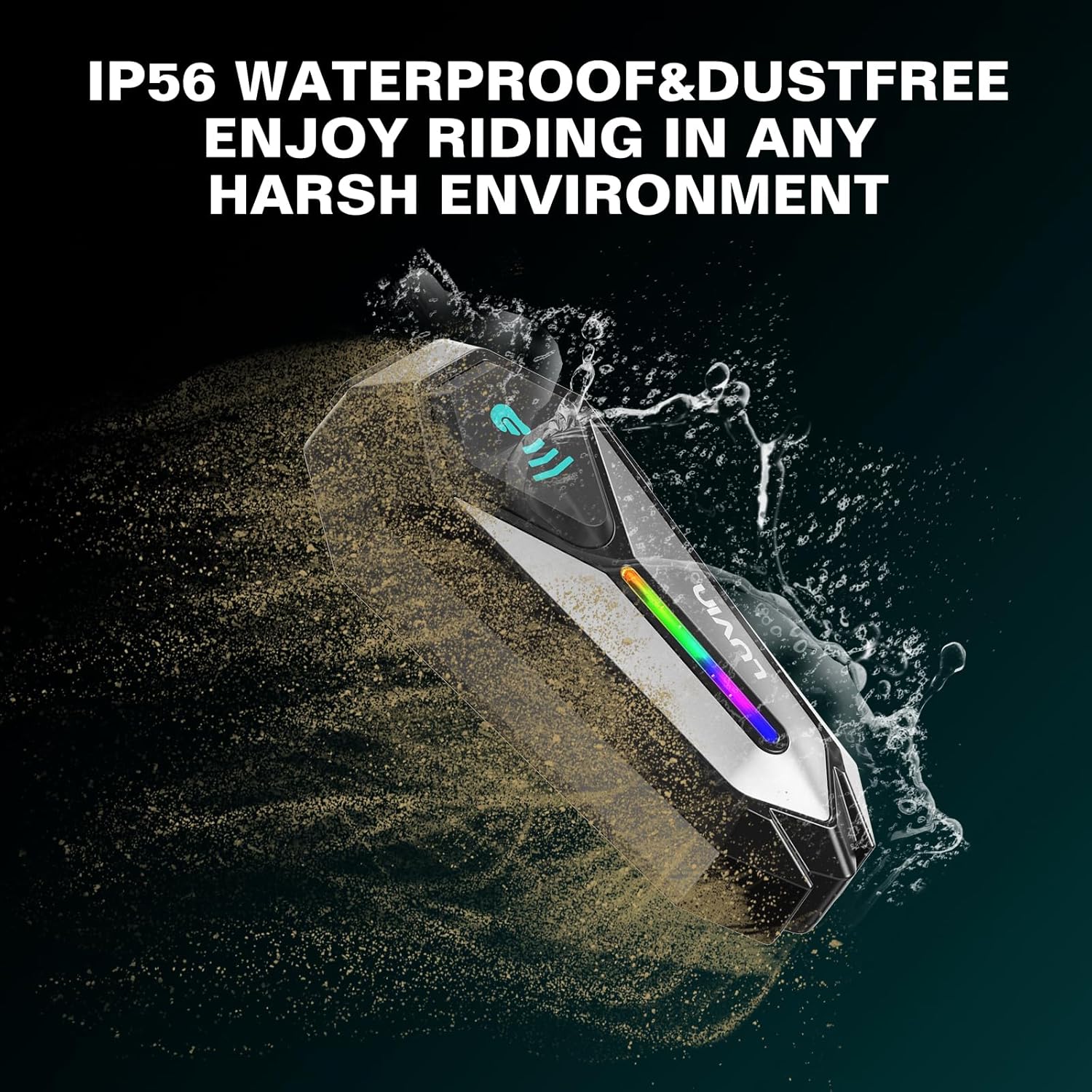
The LUVIN G8 headset is IP56 certified, making it waterproof and dustproof.
- The device is designed to withstand rain and dust exposure during normal riding conditions.
- Төхөөрөмжийг усанд дүрэхээс зайлсхий.
- Ensure the Type-C charging port cover is securely closed when not charging to maintain water resistance.
12. Засвар үйлчилгээ
- Clean the headset unit with a soft, damp даавуу. Хүчтэй химийн бодис, зүлгүүрийн цэвэрлэгч хэрэглэж болохгүй.
- Цэнэглэх порт нь тоос, хог хаягдалгүй эсэхийг шалгаарай.
- Төхөөрөмжийг ашиглаагүй үед сэрүүн, хуурай газар хадгална.
- Charge the battery at least once every three months if not used regularly to maintain battery health.
13. Алдаа засах
13.1 Эрчим хүчгүй
- Ensure the battery is charged. Connect to a charger and check the charging indicator.
- Press and hold the Power Button for the required duration (approx. 3 seconds).
13.2 Cannot Pair with Phone/Intercom
- Ensure the headset is in pairing mode (RGB lights flashing red and blue).
- Make sure other Bluetooth devices are not interfering. Turn off Bluetooth on nearby unused devices.
- For intercom pairing, ensure both units are in pairing mode before initiating connection on one.
- Try resetting the headset to factory settings (refer to specific instructions if available, usually a long press combination).
13.3 Poor Audio Quality/Noise
- Чанга яригчийг чихнийхээ дээр зөв байрлуулсан эсэхийг шалгаарай.
- Check microphone placement to minimize wind noise.
- Verify that the speaker/microphone cable is securely connected to the main unit.
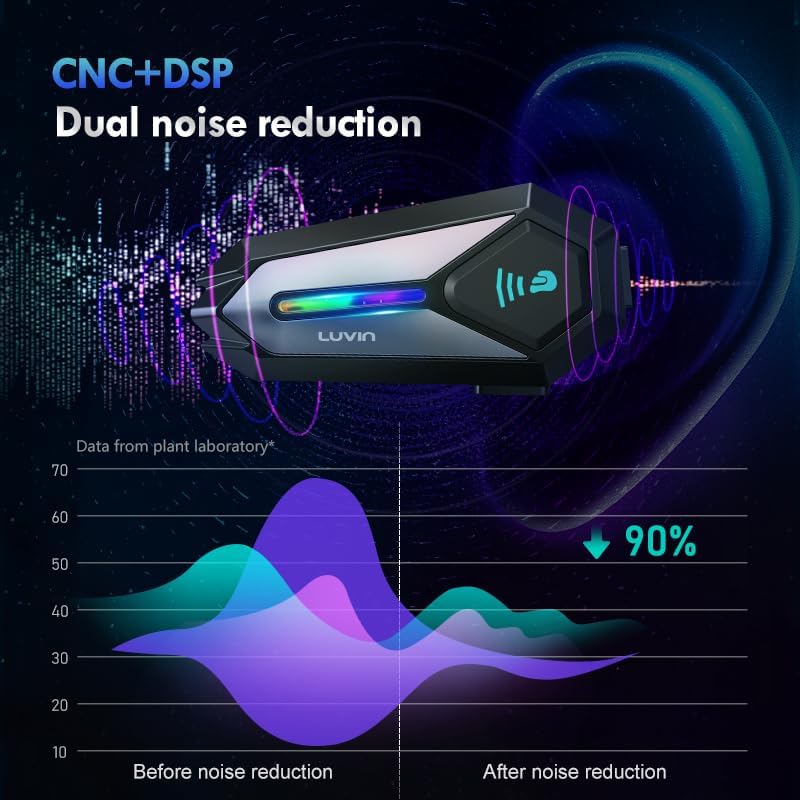
- The CVC+DSP dual noise reduction technology is active, but extreme wind conditions may still affect clarity.
14. Техникийн үзүүлэлтүүд
| Онцлог | Тодорхойлолт |
|---|---|
| Загварын нэр | GLAXY 8 (LUS-G8) |
| Bluetooth хувилбар | 5.3 |
| Зайны багтаамж | 1000 мАч |
| Цэнэглэх хугацаа | Ойролцоогоор 2 цаг |
| Хөгжим тоглуулах цаг | 20 цаг хүртэл |
| Дотуур холбооны цаг | 15 цаг хүртэл |
| Усны эсэргүүцэл | IP56 Усны хамгаалалттай ба Тоосгүй |
| Дуу чимээний хяналт | Active Noise Cancellation (CVC+DSP) |
| Хяналтын арга | Дуу хоолой, Товчлуур |
| Холболтын технологи | Утасгүй (Bluetooth) |
| Бүтээгдэхүүний хэмжээс | 1.57 x 0.79 x 3.54 инч |
| Зүйлийн жин | 0.56 килограмм (1.23 фунт) |
15. Баталгаат хугацаа ба дэмжлэг
The LUVIN G8 Motorcycle Helmet Bluetooth Headset comes with a 1-year warranty from the date of purchase. This warranty covers manufacturing defects under normal use.
- For warranty claims or technical support, please contact LUVIN customer service through your purchase platform or the official LUVIN webсайт.
- Баталгаат баталгааг баталгаажуулахын тулд худалдан авалтаа баталгаажуулна уу.


