1. Танилцуулга
Thank you for choosing the mojawa StarClip Open-Ear Wireless Bluetooth Headphones. These headphones are designed to provide a comfortable, open-ear listening experience with high-quality sound and clear calls. This manual will guide you through the setup, operation, and maintenance of your new headphones.
2. Хайрцагт юу байна
- StarClip Open-Ear Wireless Bluetooth Headphones
- Цэнэглэх кабель
- Хамгаалалтын цэнэглэгч хайрцаг
- Хэрэглэгчийн гарын авлага (энэ баримт бичиг)
3. Бүтээгдэхүүн дууссанview
The StarClip headphones feature an elegant, lightweight ear clip design for comfortable all-day wear. They are equipped with a metallic spherical listening unit for 4D panoramic sound and AI ENC noise cancellation for clear calls.

Image: StarClip headphones and charging case.
4. Тохиргоо
4.1 Чихэвч болон гэрийг цэнэглэх
Before first use, fully charge the headphones and the charging case. Place the headphones into the charging case. Connect the charging cable to the case and a power source. The indicator lights on the case will show the charging status.
4.2 Bluetooth холболт
- Ensure the headphones are in the charging case and the case has sufficient power.
- Open the charging case lid. The headphones will automatically enter pairing mode, indicated by a flashing light (if applicable, refer to specific light indicators in a separate diagram if provided).
- Төхөөрөмж дээрээ (ухаалаг утас, таблет гэх мэт) Bluetooth тохиргоо руу очоод Bluetooth-г асаана уу.
- Select "StarClip" from the list of available devices.
- Холбогдсоны дараа дуут сануулга амжилттай холболтыг баталгаажуулна.
Хэрэв төхөөрөмж дээр Bluetooth асаалттай байвал чихэвчийг гэрнээс нь гаргахад хамгийн сүүлд хослуулсан төхөөрөмжтэй автоматаар дахин холбогдоно.
5. Ашиглалтын заавар
5.1 Асаах/унтраах
- Асаах: Open the charging case lid. The headphones will power on automatically.
- Унтраах: Place the earbuds inside the charging case and close the lid. The headphones will power off automatically.
5.2 Мэдрэгчийн удирдлага
The StarClip headphones feature intuitive touch controls on each earbud.
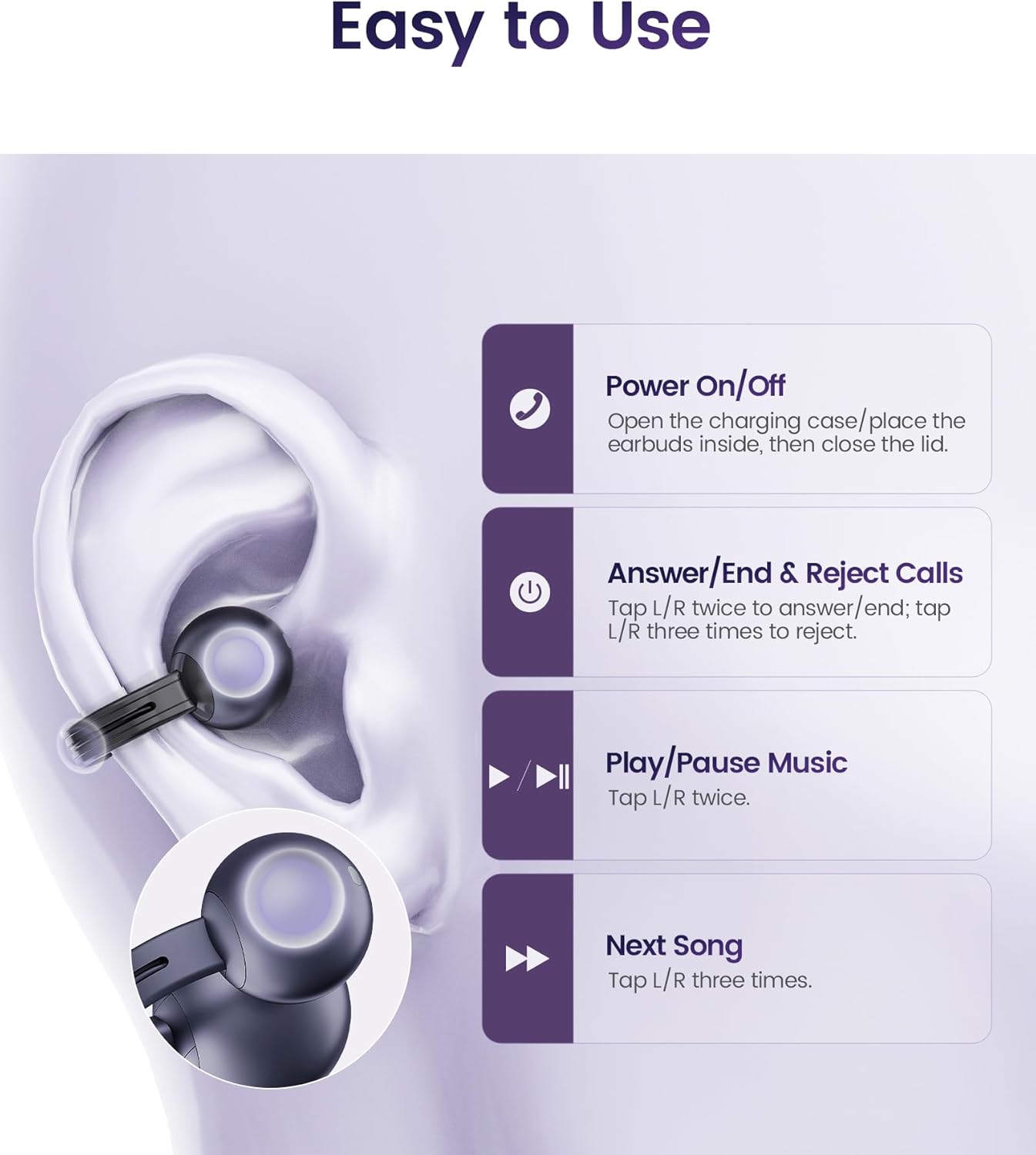
Image: Touch control functions.
- Дуудлагад хариулах/дуусгах: Tap L/R earbud twice.
- Дуудлагаас татгалзах: Tap L/R earbud three times.
- Хөгжим тоглуулах/түр зогсоох: Tap L/R earbud twice.
- Дараагийн дуу: Tap L/R earbud three times.
5.3 Чихэвч зүүх
The StarClip headphones are designed for an open-ear, clip-on fit. Gently clip each earbud onto your ear, ensuring a secure and comfortable position. The lightweight design (5.5g per earbud) allows for extended wear without discomfort.

Image: Proper wearing of StarClip headphones.
6. Засвар үйлчилгээ
6.1 Цэвэрлэгээ
Regularly clean your StarClip headphones with a soft, dry, lint-free cloth. Do not use harsh chemicals or abrasive materials. Ensure the charging contacts on both the earbuds and the case are clean and dry.
6.2 Усны эсэргүүцэл (IP54)
The StarClip headphones are IP54 water and sweat resistant, making them suitable for workouts and daily use in light rain. This rating means they are protected from dust ingress and splashing water from any direction. Do not submerge the headphones in water or expose them to strong jets of water. Avoid using them in saunas or steam rooms.
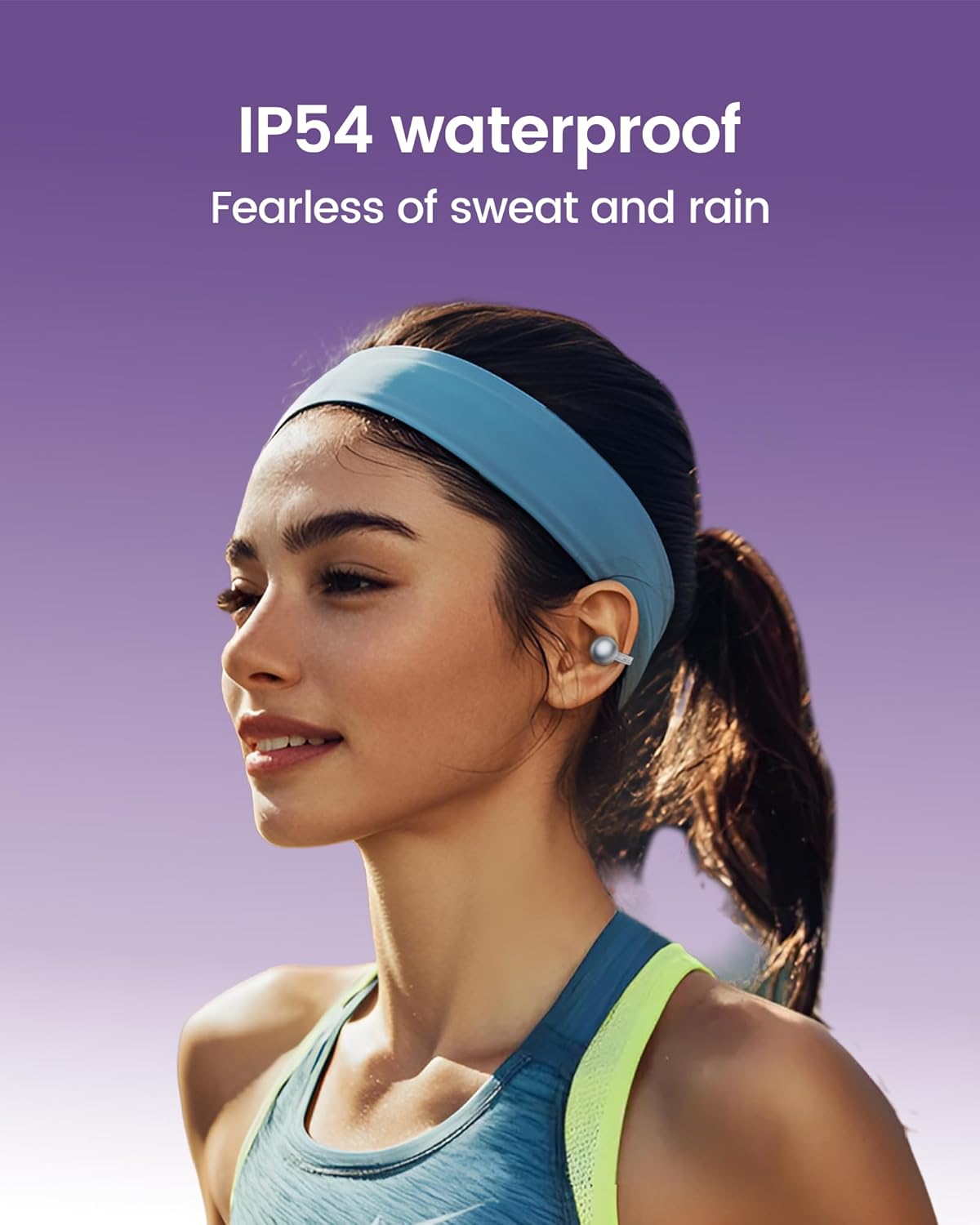
Image: StarClip headphones are IP54 water resistant.
7. Алдаа засах
- Чихэвч асахгүй байна: Ensure the charging case is charged and the headphones are properly seated in the case. Open the lid to power on.
- Дуу байхгүй эсвэл дууны чанар муу: Check Bluetooth connection. Ensure headphones are charged. Adjust volume on your connected device. Ensure earbuds are worn correctly.
- Төхөөрөмжтэй хослуулах боломжгүй: Ensure Bluetooth is enabled on your device. Make sure the headphones are in pairing mode (open case lid). Try forgetting the device on your phone and re-pairing.
- Calls are not clear: Ensure the microphone is not obstructed. AI ENC noise cancellation is active for clearer calls, but extreme noise environments may still affect clarity.
- Хувцасны үед тав тухгүй байдал: Adjust the position of the ear clips on your ear until a comfortable and secure fit is achieved.
8. Техникийн үзүүлэлтүүд
| Онцлог | Тодорхойлолт |
|---|---|
| Загварын нэр | StarClip |
| Брэнд | можава |
| Холболтын технологи | Утасгүй (Bluetooth 5.4) |
| Чихний байрлал | Нээлттэй чих |
| Хяналтын төрөл | Хяналтанд хүрнэ үү |
| Усны эсэргүүцлийн түвшин | IP54 Усны хамгаалалттай |
| Батерейны хугацаа (бүрлийн хамт) | 32 цаг хүртэл |
| Зүйлийн жин | 4.2 унц (нийт) |
| Давтамжийн хүрээ | 20 Гц - 20,000 Гц |
| Аудио драйверын төрөл | Динамик драйвер |
| Дуу чимээний хяналт | AI ENC Noise Cancellation (for calls) |
9. Баталгаат хугацаа ба дэмжлэг
Your mojawa StarClip headphones come with a standard manufacturer's warranty. For detailed warranty information, please refer to the warranty card included in your product packaging or visit the official mojawa website. For technical support, troubleshooting assistance, or any product-related inquiries, please contact mojawa customer service through their official channels.
Дэлгэрэнгүй мэдээллийг эндээс авна уу mojawa Store on Amazon.


