1. Танилцуулга
Welcome to the MAXHUB E21 Series 86-inch Digital Board user manual. This document provides essential information for the safe and efficient operation of your new interactive display. The MAXHUB E21 Series is designed to enhance collaboration, presentations, and interactive learning environments with its advanced features and intuitive interface. Please read this manual thoroughly before using the product and retain it for future reference.
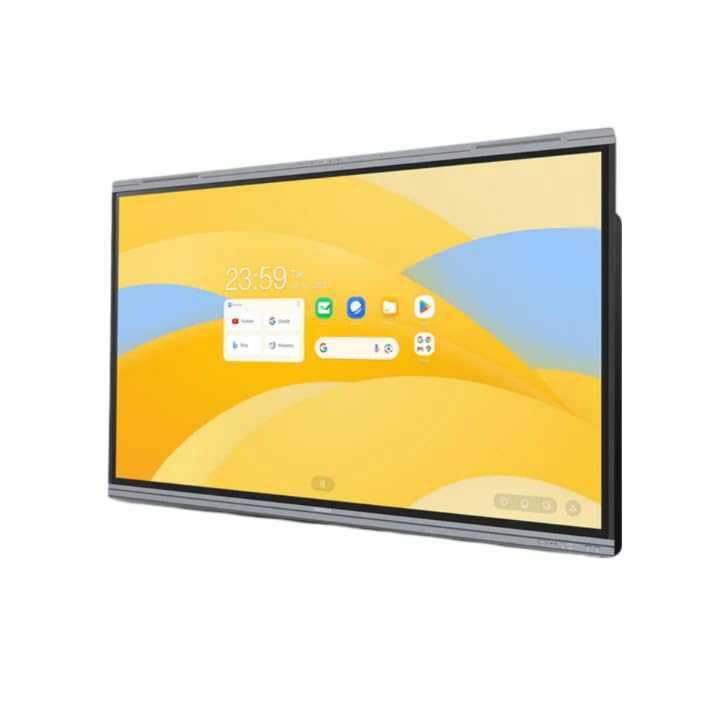
Figure 1: MAXHUB E21 Series 86-inch Digital Board in a classroom environment.
2. Аюулгүй байдлын мэдээлэл
To ensure safe operation and prevent damage to the device, please observe the following safety precautions:
- Эрчим хүчний хангамж: Use only the specified power adapter and ensure the power outlet is properly grounded.
- Агааржуулалт: Do not block ventilation openings. Ensure adequate space around the device for proper airflow.
- Байршил: Install the digital board on a stable surface or mount it securely to a wall using appropriate hardware. Avoid placing it in direct sunlight, near heat sources, or in areas with high humidity or dust.
- Цэвэрлэгээ: Цэвэрлэхийн өмнө цахилгааныг салга. Зөөлөн, хуурай даавуу хэрэглээрэй. Шингэн эсвэл аэрозоль цэвэрлэгч хэрэглэж болохгүй.
- Харьцуулах: Handle the display with care. Avoid strong impacts or pressure on the screen.
- Үйлчилгээ: Бүтээгдэхүүнийг өөрөө засварлах гэж бүү оролдоорой. Бүх үйлчилгээг мэргэшсэн үйлчилгээний ажилтнуудад шилжүүлээрэй.
3. Багцын агуулга
Please check the package contents upon unboxing. If any items are missing or damaged, contact your dealer immediately.
- MAXHUB E21 Series 86-inch Digital Board
- Цахилгаан кабель
- Үзэгний үзэг(үүд)
- Алсын удирдлага
- Wall Mount Bracket (optional, may vary by region/package)
- Хэрэглэгчийн гарын авлага (энэ баримт бичиг)
4. Тохиргоо
4.1 Физик суурилуулалт
The MAXHUB Digital Board can be installed on a mobile stand or wall-mounted. Follow the instructions provided with your specific stand or wall mount kit. Ensure the installation is secure and level.
4.2 Цахилгааныг холбох
- Connect the power cable to the AC IN port on the digital board.
- Цахилгааны кабелийн нөгөө үзүүрийг газардуулсан цахилгааны залгуурт холбоно.
- Press the power button, usually located on the side or bottom of the display, to turn on the device.
4.3 Анхны тохиргоо ба сүлжээний холболт
Upon first power-on, the system will guide you through the initial setup process, including language selection, time zone, and network configuration.
- Wi-Fi: Жагсаалтаас Wi-Fi сүлжээгээ сонгоод нууц үгээ оруулна уу.
- Ethernet: Connect an Ethernet cable to the LAN port for a wired network connection.

Figure 2: Main interface of the MAXHUB E21 Series Digital Board.
5. Ашиглалтын заавар
5.1 Үндсэн навигаци
The MAXHUB E21 Series runs on Android 13.0. Navigate the interface using touch gestures or the remote control.
- Товш: Зүйлийг сонгох эсвэл програм нээнэ үү.
- Шудрах: Scroll through menus or pages.
- Чимхэх/тархах: Агуулгыг томруулж эсвэл жижигрүүлнэ үү.
- Урт хэвлэл: Контекст цэс рүү нэвтрэх эсвэл дүрсийг зөөх.
5.2 Intelligent Touch Functionality
The digital board supports up to 40 touch points, allowing multiple users to interact simultaneously.
- Use your finger or the provided stylus for precise interaction.
- The system can differentiate between finger touch and stylus input for various functions (e.g., writing vs. erasing).
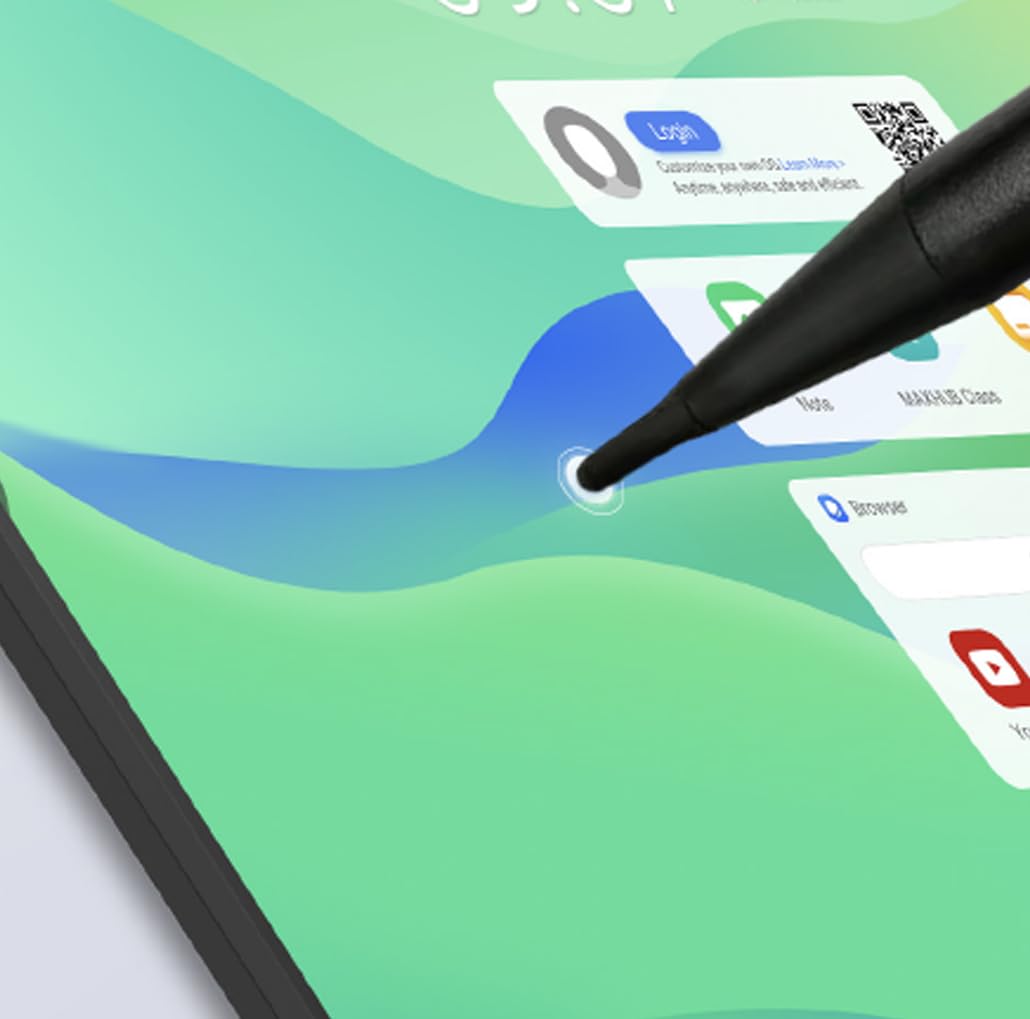
Figure 3: Stylus interaction on the digital board.
5.3 Using the Whiteboard Application
Access the built-in whiteboard application for interactive writing, drawing, and annotation.
- Select different pen colors, thicknesses, and tools from the toolbar.
- Use multi-touch gestures for zooming and panning the canvas.
- Save your whiteboard sessions for later review эсвэл хуваалцах.
5.4 Connectivity (Type-C)
The Type-C port offers versatile connectivity for various peripherals.
- Өгөгдөл дамжуулах: Connect external storage devices.
- Дэлгэцийн гаралт: Connect to external monitors (if supported by specific port).
- Эрчим хүчний хангамж: Charge compatible devices.
- Аудио/Видео: Connect compatible audio/video devices.

Figure 4: Type-C connectivity options.
6. Үндсэн шинж чанарууд
The MAXHUB E21 Series 86-inch Digital Board is equipped with advanced features for superior performance and user experience:
- Expansive Ultra-HD Display: An 86-inch screen with 3840x2160 (4K) resolution delivers stunning visuals and vibrant colors, ideal for large meeting spaces and classrooms.
- Eyes Care Technology: Features TÜV-certified Low Blue Light and Flicker-Free technology to ensure a comfortable viewing experience during extended use, reducing eye strain.
- Precision Touch Features: Intelligent touchscreen technology supports up to 40 simultaneous touch points, enabling seamless multi-user collaboration and precise interaction.
- Нарийвчилсан үйлдлийн систем: Powered by Android 13.0 OS, combined with 8GB RAM and 64GB ROM, for fast, smooth operations, enhanced processing capabilities, and ampхадгалах газар.
- Powerful Audio System: Integrated dual 20W speakers provide rich, clear, and impactful sound, enhancing multimedia presentations and video conferencing.
- Бат бөх, найдвартай: Engineered for long-lasting performance with a 50,000-hour backlight life, ensuring consistent brightness and reliability over time.
7. Засвар үйлчилгээ
7.1 Дэлгэц цэвэрлэх
To clean the screen, first power off the device and unplug the power cable. Use a soft, lint-free cloth slightly dampened with water or a screen-specific cleaning solution. Do not spray liquid directly onto the screen.
7.2 Ерөнхий цэвэрлэгээ
Wipe the frame and back panel with a soft, dry cloth. Avoid using abrasive cleaners or solvents.
7.3 Програм хангамжийн шинэчлэлтүүд
Periodically check for system software updates through the device's settings menu to ensure optimal performance and access to the latest features and security patches.
8. Алдаа засах
If you encounter issues with your MAXHUB Digital Board, refer to the following common problems and solutions:
| Асуудал | Боломжит шалтгаан | Шийдэл |
|---|---|---|
| Хүч чадалгүй | Power cable not connected; Power outlet faulty; Device off | Ensure power cable is securely connected; Test power outlet; Press power button |
| Дэлгэц байхгүй | Device in standby mode; Input source incorrect | Wake up the device; Check input source settings |
| Мэдрэгчтэй дэлгэц хариу өгөхгүй байна | Screen dirty; Software glitch; Calibration issue | Clean the screen; Restart the device; Recalibrate touch (if option available) |
| Дуу алга | Volume too low; Muted; External audio device connected | Increase volume; Unmute; Disconnect external audio or select internal speakers |
| Wi-Fi холболтын асуудал | Нууц үг буруу; Чиглүүлэгчийн асуудал; Дохионы хөндлөнгийн оролцоо | Verify password; Restart router; Move closer to router or reduce interference |
If the problem persists, please contact MAXHUB customer support for assistance.
9. Техникийн үзүүлэлтүүд
Detailed technical specifications for the MAXHUB E21 Series 86-inch Digital Board:
| Онцлог | Тодорхойлолт |
|---|---|
| Брэнд | MAXHUB |
| Загварын дугаар | E21 цуврал |
| Дэлгэцийн хэмжээ | 86 инч |
| Шийдвэр | 3840x2160 (4K UHD) |
| Үйлдлийн систем | Android 13.0 |
| RAM | 8 ГБ |
| Хадгалах (ROM) | 64 ГБ |
| Мэдрэгчийн цэгүүд | 40 хүртэл |
| Аудио гаралт | 2 х 20 Вт чанга яригч |
| Арын гэрэлтүүлгийн амьдрал | 50,000 цаг |
| Хүний интерфейсийн оролт | Мэдрэгчтэй дэлгэц |
| Өнгө | Саарал |
10. Баталгаат хугацаа ба дэмжлэг
Your MAXHUB E21 Series Digital Board comes with a standard manufacturer's warranty. Please refer to the warranty card included in your package or visit the official MAXHUB webнарийвчилсан баталгаат нөхцөлийг сайтаас авна уу.
For technical support, service, or inquiries, please contact MAXHUB customer service through their official channels. Have your product model and serial number ready when contacting support.


