
Image: The COLORROOM K10 Android 14 Tablet, showcasing its design and included protective case.
Танилцуулга
This manual provides essential instructions for setting up, operating, maintaining, and troubleshooting your COLORROOM K10 Android 14 Tablet. Please read this guide thoroughly to ensure proper use and to maximize your tablet's performance and longevity. The K10 features an 11-inch IPS display, an octa-core processor, 12GB RAM, 128GB internal storage expandable up to 1TB, an 8000mAh battery with 18W PD fast charging, dual-band WiFi6, Bluetooth 5.0, GPS, and FM Radio.
Хайрцагт юу байна
Хайрцгийг задлахдаа доор жагсаасан бүх зүйлс байгаа эсэхийг шалгана уу:
- COLORROOM Android 14 Tablet
- USB кабель
- Эрчим хүчний адаптер
- Shock-proof Case
Тохиргоо
1. Таблетыг цэнэглэж байна
Before first use, fully charge the tablet. Connect the provided USB cable to the tablet's charging port and the power adapter, then plug the adapter into a wall outlet. The tablet supports 18W PD fast charging. A full charge typically takes several hours.
2. Асаах/унтраах
- Асаахын тулд: Press and hold the Power button until the COLORROOM logo appears.
- Унтраахын тулд: Асаах товчийг удаан дарж, сонголтуудаас "Асаах"-г сонгоно уу.
- Дахин эхлүүлэхийн тулд: Асаах товчийг удаан дарж, сонголтуудаас "Дахин эхлүүлэх"-ийг сонгоно уу.
3. Initial Setup Wizard
Follow the on-screen instructions to complete the initial setup, which includes selecting your language, connecting to a Wi-Fi network, and signing in with your Google account.
4. Wi-Fi-д холбогдож байна
- руу оч Тохиргоо > Сүлжээ ба интернет > Wi-Fi.
- Wi-Fi-г асаах/унтраах On.
- Жагсаалтаас хүссэн сүлжээгээ сонгоно уу.
- Хэрэв асуувал нууц үгээ оруулаад дараа нь товш Холбох. The tablet supports dual-band WiFi (2.4/5GHz) for stable connections.
5. Хадгалах зайг өргөжүүлэх
The tablet supports up to 1TB expandable storage via a microSD card (not included). Locate the microSD card slot, insert the card gently until it clicks into place, and follow any on-screen prompts to format it if necessary.
6. Installing the Protective Case
Carefully align the tablet with the provided shock-proof case and gently press it into place, ensuring all ports and buttons are accessible and the tablet is securely fitted.
Ашиглалтын заавар
1. Үндсэн навигаци
- Хүрэх: Апп нээх эсвэл зүйл сонгохын тулд дүрс дээр товшино уу.
- Шудрах: Дэлгэц хооронд гүйлгэх эсвэл шилжихийн тулд хуруугаа дэлгэц дээгүүр чирнэ үү.
- Чимхэх: Зургийг томруулж, жижигрүүлэхийн тулд хоёр хуруугаа ашиглана уу web хуудаснууд.
- Нүүр хуудас товч: Үндсэн дэлгэц рүү буцна.
- Буцах товчлуур: Өмнөх дэлгэц рүү буцна.
- Сүүлийн үеийн програмуудын товчлуур: Displays recently opened applications.
2. Олон үйлдэл хийх
The tablet's octa-core processor and 12GB RAM allow for efficient multitasking. You can run multiple applications simultaneously. Use the recent apps button to switch between open applications or use split-screen mode for two apps side-by-side.
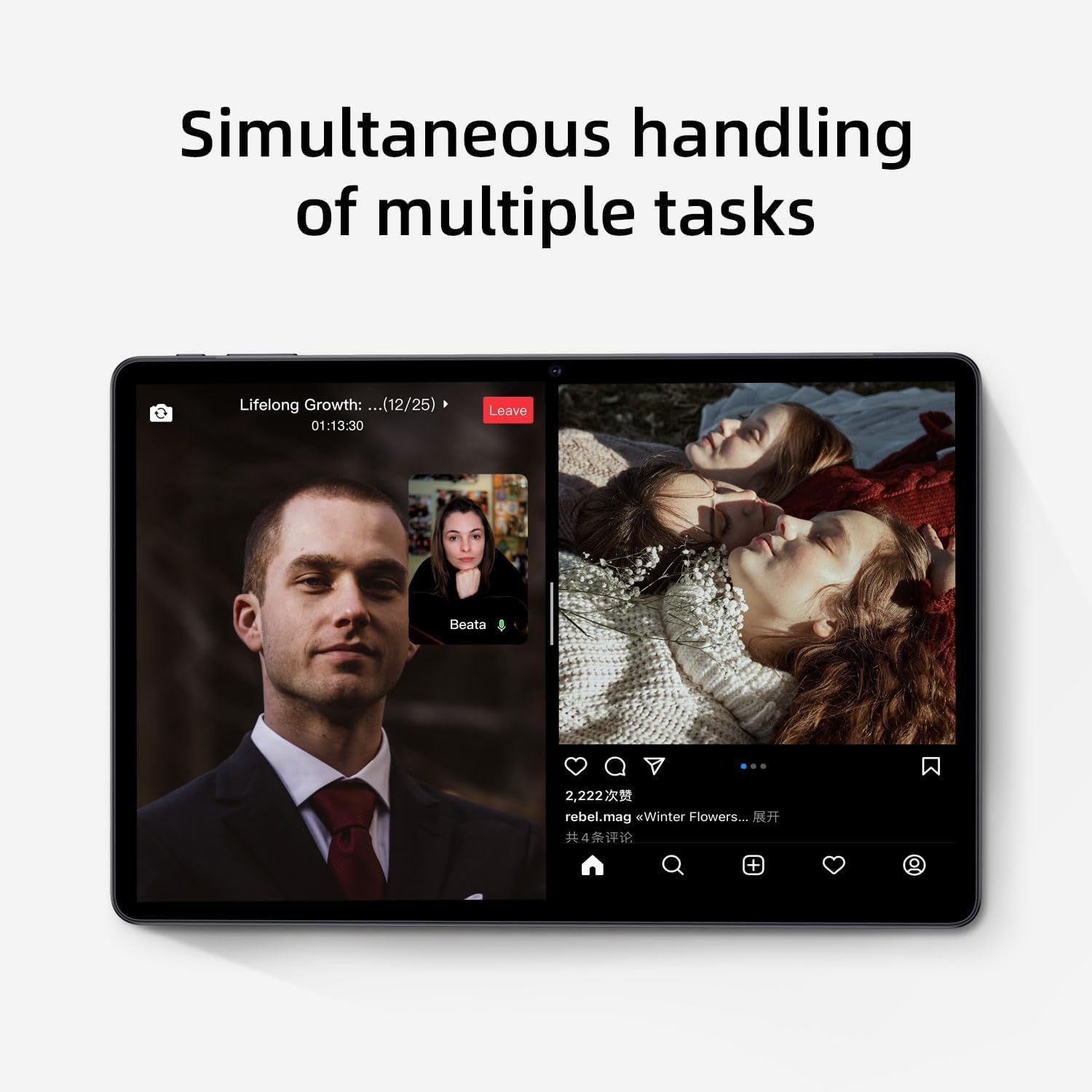
Image: The tablet screen showing two applications running simultaneously in split-screen mode, illustrating its multitasking feature.
3. Медиа тоглуулах
The 11-inch IPS display with 1920x1200 resolution provides clear and vibrant visuals for streaming videos, viewing photos, and playing games. Use pre-installed media players or download your preferred apps from the Google Play Store.
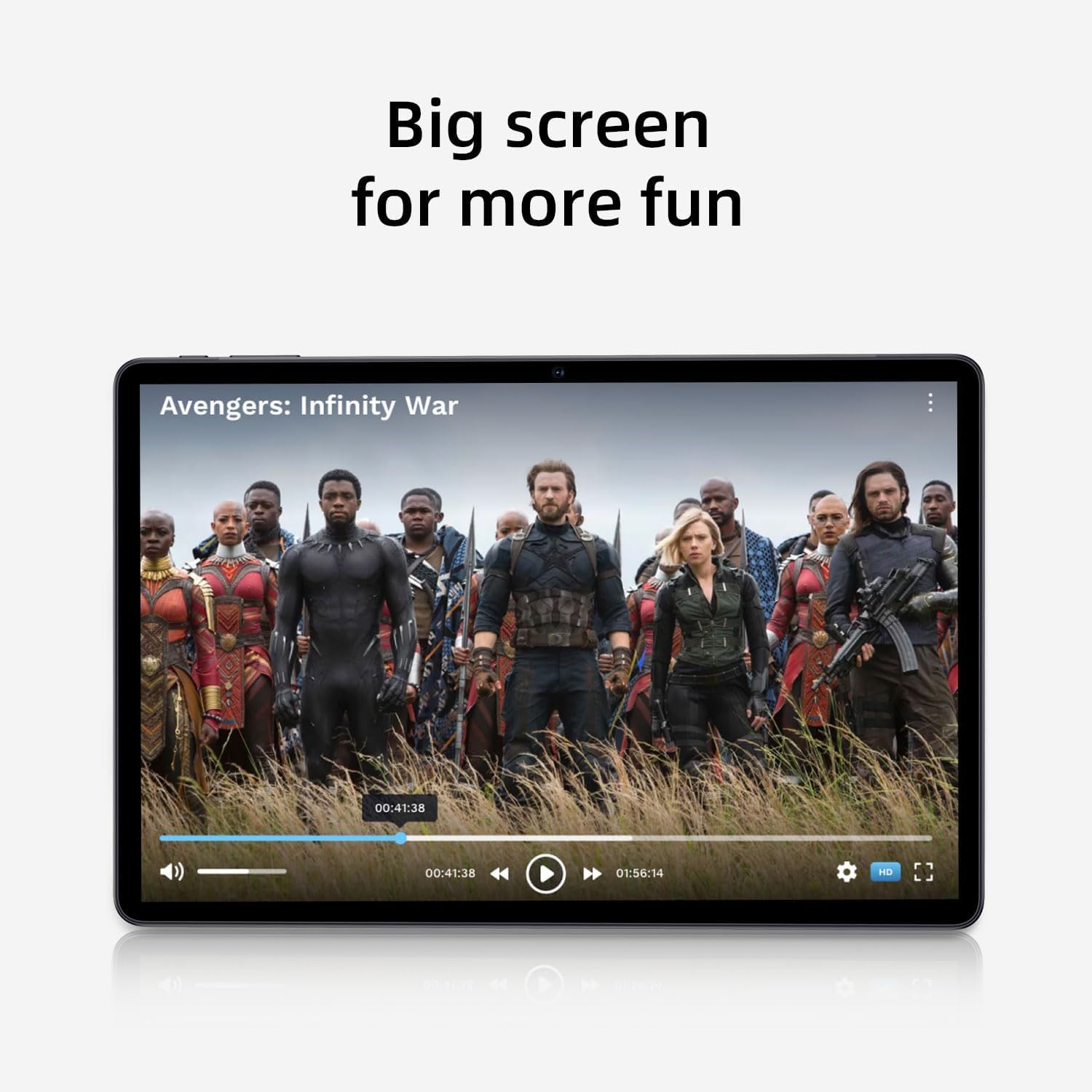
Image: The tablet screen showing a video playing, highlighting the display quality for entertainment.
4. GPS ашиглах
The tablet includes built-in GPS functionality. To use navigation apps, ensure location services are enabled in Тохиргоо > Байршил. Download a navigation app from the Google Play Store for turn-by-turn directions.
5. Using FM Radio
To use the FM Radio, connect wired headphones (not included) to the tablet's audio jack. The headphones act as an antenna. Open the pre-installed FM Radio app and scan for available stations.
6. Bluetooth холболт
To pair Bluetooth devices (e.g., headphones, speakers):
- руу оч Тохиргоо > Холбогдсон төхөөрөмжүүд > Холболтын тохиргоо > Bluetooth.
- Bluetooth-г асаах/унтраах On.
- Таны Bluetooth төхөөрөмж хослох горимд байгаа эсэхийг шалгаарай.
- Select your device from the list of available devices and follow any on-screen prompts to complete pairing.
7. Камерын хэрэглээ
Open the Camera app from the home screen or app drawer. Tap the shutter button to take photos or switch to video mode to record videos. Adjust settings like flash, timer, and camera mode within the app interface.
Засвар үйлчилгээ
1. Таблетыг цэвэрлэх
Таблетын дэлгэц болон их биеийг цэвэрлэхийн тулд зөөлөн, хөвөнгүй даавуу ашиглана уу. Зөрүүд толбоны хувьд бага зэрэг dampдаавууг ус эсвэл дэлгэц цэвэрлэх уусмалаар хийнэ. Хүчтэй химийн бодис, зүлгүүрийн материалаас зайлсхий.
2. Зайны арчилгаа
- Хэт их температураас зайлсхий, учир нь энэ нь батерейны ашиглалтыг бууруулдаг.
- Зайг байнга бүрэн шавхаж болохгүй.
- Хамгийн оновчтой цэнэглэхийн тулд өгөгдсөн цэнэглэгчийг ашиглана уу.
- The 8000mAh battery provides extended usage; however, proper care ensures long-term performance.

Image: A visual representation of the tablet's 8000mAh battery capacity, emphasizing its long-lasting power.
3. Програм хангамжийн шинэчлэлтүүд
Regularly check for system updates to ensure your tablet has the latest features and security patches. Go to Тохиргоо > Систем > Системийн шинэчлэл.
4. Хадгалалтын менежмент
Үе үе дахинview таны суулгасан програмууд болон fileс. Ашиглагдаагүй програмуудыг устгаж, шаардлагагүй програмуудыг устгана уу files to free up the 128GB internal storage. Utilize the 1TB expandable storage for large media files.
Алдааг олж засварлах
Таблет асахгүй байна
- Ensure the tablet is sufficiently charged. Connect it to the power adapter and wait a few minutes before attempting to power on.
- Албадан дахин асаахын тулд Power товчийг дор хаяж 10-15 секунд дарна уу.
Wi-Fi холболтын асуудал
- Wi-Fi чиглүүлэгч болон таблетаа дахин эхлүүлнэ үү.
- Wi-Fi тохиргоонд сүлжээгээ мартаад дахин холбогдоно уу.
- Та Wi-Fi дохионы хүрээнд байгаа эсэхээ шалгаарай.
Удаан гүйцэтгэл
- Ар талд ажиллаж байгаа ашиглагдаагүй програмуудыг хаа.
- Байнга ашиглагддаг програмуудын кэшийн өгөгдлийг арилгах.
- Боломжтой системийн шинэчлэлтүүдийг шалгаж суулгана уу.
- Consider performing a factory reset as a last resort (back up your data first). Go to Тохиргоо > Систем > Сонголтуудыг дахин тохируулах > Бүх өгөгдлийг устгах (үйлдвэрийн тохиргоонд дахин оруулах).
Мэдрэгчтэй дэлгэц хариу өгөхгүй байна
- Таблетаа дахин эхлүүлнэ үү.
- Дэлгэц нь цэвэр, хог хаягдал, чийггүй эсэхийг шалгаарай.
Үзүүлэлтүүд

Image: The tablet shown with its physical dimensions, including screen size and overall device measurements.
| Загварын нэр | K10 |
| Үйлдлийн систем | Android 14 |
| Процессор | Octa-core (Unisoc) |
| RAM | 12 ГБ |
| Дотоод санах ой | 128 ГБ |
| Өргөтгөх боломжтой хадгалах сан | 1TB хүртэл (microSD) |
| Дэлгэцийн хэмжээ | 11 инч |
| Дэлгэцийн нягтрал | 1920x1200 IPS |
| Зайны багтаамж | 8000 мАч |
| Цэнэглэж байна | 18W PD Fast Charge |
| Wi-Fi | Dual-band (2.4/5GHz) 802.11ac |
| Bluetooth | Bluetooth 5.0 |
| GPS | Тиймээ |
| FM радио | Тиймээ |
| Зүйлийн жин | 2.33 фунт |
| Бүтээгдэхүүний хэмжээс | 10.1 x 3.5 x 0.35 инч |
Баталгаат хугацааны мэдээлэл
This COLORROOM K10 Tablet is covered by a standard manufacturer's warranty. The specific terms and duration of the warranty may vary by region. Please retain your proof of purchase for warranty claims. For detailed warranty information, including coverage and how to make a claim, please refer to the warranty card included with your product or visit the official COLORROOM webсайт.
Дэмжлэг
For further assistance, technical support, or to inquire about service, please visit the COLORROOM official support webсайт эсвэл харилцагчийн үйлчилгээний хэлтэстэй холбогдоно уу. Холбоо барих мэдээллийг ихэвчлэн үйлдвэрлэгчээс олж болно webсайт эсвэл баглаа боодлын материал дээр.