1. Бүтээгдэхүүн дууссанview
The WEILAILIFE 2K Indoor WiFi Security Camera, Model CS-F17YW, is designed for indoor surveillance, offering 2K (2304x1296p) video resolution. It features 360° horizontal rotation and 90° vertical tilt for comprehensive coverage, automatic motion tracking, two-way audio, and full-color night vision. The camera supports dual-band WiFi (2.4GHz and 5GHz) for stable connectivity and can store recordings on a Micro SD card (up to 256GB) or via cloud storage. Remote viewing and control are available through the free "HonestView" application on smartphones, PCs, or tablets.

Зураг 1.1: Дууслааview of the WEILAILIFE 2K Indoor WiFi Security Camera, highlighting its key features such as 2K resolution, 2-way audio, auto-tracking, night vision, push notifications, 24/7 recording, TF card & cloud storage, and 5G/2.4GHz WiFi compatibility.
2. Багцын агуулга
Бүх зүйл багцад байгаа эсэхийг шалгана уу:
- Indoor PTZ Security Camera x 1
- 5V Power Adapter x 1
- Screw Bag x 1 (for wall mounting)
- Хэрэглэгчийн гарын авлага x 1
3. Тохируулах гарын авлага
3.1 Камерыг асаах
- Connect the provided 5V Power Adapter to the camera's power input port.
- Plug the power adapter into a standard electrical outlet. The camera will power on and initiate its startup sequence.
3.2 Апп суулгах болон бүртгэлийн бүртгэл
- Download the "HonestView" app from your device's app store (available for iOS and Android).
- Open the app and follow the on-screen instructions to create a new account. Ensure you use a strong password.
3.3 Wi-Fi-д холбогдож байна
- In the "HonestView" app, select the option to add a new device.
- Follow the app's prompts to connect the camera to your home Wi-Fi network. The camera supports both 2.4GHz and 5GHz Wi-Fi bands. For optimal performance, ensure your camera is within range of your Wi-Fi router.
- Enter your Wi-Fi network name (SSID) and password accurately.
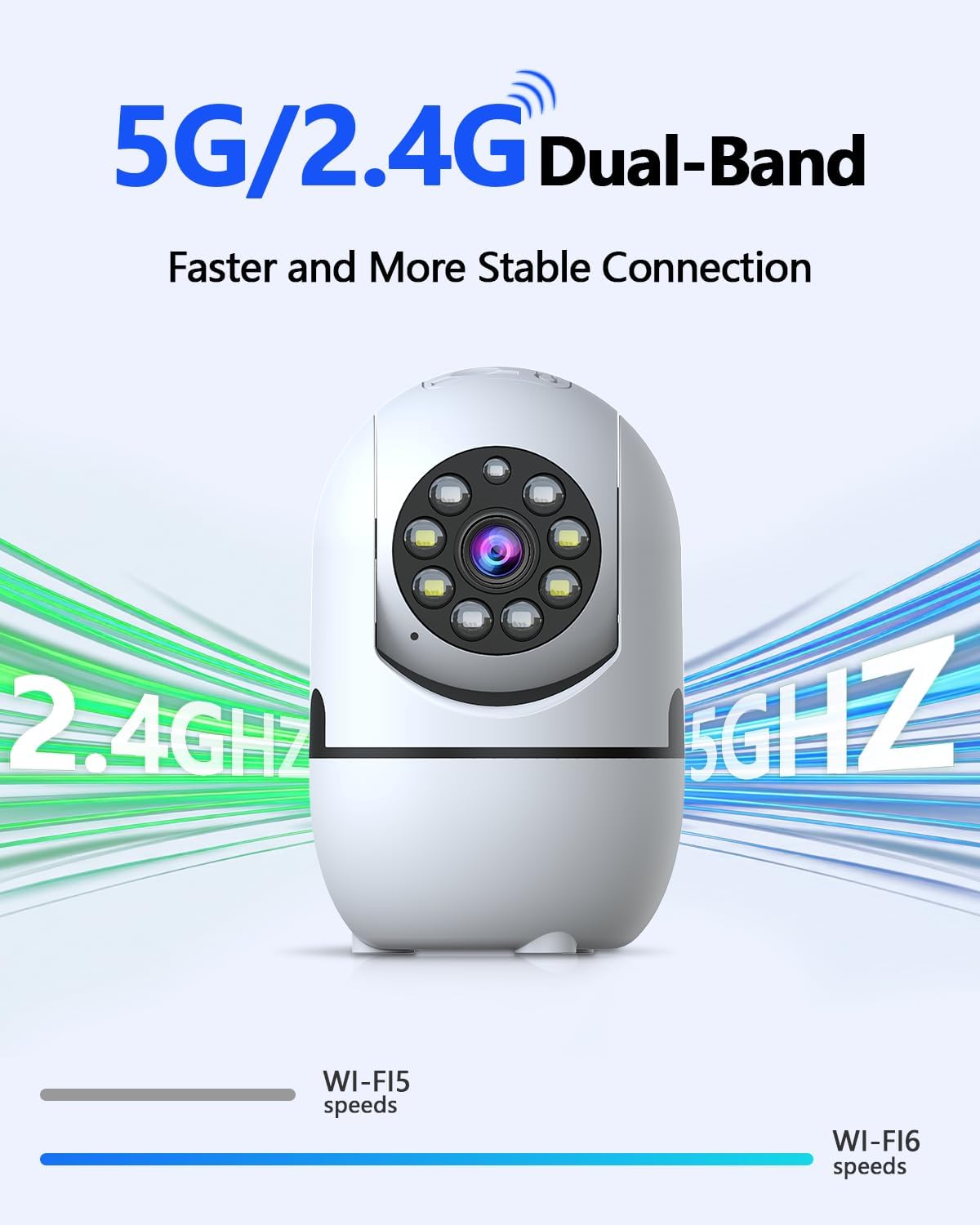
Image 3.3: The camera supports both 2.4GHz and 5GHz Wi-Fi for a faster and more stable connection.
3.4 Микро SD карт суурилуулах (заавал биш)
To enable local video recording, install a Micro SD card (not included, up to 256GB).
- Locate the Micro SD card slot on the camera. This may require gently tilting the camera lens upwards to reveal the slot.
- Insert the Micro SD card into the slot with the contacts facing the correct direction until it clicks into place.
- Format the Micro SD card through the "HonestView" app settings for proper functionality.

Image 3.4: The camera offers flexible storage options including Micro SD card (up to 256GB) and cloud storage.
3.5 Камер суурилуулах
The camera can be placed freestanding on a flat surface or mounted to a wall.
- Бие даасан: Place the camera on a stable, flat surface such as a table or shelf.
- Ханын бэхэлгээ: Use the included screw bag to securely mount the camera to a wall. Ensure the mounting location provides a clear view мөн Wi-Fi сүлжээний хүрээнд байна.
4. Ашиглалтын заавар
4.1 Амьд View болон Pan/Tilt Control
Access the live video feed through the "HonestView" app. Use the on-screen controls to remotely pan the camera 360° horizontally and tilt it 90° vertically to adjust the viewөнцөг.
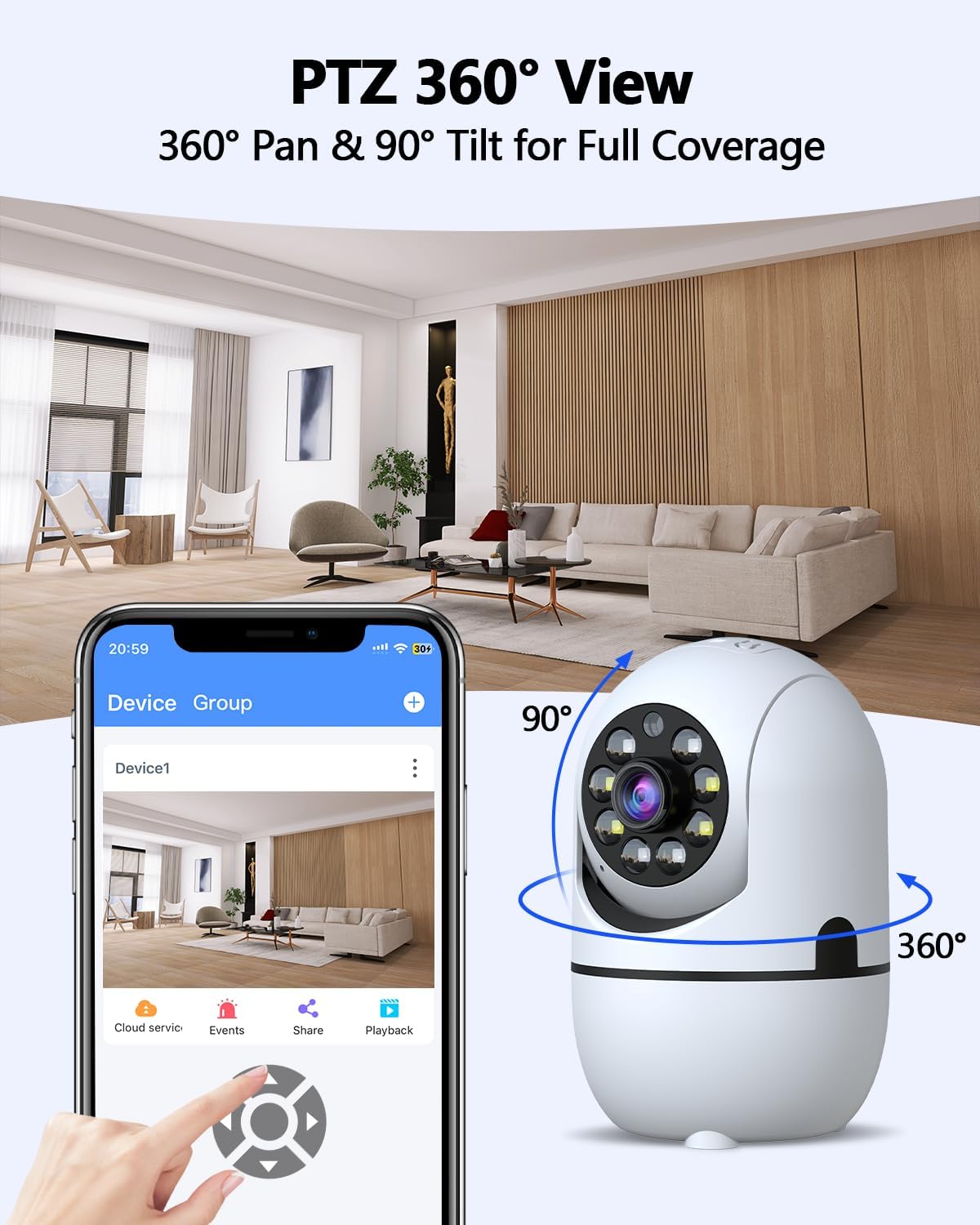
Image 4.1: The camera offers 360° pan and 90° tilt for full room coverage, controllable via the app.
4.2 Автоматаар мөрдөх
Enable the auto-tracking feature in the app settings. The camera will automatically detect and follow movement within its field of view, sending real-time alerts to your phone.
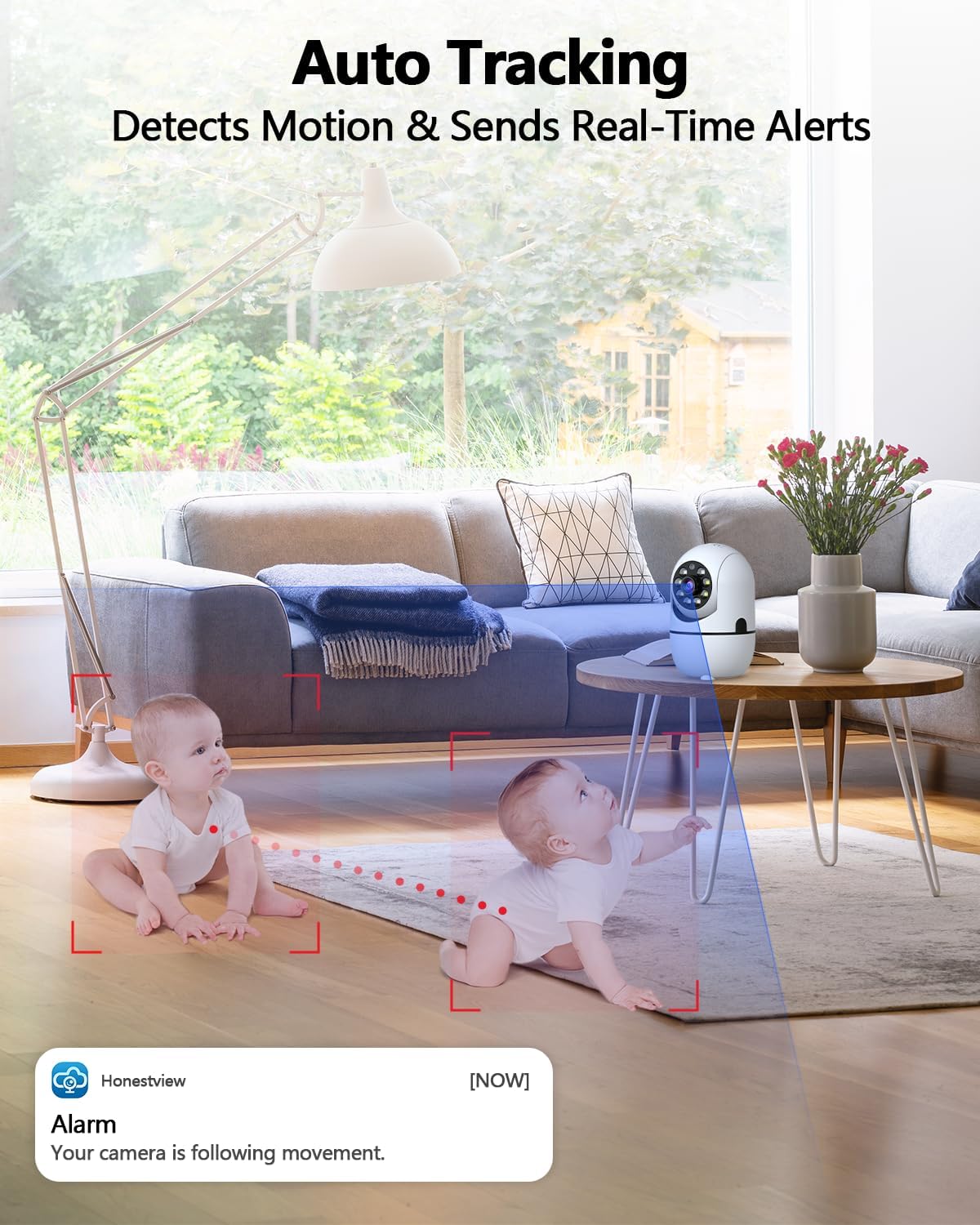
Image 4.2: The camera's auto-tracking feature detects motion and sends real-time alerts to your phone.
4.3 Хоёр талын аудио
Utilize the built-in microphone and speaker for real-time two-way communication. Tap the microphone icon in the app to speak, and listen through the camera's speaker. Noise reduction technology ensures clear audio.
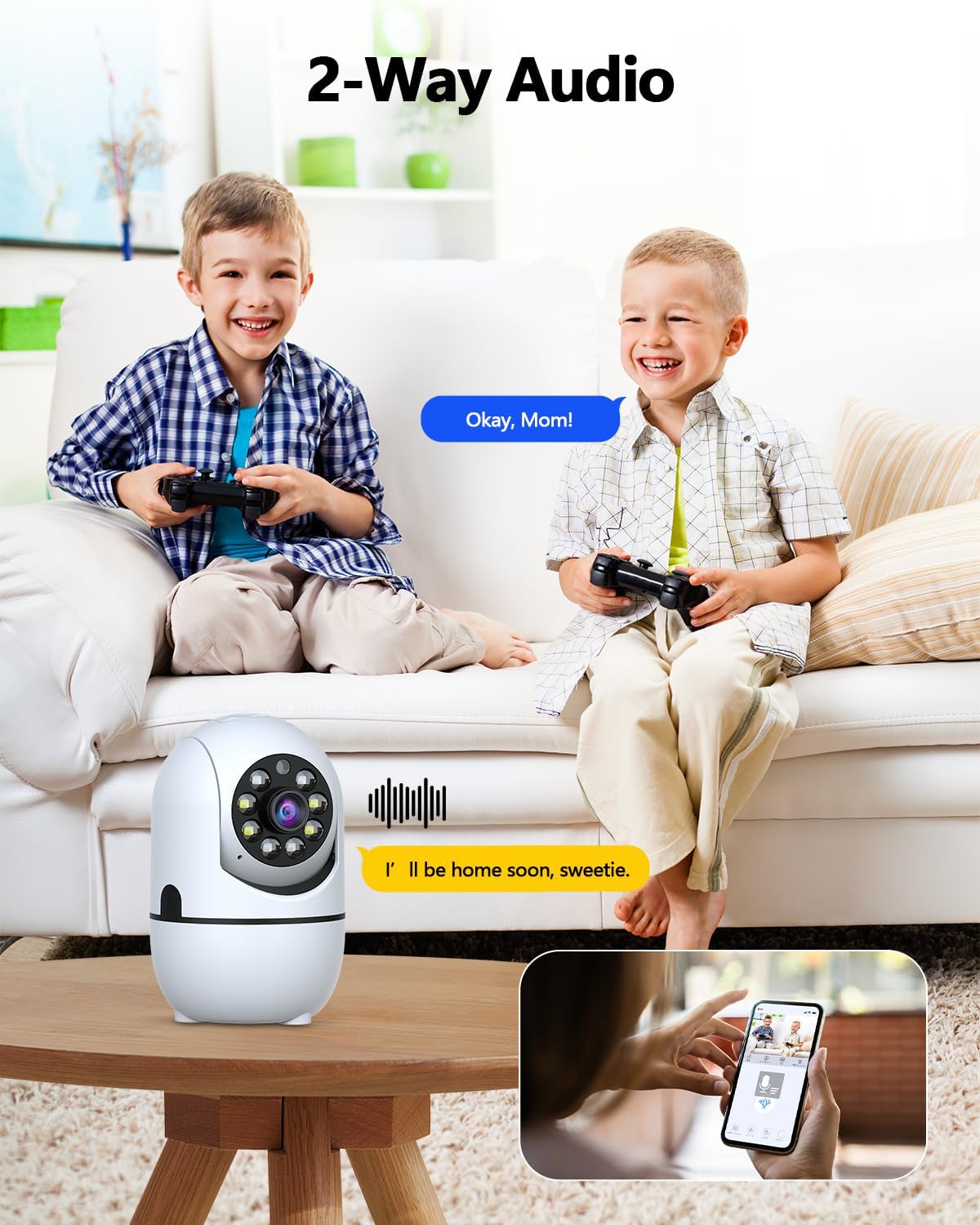
Image 4.3: The camera supports two-way audio, allowing communication through the app.
4.4 Шөнийн хараа
The camera automatically switches to night vision mode in low-light conditions. It uses dual light sources (infrared and white light) to provide full-color video up to 33 feet, even in complete darkness.

Image 4.4: The camera provides clear color night vision up to 33 feet, suitable for 24/7 monitoring.
4.5 Motion and Human Detection
The camera is equipped with motion detection and smart human detection capabilities. When motion or a human figure is detected, the camera can send real-time alerts to your phone, activate a siren, or trigger email notifications, reducing false alarms.
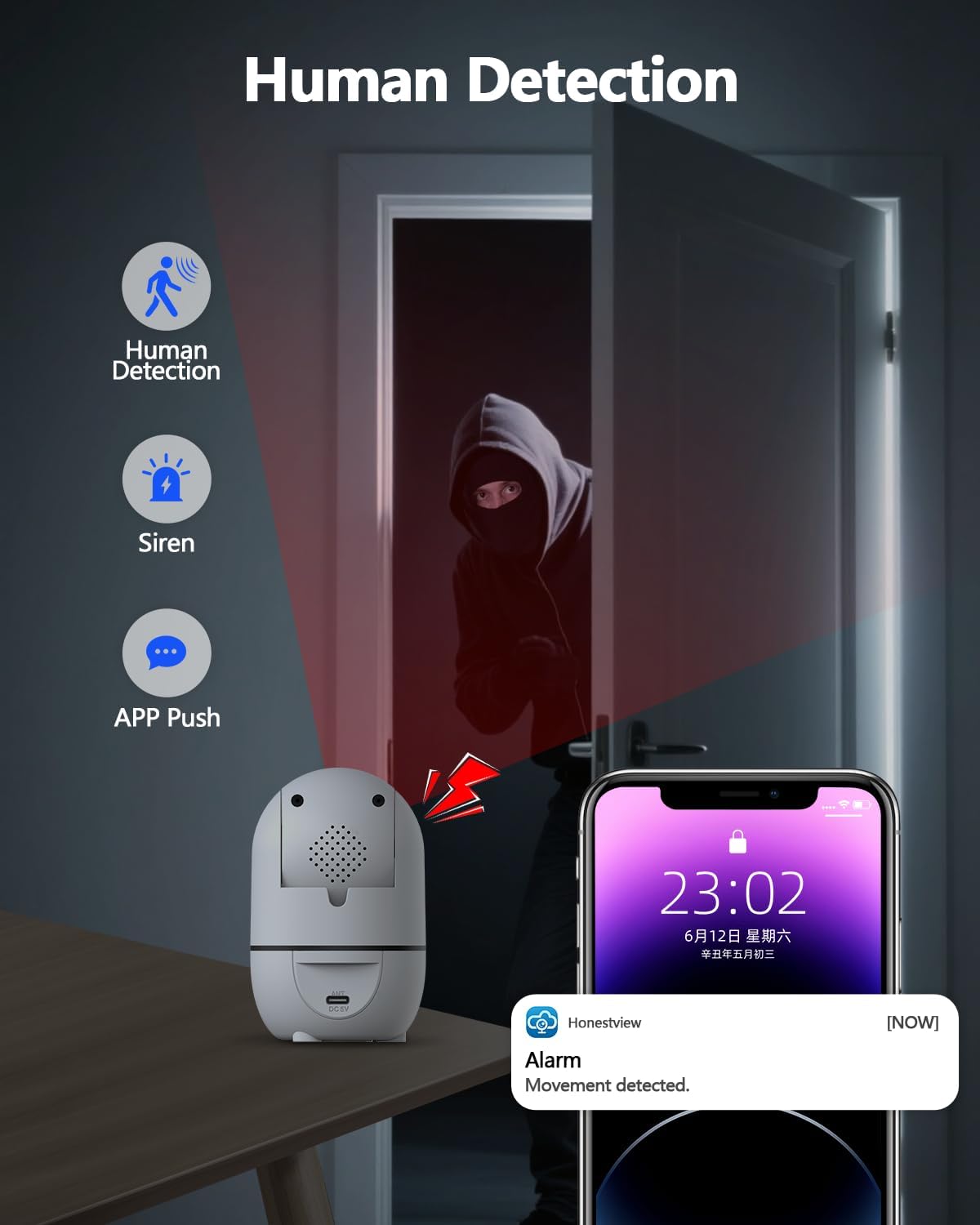
Image 4.5: Human detection feature triggers alerts and a siren when movement is detected.
4.6 Бичлэг хийх, тоглуулах
Recordings are stored on the installed Micro SD card or in the cloud (subscription may be required for cloud services). Access recorded footage and playback events through the "HonestView"апп.
Video 4.6: This video demonstrates the camera's functionality, including its ability to capture and record events for later playback.
5. Засвар үйлчилгээ
5.1 Цэвэрлэгээ
To maintain optimal performance, periodically clean the camera lens and body. Use a soft, dry cloth to gently wipe away dust and smudges. Avoid using harsh chemicals or abrasive materials that could damage the camera.
5.2 Програм хангамжийн шинэчлэлтүүд
Check the "HonestView" app regularly for available firmware updates. Keeping the camera's firmware updated ensures access to the latest features, security enhancements, and performance improvements.
5.3 Байгаль орчны асуудал
This camera is designed for indoor use only. Do not expose it to water, extreme temperatures, or high humidity. Ensure it is placed in a well-ventilated area.
6. Алдаа засах
- Камер Wi-Fi-д холбогдоогүй байна:
- Wi-Fi нууц үгээ зөв оруулсан эсэхээ шалгана уу.
- Verify that the camera is within range of your Wi-Fi router.
- Confirm your router is broadcasting both 2.4GHz and 5GHz networks, and try connecting to the other band if one fails.
- Чиглүүлэгч болон камераа дахин эхлүүлнэ үү.
- Poor video quality or lagging:
- Интернет холболтын хурдаа шалгана уу. Тогтвортой бөгөөд хурдан холболт нь оновчтой дамжуулалт хийх шаардлагатай.
- Ensure the camera is connected to the stronger Wi-Fi band (5GHz typically offers faster speeds if available and in range).
- Reduce the video resolution setting in the app if your network bandwidth is limited.
- Auto-tracking or PTZ controls are unresponsive:
- Ensure the camera has a stable Wi-Fi connection.
- Close and reopen the "HonestView"апп.
- Restart the camera by unplugging and replugging its power adapter.
- No recording or playback:
- Verify that a Micro SD card is properly inserted and formatted through the app.
- Check if your cloud storage subscription is active (if applicable).
- Ensure recording settings are enabled in the "HonestView"апп.
- Байнга тохиолддог хуурамч дохиолол:
- Аппликешн доторх хөдөлгөөн мэдрэгчийн мэдрэмжийн тохиргоог тохируулна уу.
- Utilize the human detection feature to filter out non-human movements.
- Ensure the camera is not pointing at areas with constant, irrelevant motion (e.g., tree branches swaying outside a window).
7. Техникийн үзүүлэлтүүд
| Онцлог | Тодорхойлолт |
|---|---|
| Загварын нэр | CS-F17YW |
| Дотор/гадаа ашиглах | Дотор |
| Видео бичлэгийн нягтрал | 3.0 Megapixel (2304x1296p) |
| Viewing өнцөг | 360° (Pan), 90° (Tilt) |
| Шөнийн харааны хүрээ | 33 Feet (Full Color) |
| Холболтын технологи | Dual-Band Wi-Fi (2.4GHz & 5GHz), IEEE802.11 1/n/f |
| Хадгалах сонголтууд | Micro SD (up to 256 GB), Cloud Storage |
| Эрчим хүчний эх үүсвэр | AC/DC (5V Power Adapter) |
| Хэмжээ (L x W x H) | 5 x 4 x 5 инч |
| Зүйлийн жин | 1.2 фунт |
| Хяналтын арга | App (HonestView) |
| Онцлог шинж чанарууд | 2-Way Audio, Auto Tracking, Full-Color Night Vision, Human Detection |
| Оруулсан бүрэлдэхүүн хэсгүүд | Camera, Power Adapter, Screw Bag, User Manual |
8. Баталгаат хугацаа ба дэмжлэг
8.1 Баталгаат хугацааны мэдээлэл
Specific warranty details for the WEILAILIFE 2K Indoor WiFi Security Camera are typically provided with the product packaging or can be found on the official WEILAILIFE webсайт. Хамгийн үнэн зөв, шинэчлэгдсэн баталгааны нөхцөл, болзлыг эдгээр эх сурвалжаас авна уу.
8.2 Хэрэглэгчийн дэмжлэг
For technical assistance, troubleshooting, or any questions regarding your WEILAILIFE camera, please contact WEILAILIFE customer support. You can usually find contact information within the "HonestView" app or on the official WEILAILIFE webсайт.


