Танилцуулга
This user manual provides detailed instructions for the C idea CM817 Pro Max 8-inch Tablet. Please read this manual thoroughly before using your device to ensure proper operation and to maximize its features. Keep this manual for future reference.
Багцын агуулга
Бүх зүйл багцад байгаа эсэхийг шалгана уу:
- C idea CM817 Pro Max 8-inch Tablet
- Цэнэглэгч адаптер
- USB-C кабель
- Хэрэглэгчийн гарын авлага (энэ баримт бичиг)
- Stylus Pen (if included in your specific package)
- Keyboard (if included in your specific package)
- Mouse (if included in your specific package)

Image: The C idea CM817 Pro Max tablet shown with its common accessories, which may include a keyboard, mouse, charging adapter, USB-C cable, and stylus pen.
Бүтээгдэхүүн дууссанview
Familiarize yourself with the physical components of your C idea CM817 Pro Max tablet.

Image: A diagram illustrating the various ports and buttons on the C idea CM817 Pro Max tablet, including the front camera, rear camera, power button, volume controls, speakers, TF/SIM card slot, USB-C port, and headphone jack.
- Урд камер: Видео дуудлага болон селфи хийх зориулалттай.
- Арын камер: Зураг болон видео бичлэг хийхэд зориулагдсан.
- Асаах / унтраах товч: Press and hold to power on/off or restart. Press briefly to wake/sleep the screen.
- Дууны товчлуурууд: Adjust the tablet's audio volume.
- Илтгэгчид: Output audio.
- TF/SIM Slot: Insert a TF (MicroSD) card for expandable storage or a SIM card for cellular connectivity.
- USB-C порт: For charging the tablet and connecting to a computer for data transfer.
- Чихэвчний Жак: 3.5 мм чихэвчийг холбоно уу.
Тохиргоо
1. Таблетыг цэнэглэж байна
Before first use, fully charge the tablet. Connect the USB-C cable to the tablet's USB-C port and the other end to the charging adapter. Plug the adapter into a power outlet. The battery indicator on the screen will show charging status.
2. Асаах/унтраах
- Асаах: Press and hold the Power On/Off button until the C idea logo appears.
- Унтраах: Press and hold the Power On/Off button until the power options menu appears, then select "Power off".
- Дахин эхлүүлэх: Цахилгааны сонголтуудын цэснээс "Дахин эхлүүлэх"-ийг сонгоно уу.
3. Анхны тохиргоо
Эхний удаа асаалттай үед таблетаа тохируулахын тулд дэлгэцэн дээрх зааврыг дагана уу:
- Өөрийн дуртай хэлээ сонгоно уу.
- Wi-Fi сүлжээнд холбогдоно уу.
- Google бүртгэлээрээ нэвтэрч эсвэл шинээр үүсгэнэ үү. Энэ нь Google Play Store-оос програм татаж авахад шаардлагатай.
- Дэлгэцийн түгжээг (ПИН, хээ, нууц үг) тохируулна уу.
- Review мөн нөхцөл, болзлыг хүлээн зөвшөөр.
4. SIM болон MicroSD картуудыг оруулж байна
Locate the TF/SIM slot on the side of the tablet. Use the provided SIM ejector tool (if applicable) to open the tray. Carefully place your SIM card and/or MicroSD card into the designated slots, ensuring correct orientation. Close the tray securely.
Ашиглалтын заавар
1. Үндсэн навигаци
- Хүрэх: Апп нээх эсвэл зүйл сонгохын тулд дүрс дээр товшино уу.
- Шудрах: Хуудас эсвэл контентоор гүйлгэхийн тулд хуруугаа дэлгэцэн дээр чирнэ үү.
- Чимхэх: Зургийг томруулж, жижигрүүлэхийн тулд хоёр хуруугаа ашиглана уу web хуудаснууд.
- Үндсэн дэлгэц: Програм болон виджетүүдэд хандах боломжтой үндсэн дэлгэц.
- Мэдэгдлийн самбар: Мэдэгдэл болон хурдан тохиргоонд хандахын тулд дэлгэцийн дээд хэсгээс доош шударна уу.

Image: The C idea CM817 Pro Max tablet showcasing its Android home screen, featuring various application icons and a clean user interface.
2. Wi-Fi and Cellular Connectivity
Wi-Fi-д холбогдохын тулд дараах руу очно уу Тохиргоо > Сүлжээ ба интернет > Wi-Fi. Turn Wi-Fi on and select your desired network. Enter the password if prompted. For cellular data, ensure a SIM card is inserted and go to Тохиргоо > Сүлжээ ба интернет > Мобайл сүлжээ to configure data settings.
3. Камер ашиглах
Open the Camera app from the home screen or app drawer. Tap the shutter button to take a photo. Switch between the 5MP front camera and 8MP rear camera using the camera switch icon. You can also record videos.
4. Хадгалалтын менежмент
Your tablet comes with 512GB of internal storage and supports up to 512GB expandable storage via a MicroSD card. To view хадгалах сангийн хэрэглээ, очих Тохиргоо > Хадгалах. Regularly clear unnecessary files and uninstall unused apps to maintain performance.

Image: Multiple C idea tablets demonstrating the ample storage capacity, highlighting 8GB RAM, 512GB internal ROM, and support for an additional 512GB via TF (MicroSD) card.
5. Батерейны ашиглалт
The 8000mAh battery provides extended usage. To optimize battery life, reduce screen brightness, disable Wi-Fi/Bluetooth when not in use, and close background apps. You can monitor battery usage in Тохиргоо > Батерей.
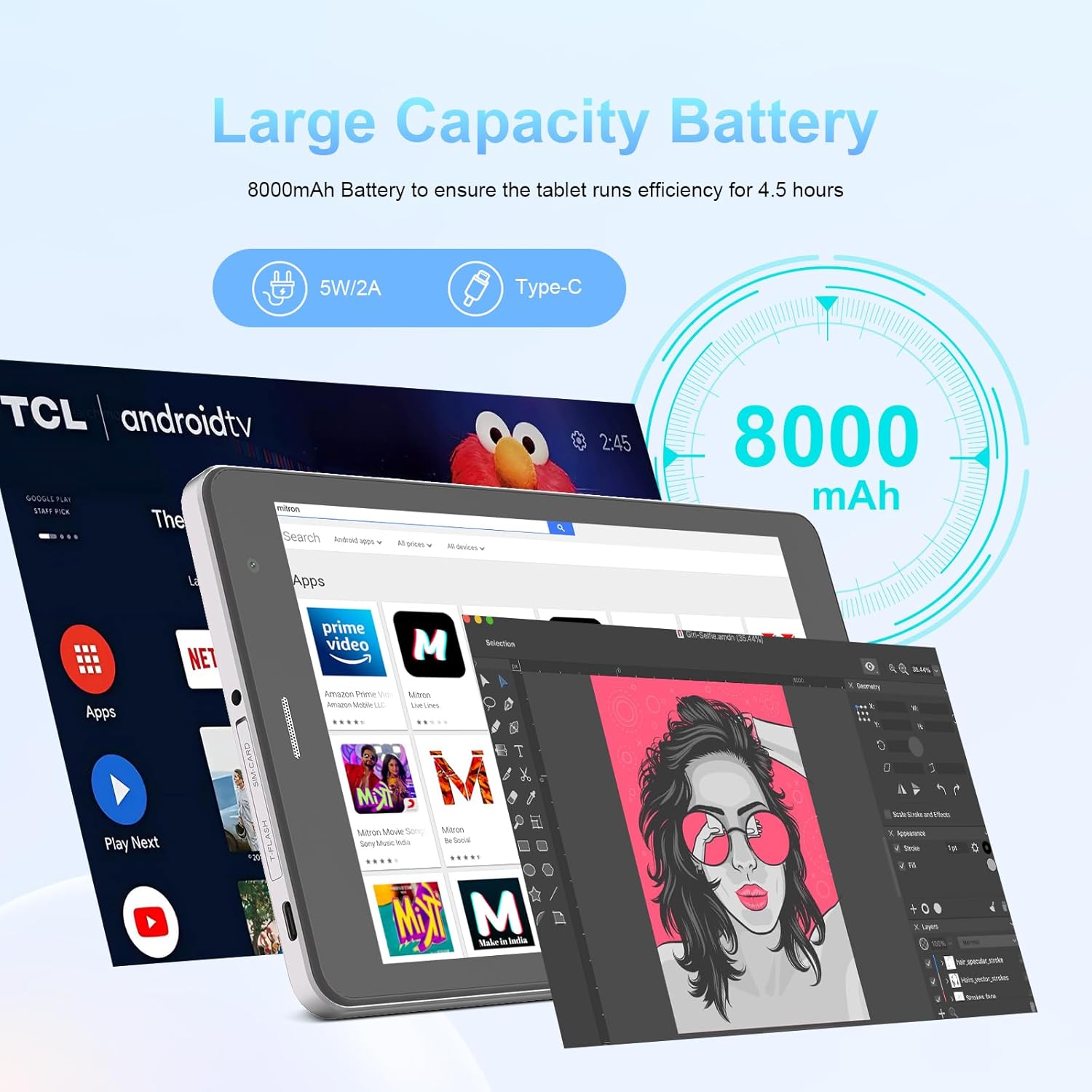
Image: The C idea CM817 Pro Max tablet, emphasizing its 8000mAh large capacity battery, designed for extended operational hours.
6. Дэлгэцийн тохиргоо
The tablet features an 8-inch 1280x800 IPS HD display. Adjust brightness, font size, and display timeout in Тохиргоо > Дэлгэц for a comfortable viewтуршлага.

Image: The C idea CM817 Pro Max tablet showcasing its 8-inch IPS HD screen with a resolution of 800x1280 pixels, providing clear visuals.
Засвар үйлчилгээ
1. Цэвэрлэгээ
Use a soft, lint-free cloth to clean the screen and body of the tablet. Do not use abrasive cleaners or solvents, as they may damage the surface. Avoid getting moisture into ports.
2. Програм хангамжийн шинэчлэлтүүд
Regularly check for system updates to ensure your tablet has the latest features and security patches. Go to Тохиргоо > Систем > Системийн шинэчлэл шинэчлэлтүүдийг шалгаж суулгах.
3. Зайны арчилгаа
To prolong battery lifespan, avoid exposing the tablet to extreme temperatures. Do not let the battery completely drain frequently. Use the original charger or a certified compatible charger.
Алдааг олж засварлах
- Таблет асахгүй байна: Ensure the tablet is charged. Press and hold the Power On/Off button for at least 10-15 seconds to force a restart.
- Wi-Fi холболтын асуудал: Restart your Wi-Fi router and the tablet. Forget the network in Wi-Fi settings and reconnect.
- Удаан гүйцэтгэл: Close unused apps, clear cache (Settings > Storage), and restart the tablet. Consider uninstalling large or unnecessary applications.
- Камер ажиллахгүй байна: Ensure the Camera app has necessary permissions (Settings > Apps > Camera > Permissions). Restart the tablet.
- Хадгалах сан дүүрсэн: Хуучин зураг/видео устгах, ашиглагдаагүй програмуудыг устгах эсвэл зөөх files to an inserted MicroSD card.
- Гэмтсэн програмууд: Clear the app's cache and data (Settings > Apps > [App Name] > Storage > Clear cache/Clear data). If the issue persists, uninstall and reinstall the app.
Үзүүлэлтүүд
| Онцлог | Дэлгэрэнгүй |
|---|---|
| Брэнд | C санаа |
| Загварын нэр | CM817 Pro Max |
| Үйлдлийн систем | Android 15 |
| Процессор | Octa-core (MediaTek) |
| RAM | 8 ГБ |
| Дотоод санах ой (ROM) | 512 ГБ |
| Өргөтгөх боломжтой хадгалах сан | Up to 512GB (via TF/MicroSD card) |
| Дэлгэцийн хэмжээ | 8 инч |
| Дэлгэцийн нягтрал | 1280 x 800 пиксел (IPS HD) |
| Урд камер | 5 МП |
| Арын камер | 8 МП |
| Зайны багтаамж | 8000 мАч (литийн полимер) |
| Холболт | Wi-Fi, 5G SIM, Bluetooth |
| Портууд | USB-C, 3.5 мм чихэвчний залгуур |
| Зүйлийн жин | 1 кг 80 гр |
| Багцын хэмжээ | 29.8 x 18 x 6.4 см |
Баталгаат болон дэмжлэг
For warranty information and technical support, please refer to the warranty card included in your package or contact C idea customer service. Keep your purchase receipt as proof of purchase.


