1. Бүтээгдэхүүн дууссанview
The Anona Pano 4K UHD Indoor Camera is a versatile security solution designed for monitoring pets, babies, and general indoor surveillance. It features 4K Ultra HD resolution, 360° pan and 110° tilt capabilities, dual-band Wi-Fi 6 connectivity, and advanced AI detection for persons, pets, and baby crying. This manual provides detailed instructions for setting up, operating, and maintaining your Anona Pano camera.
1.1 Гол онцлогууд
- Stunning 4K UHD & 8x Zoom: Captures ultra-clear videos with professional-grade lens and 8X digital zoom.
- AI Person/Pet/Crying Detection: Advanced algorithms detect and notify for human presence, pet activity, and baby crying.
- Ultra-Smooth 360° Pan & 110° Tilt: Provides comprehensive coverage with remote-controlled pan and tilt, including auto-tracking.
- Faster Dual-Band Wi-Fi 6: Ensures stable and smooth data transmission with support for both 2.4 GHz and 5 GHz Wi-Fi networks.
- Safer Local or Cloud Storage: Offers flexible storage options with support for up to 512 GB microSD card (not included) and encrypted cloud storage.
- Хоёр талын аудио: Камераар дамжуулан харилцаа холбоог идэвхжүүлдэг.
- Нууцлалын горим: Allows instant cessation of recording and live view нууцлалын төлөө.
- Alexa болон Google Assistant-тай ажилладаг: Integrates with smart home ecosystems for voice control and streaming.
1.2 Багцын агуулга
Бүх зүйл багцад байгаа эсэхийг шалгаарай:
- Anona Pano Camera
- 5V2A Power Adapter (3m power cable)
- Суурилуулах хавтан
- Screws & Anchors Kit
- Түргэн эхлүүлэх гарын авлага

Image: Anona Pano 4K UHD Indoor Camera with a smartphone showing its live feed.
2. Тохируулах гарын авлага
2.1 Эхлэхээсээ өмнө
- Ensure your Wi-Fi network is available (supports 2.4 GHz and 5 GHz).
- Wi-Fi сүлжээний нэр (SSID) болон нууц үгээ бэлэн байлгаарай.
- Download the Anona App from your smartphone's app store (iOS or Android).
2.2 Камерыг асаах
- Connect the provided 5V2A power adapter to the camera's power port.
- Цахилгаан адаптерийг ханын залгуурт холбоно уу.
- The camera will power on, and its indicator light will begin to flash, indicating it's ready for setup.
2.3 Connecting to Wi-Fi via Anona App
- Open the Anona App on your smartphone.
- Бүртгэл үүсгэх эсвэл танд бүртгэл байгаа бол нэвтэрнэ үү.
- Шинэ төхөөрөмж нэмэхийн тулд "+" дүрс дээр товшино уу.
- Follow the on-screen instructions to select your camera model and connect it to your Wi-Fi network. This typically involves scanning a QR code displayed on your phone with the camera, or entering Wi-Fi credentials.
- Once connected, the camera's indicator light will turn solid, and you will see the live feed in the app.
2.4 Камер суурилуулах
The Anona Pano camera can be placed on a flat surface (tabletop) or mounted to a ceiling.
Ширээний тавцангийн байршил:
- Place the camera on a stable, flat surface within range of your Wi-Fi signal.
- Камер нь таны хянахыг хүсч буй газар руугаа тодорхой харагдах шугамтай эсэхийг шалгаарай.
Таазны суурилуулалт:
- Choose a suitable location on the ceiling.
- Use the provided mounting plate as a template to mark drill holes.
- Drill holes and insert the anchors if necessary.
- Өгөгдсөн боолтыг ашиглан бэхэлгээний хавтанг таазанд бэхлэнэ үү.
- Attach the camera to the mounting plate by twisting it until it locks into place.
- In the Anona App settings, enable "Image Rotation" if the camera is mounted upside down.
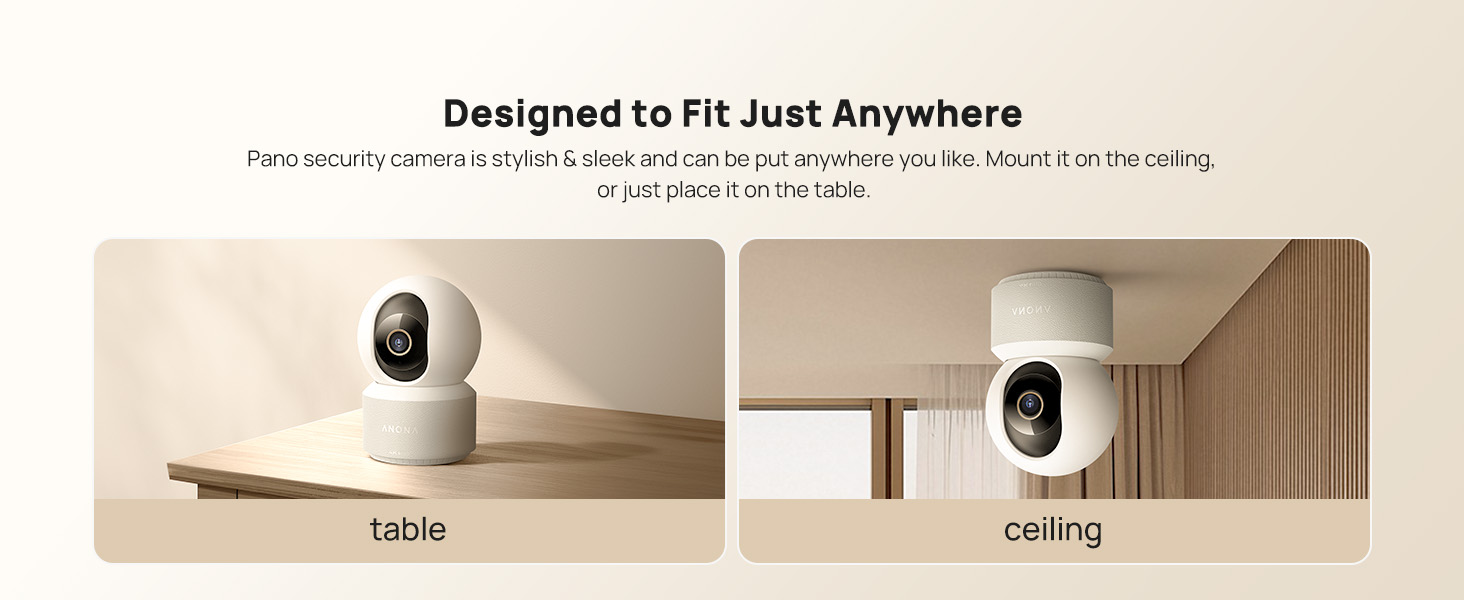
Image: The Anona Pano camera can be placed on a table or mounted to a ceiling.
3. Камераа ажиллуулах
3.1 Амьд View болон Pan/Tilt Control
- Open the Anona App and select your camera to view амьд тэжээл.
- Use the directional controls within the app to pan the camera horizontally (360°) and tilt it vertically (110°) to adjust the viewөнцөг.

Image: The Anona Pano camera offers 360° pan and 110° tilt for full room coverage.
3.2 Автомат хяналт
Enable auto-tracking in the app settings. The camera will automatically detect and follow moving objects within its field of view, ensuring continuous recording of activity.
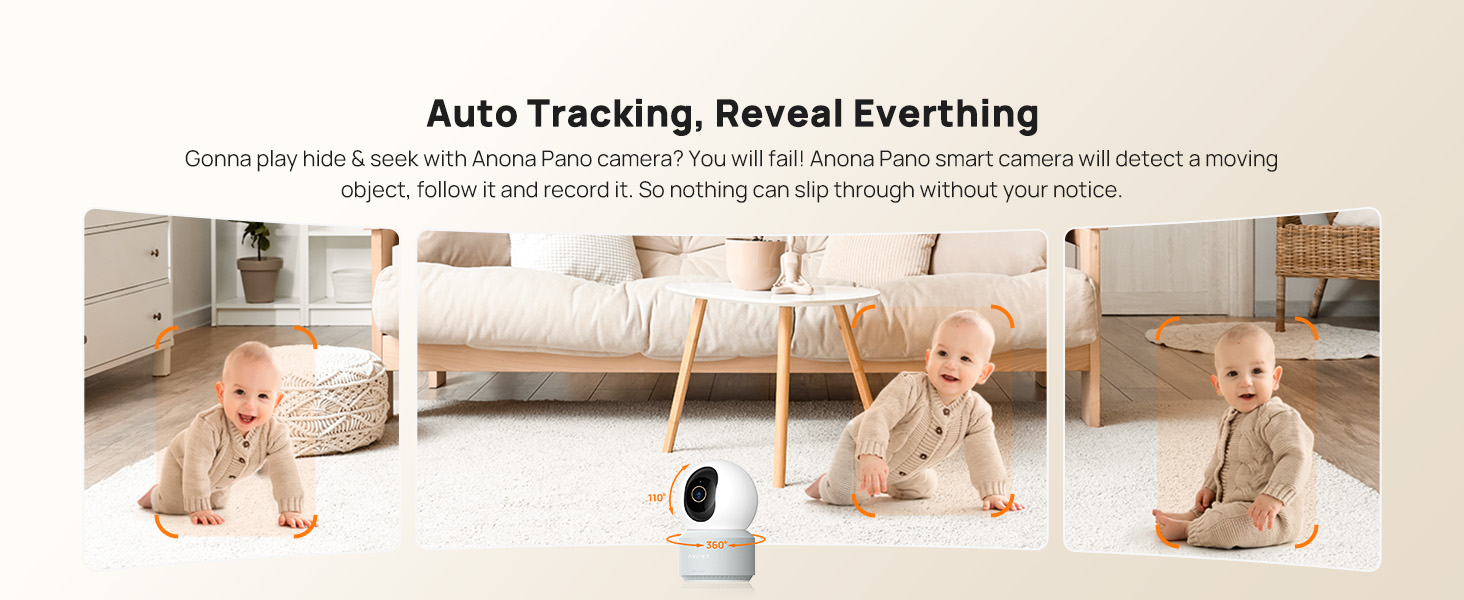
Image: The camera's auto-tracking feature follows moving subjects like a crawling baby.
3.3 AI Detection and Alerts
The Anona Pano camera utilizes AI algorithms for intelligent detection:
- Хүн илрүүлэх: Identifies human shapes and movements, sending real-time alerts.
- Гэрийн тэжээвэр амьтдыг илрүүлэх: Recognizes cats and dogs, alerting you to their activity.
- Хүүхэд уйлж байгааг илрүүлэх: Detects the sound of a baby crying and sends immediate notifications.
Configure alert settings and notification preferences within the Anona App.
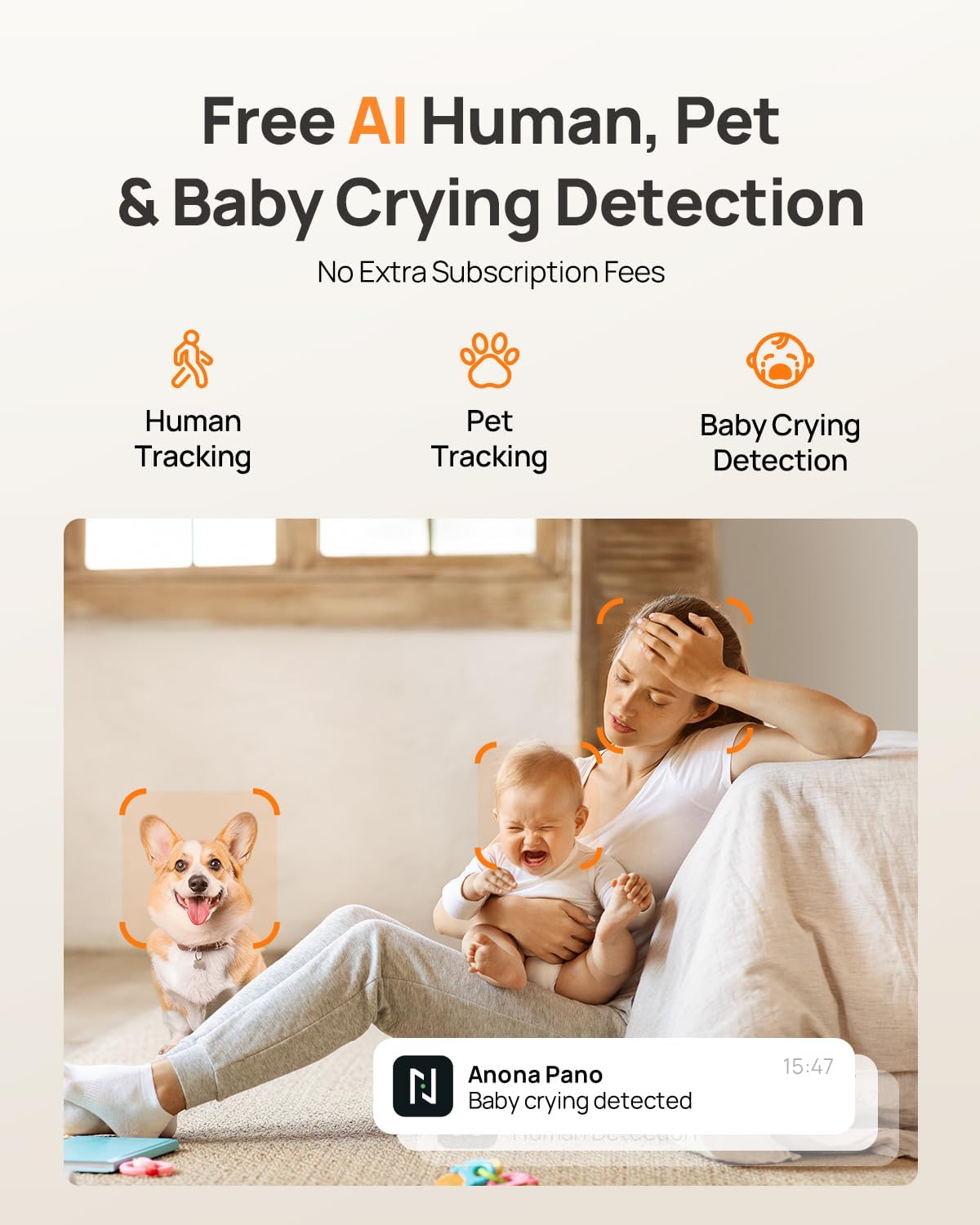
Image: AI detection for human, pet, and baby crying events, with app notification example.
3.4 Хоёр талын аудио
Камерын ойролцоо байгаа хүмүүстэй харилцахын тулд хоёр талын аудио функцийг ашиглаарай. Шууд дамжуулалтын үеэр микрофоны дүрс дээр товшино уу view interface of the Anona App to speak, and listen through the camera's speaker.
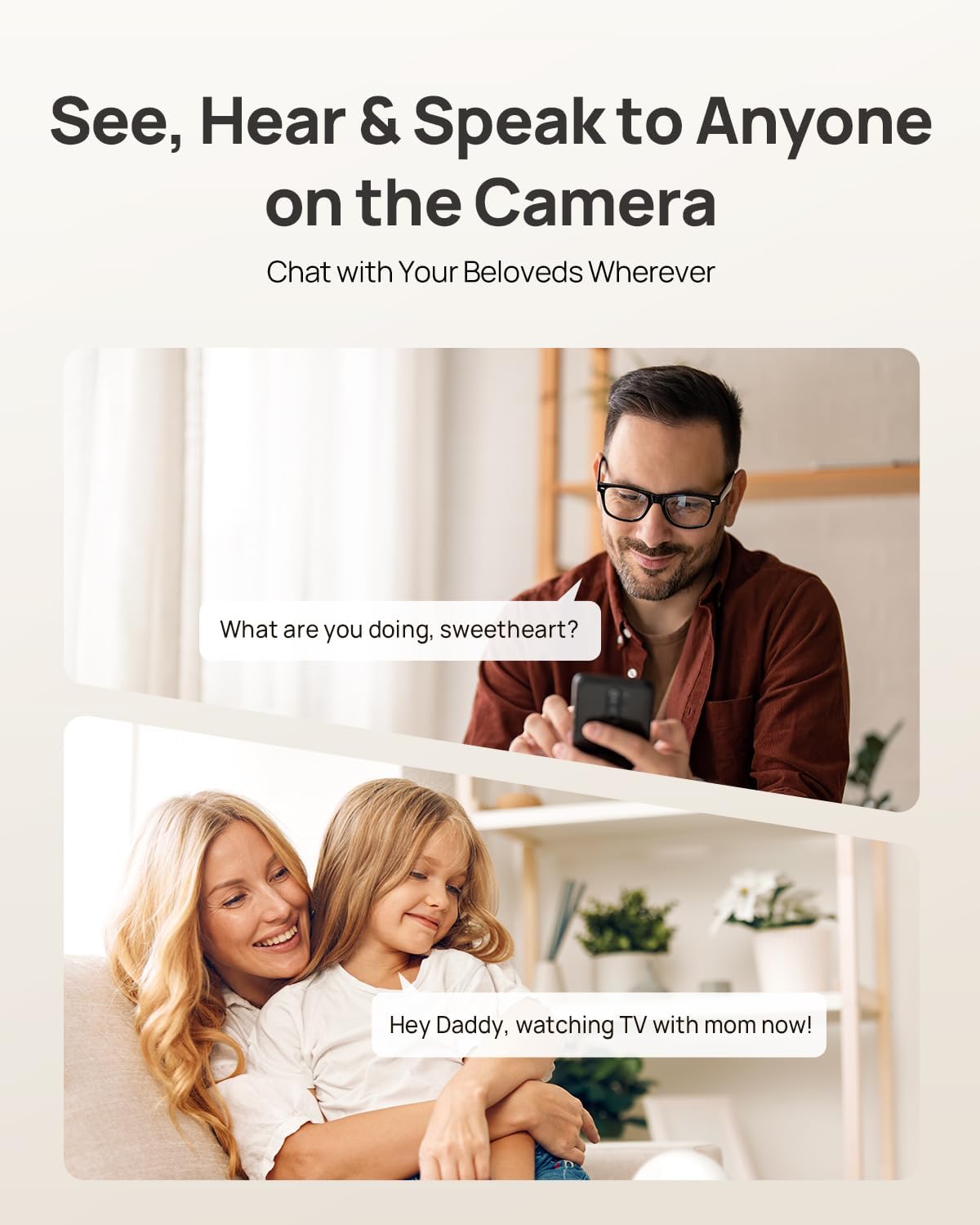
Image: Two-way audio allows communication with family members or pets via the camera.
3.5 Нууцлалын горим
Activate Privacy Mode via a single tap in the Anona App. This feature instantly stops live view and recording, providing privacy without needing to unplug the camera.

Image: Privacy Mode can be activated with one tap in the app, stopping recording and live view.
3.6 Хадгалах сонголтууд
The Anona Pano camera supports two storage methods:
- Орон нутгийн хадгалалт (MicroSD карт): Insert a microSD card (up to 512 GB, not included) into the camera's designated slot for local recording. This allows saving up to 150 days of motion-triggered videos or 14 days of 24/7 recordings.
- Үүл хадгалах сан: Opt for Anona Cloud service to save videos securely with AES-128 encryption. Subscription may be required for cloud services.
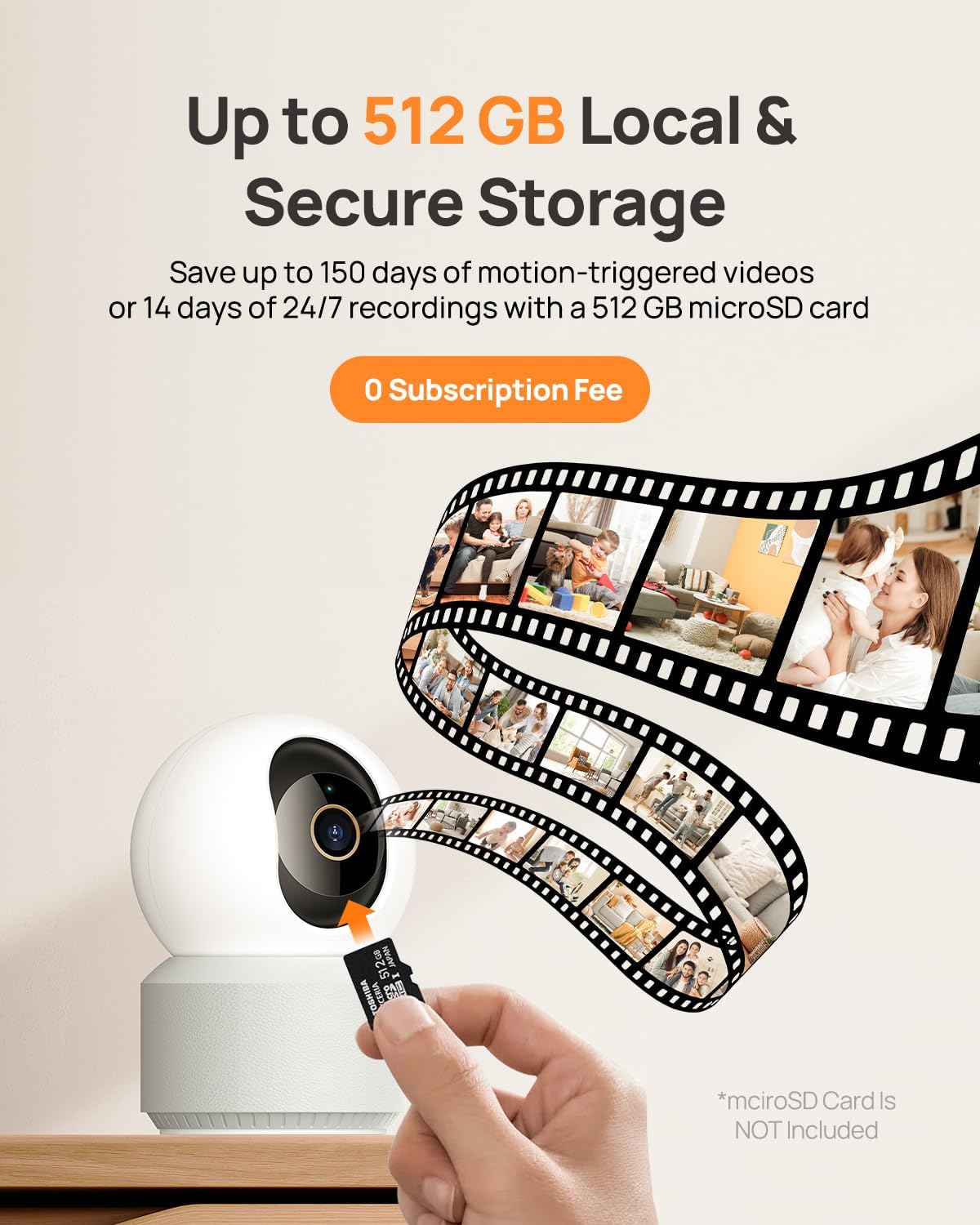
Image: The camera supports local storage via a microSD card (up to 512 GB).
3.7 Шөнийн хараа
The camera features F1.6 aperture and powerful IR LEDs for enhanced night vision, allowing clear 4K UHD footage even in low-light or pitch-black conditions up to 30 feet.
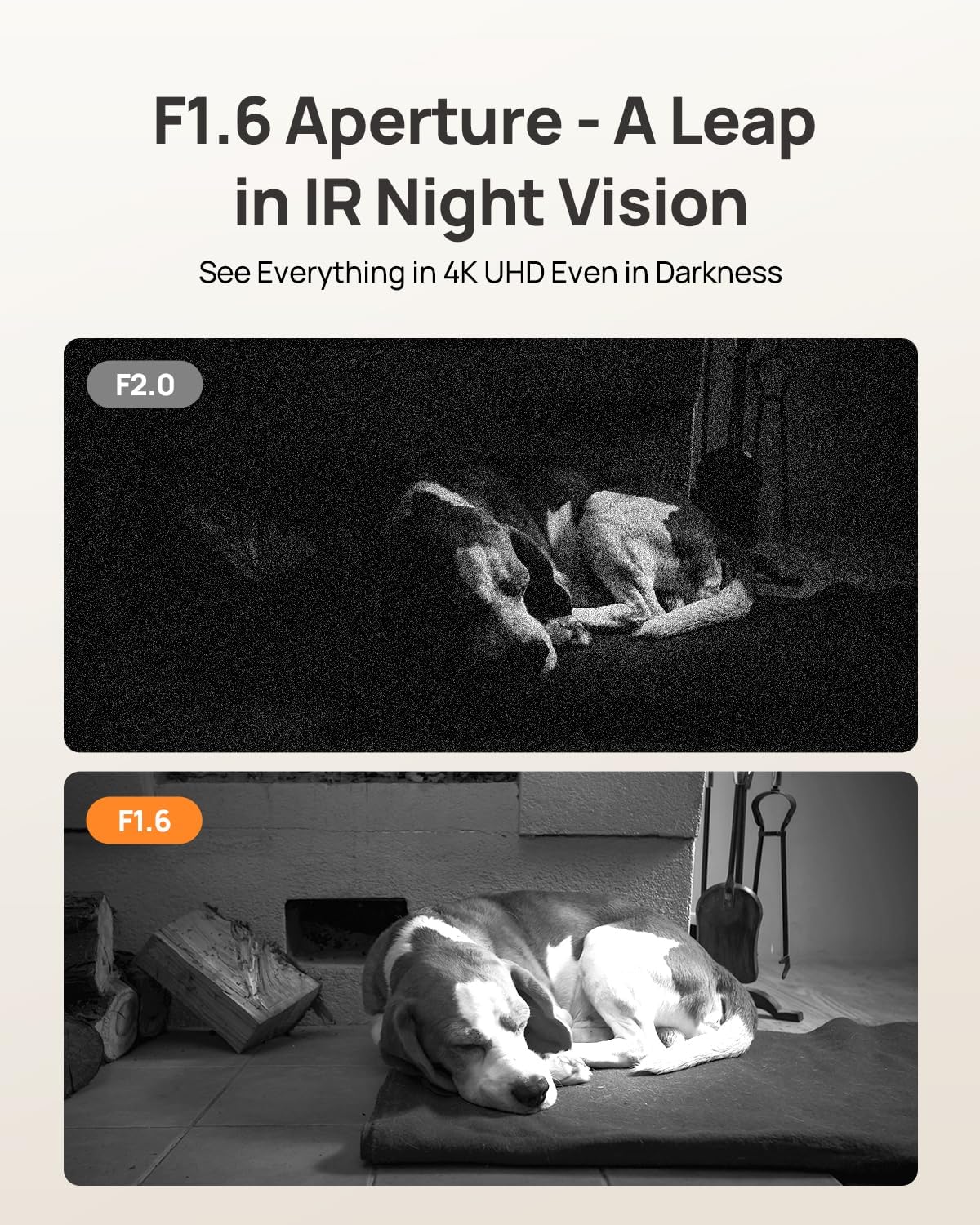
Image: F1.6 aperture provides superior night vision clarity compared to F2.0.
3.8 Ухаалаг гэрийн интеграци
The Anona Pano camera is compatible with Amazon Alexa and Google Assistant. Link your camera through the respective smart home apps to enable voice commands and stream live video to compatible smart displays.
- Example command: "Hey Alexa, show me the Anona Pano camera!"
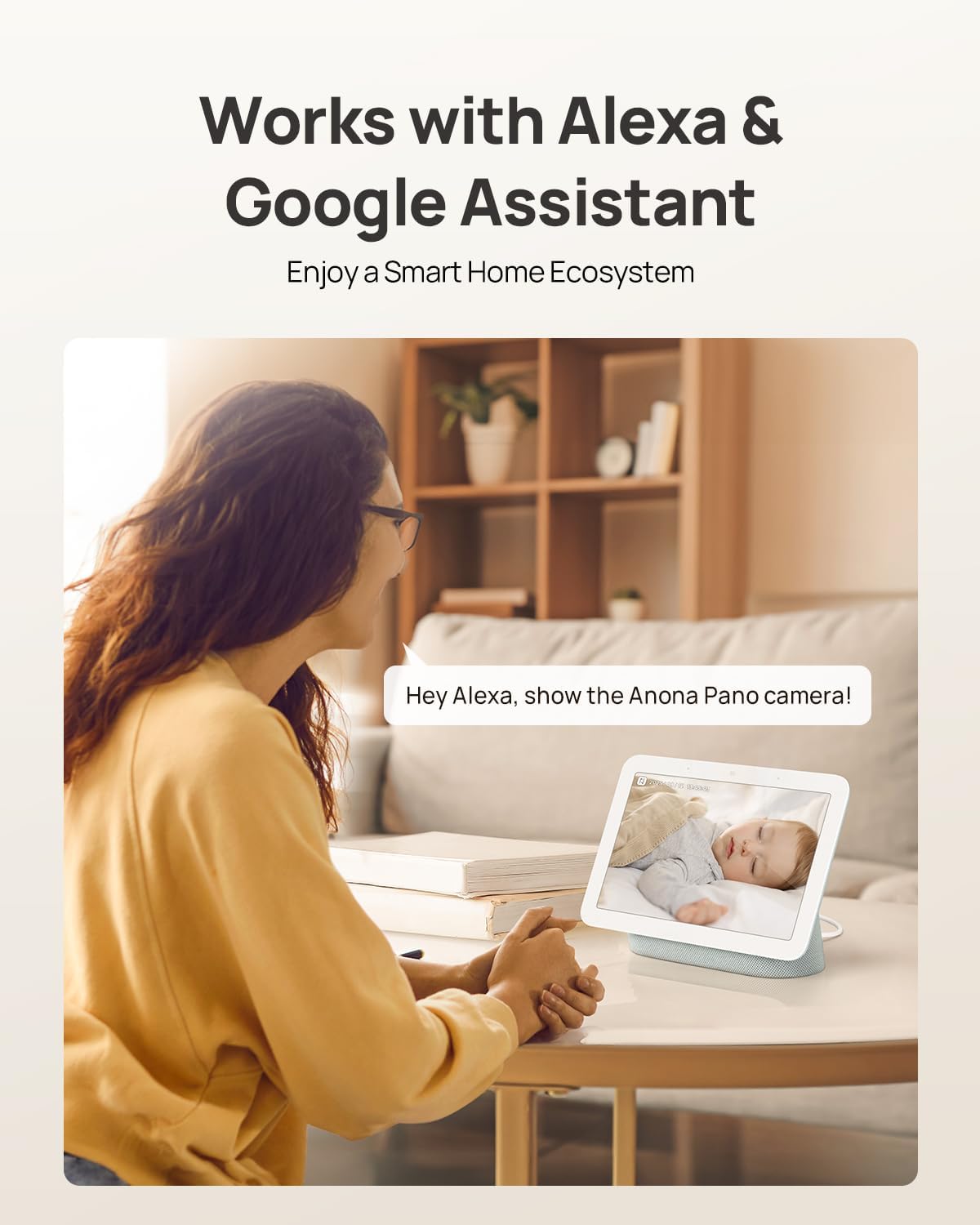
Image: The camera integrates with smart home devices like Amazon Echo Show or Google Nest Hub.
4. Засвар үйлчилгээ
4.1 Камерыг цэвэрлэх
- Цэвэрлэхийн өмнө камер унтарсан эсэхийг шалгаарай.
- Камерын биеийг зөөлөн, хуурай даавуугаар арчих.
- For the lens, use a lens cleaning cloth specifically designed for optics to avoid scratches. Do not use harsh chemicals or abrasive cleaners.
4.2 Програм хангамжийн шинэчлэлтүүд
Regularly check for firmware updates through the Anona App. Updates often include performance improvements, new features, and security enhancements. The app will typically notify you when an update is available and guide you through the process.
4.3 Хадгалалтын менежмент
- MicroSD карт: Үе үе дахинview and back up important recordings from your microSD card. When the card is full, older footage will typically be overwritten.
- Үүл хадгалах сан: Manage your cloud storage subscription and review хадгалсан footage directly through the Anona App.
5. Алдаа засах
5.1 Нийтлэг асуудал ба шийдвэрлэх арга замууд
| Асуудал | Боломжит шалтгаан | Шийдэл |
|---|---|---|
| Камер асахгүй байна | Цахилгаан адаптер холбогдоогүй эсвэл залгуур буруу байна. | Цахилгаан адаптер найдвартай холбогдсон эсэхийг шалгаад өөр залгуурыг туршаад үзээрэй. |
| Wi-Fi-д холбогдох боломжгүй байна | Wi-Fi-н нууц үг буруу, камер чиглүүлэгчээс хэт хол, эсвэл сүлжээний хөндлөнгийн оролцоотой байна. | Verify Wi-Fi password, move camera closer to router, ensure router supports 2.4/5 GHz, and restart router. |
| Видео чанар муу | Weak Wi-Fi signal, dirty lens, or insufficient lighting. | Improve Wi-Fi signal strength, clean the camera lens, ensure adequate lighting or rely on night vision. |
| AI detection not working | Detection settings disabled in app, or objects are out of detection range/angle. | Check and enable detection settings in the Anona App. Adjust camera position for optimal coverage. |
| Хоёр талын аудио холболтын асуудлууд | Microphone/speaker muted in app, or network latency. | Ensure audio settings are enabled in the app. Check network connection for stability. |
| MicroSD карт бичлэг хийхгүй байна | Card not inserted correctly, card full, or card not formatted. | Reinsert card, check storage status in app, format card via app if necessary. Ensure card is compatible (up to 512 GB). |
For further assistance, refer to the Anona App's help section or contact customer support.
6. Бүтээгдэхүүний техникийн үзүүлэлтүүд
| Онцлог | Дэлгэрэнгүй |
|---|---|
| Загварын нэр | Anona Pano |
| Дотор/гадаа ашиглах | Дотор |
| Видео бичлэгийн нягтрал | 4К (8 МП) |
| Оптик томруулалт | 8x |
| Пан өнцөг | 360 градус |
| Налалтын өнцөг | 110 градус |
| Холболтын технологи | Утасгүй (Wi-Fi) |
| Утасгүй холбооны технологи | Bluetooth, Wi-Fi (Dual-Band 2.4/5 GHz Wi-Fi 6) |
| Эрчим хүчний эх үүсвэр | Утастай цахилгаан (5V) |
| Хянагчийн төрөл | App, Remote, Voice (Amazon Alexa, Google Assistant) |
| Суурилуулах төрөл | Tabletop Mount, Freestanding, Ceiling Mount |
| Шөнийн харааны хүрээ | 30 фут |
| Frame Rate | Секундэд 15 кадр |
| Материал | Хуванцар |
| Хэмжээ (L x W x H) | 3.23 x 3.11 x 4.77 инч |
| Зүйлийн жин | 14.9 унц (0.93 фунт) |
| Флэш санах ойн дэмждэг хамгийн дээд хэмжээ | 512 ГБ (Микро SD) |
| Онцлог шинж чанарууд | 2-Way Talk, 2.4/5G WiFi, 355° Pan & 110° Tilt, 4K 8MP Resolution, AI Person/Pet/Cry Detection |
7. Баталгаат хугацаа ба дэмжлэг
7.1 Бүтээгдэхүүний баталгаа
Anona products typically come with a manufacturer's warranty. Please refer to the warranty card included in your product packaging or visit the official Anona website for detailed warranty terms and conditions. Protection plans may also be available for extended coverage.
- Optional 2-Year Protection Plan
- Optional 3-Year Protection Plan
7.2 Хэрэглэгчийн дэмжлэг
If you encounter any issues or have questions regarding your Anona Pano camera, please contact Anona Customer Support. You can usually find contact information (email, phone, or support portal) on the official Anona website or within the Anona App's help section.
Хамгийн сүүлийн үеийн мэдээлэл болон дэмжлэгийн эх сурвалжийг авахыг хүсвэл дараах хаягаар зочилно уу Anona Store on Amazon.


