Танилцуулга
Thank you for choosing the TORRAS Ostand Q3 Air Case for your iPhone 17 Pro Max. This manual provides essential information on the features, installation, operation, and maintenance of your new phone case. Designed with advanced protection and versatile functionality, the Ostand Q3 Air enhances your device experience while ensuring its safety.
Гол онцлогууд
Сайжруулсан хамгаалалт
The Ostand Q3 Air features AirMAX Airbag technology with a 100% air dynamic cushioning structure, providing military-grade drop protection. Raised edges around the screen and camera offer additional defense against scratches and direct impacts.
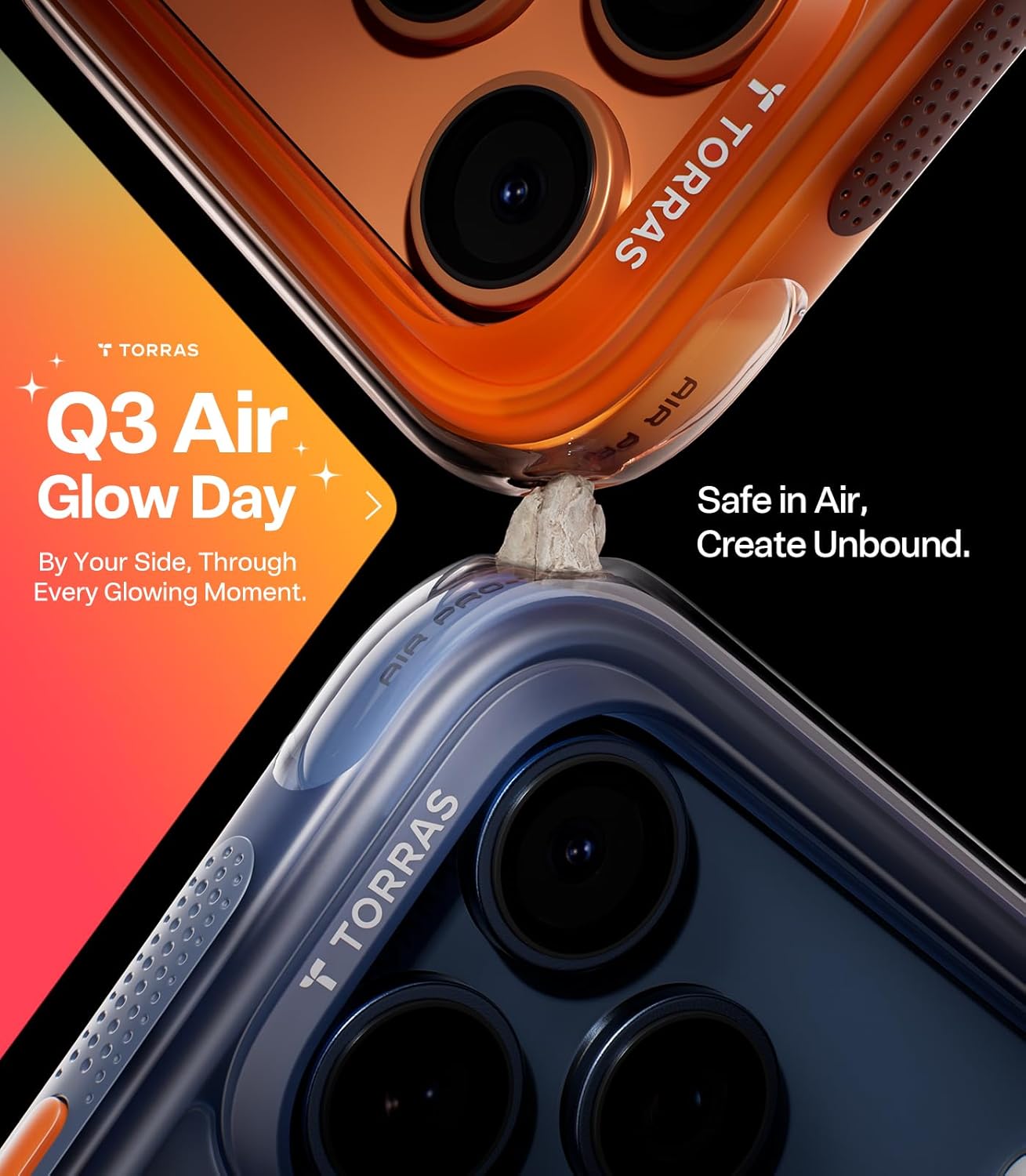
Image: The TORRAS Ostand Q3 Air case showcasing its protective design around an iPhone 17 Pro Max.
360° Rotating Magnetic Stand
The precision-engineered stand rotates smoothly through 360 degrees and clicks securely into any angle. This allows for stable, hands-free viewing in both portrait and landscape orientations, supporting various activities like watching videos, creating content, or video calls.

Image: The TORRAS Ostand Q3 Air case with its integrated stand extended, demonstrating its versatility.
Video: An official TORRAS video demonstrating the versatility and hands-free capabilities of the Ostand Q3 Air case's rotating stand.
Super Magnetic Adhesion
Powered by exclusive Halbach Array technology and premium N52SH neodymium magnets, this case offers up to 200% stronger magnetic force than standard magnets. It ensures a firm, wobble-free connection with MagSafe accessories such as chargers, power banks, and car mounts.

Image: The TORRAS Ostand Q3 Air case highlighting its strong magnetic connection with MagSafe accessories.
Responsive Camera Control Button
An advanced metal layer and conductive interface provide responsive and precise control to your camera buttons. The fully covered design protects without sacrificing sensitivity, maintaining the original click feel with added rebound protection.

Image: A close-up of a finger interacting with the responsive camera control button on the case.
Суулгах гарын авлага
Follow these steps to properly install and remove your TORRAS Ostand Q3 Air Case:
- Суулгахын тулд: Ensure your iPhone 17 Pro Max is clean and free of dust. Align the top edge of your phone with the top of the case, then gently push the phone into the case until all corners are securely seated.
- Устгахын тулд: Starting from one of the top corners, gently peel back the edge of the case. Work your way around the perimeter until the phone can be safely lifted out. Avoid excessive force to prevent damage to the case or phone.
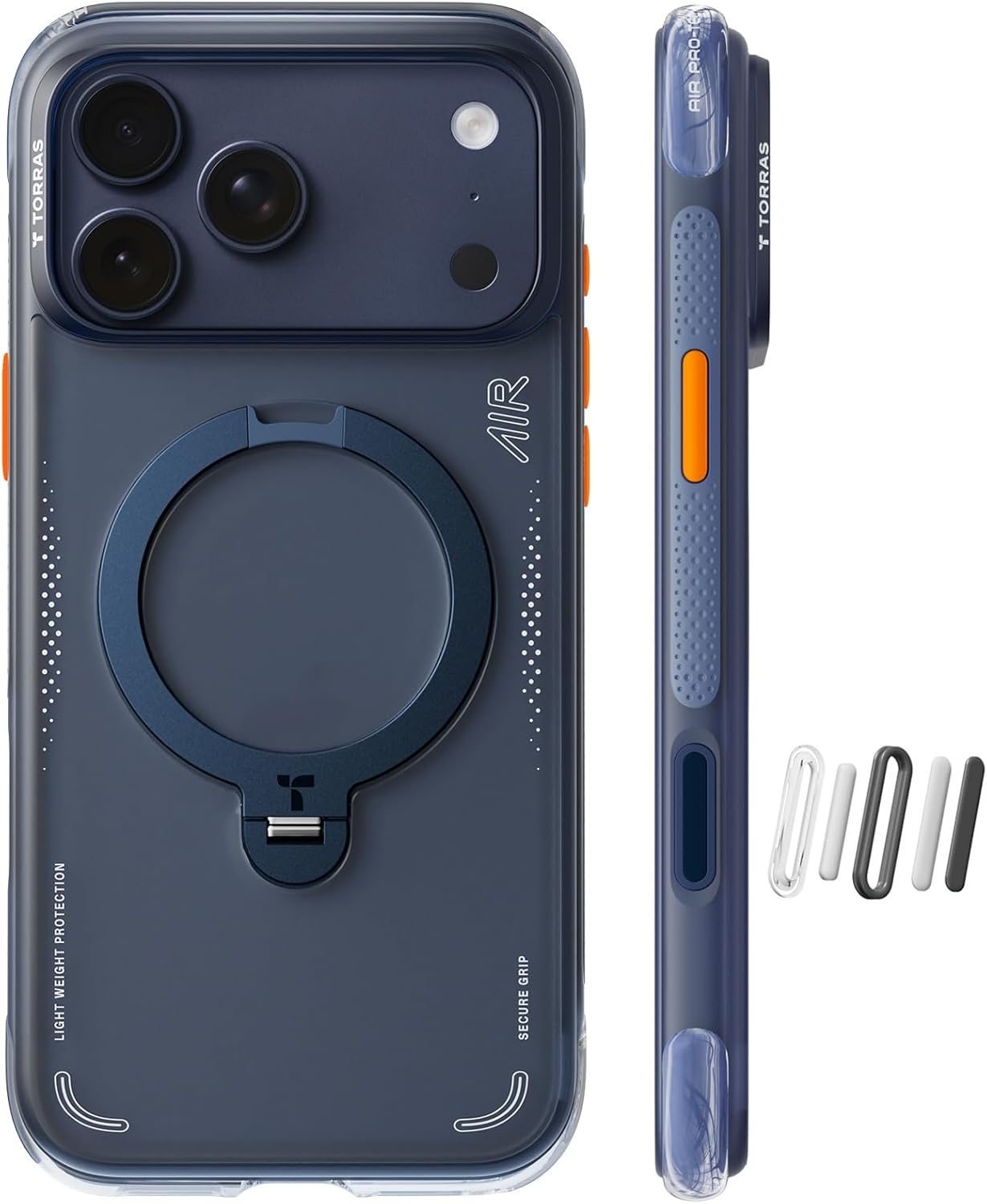
Image: The TORRAS Ostand Q3 Air case, showcasing its design for easy installation on the iPhone 17 Pro Max.
Video: A user demonstrating the installation and initial handling of the TORRAS Ostand Q3 Air case.
Operating Your Case Features
Using the Rotating Stand
To use the integrated stand, gently pull the ring outwards from the back of the case. Rotate it to your desired angle for horizontal or vertical viewing. Push the ring back into its recessed position when not in use.
MagSafe нийцтэй байдал
The case is fully compatible with MagSafe accessories. Simply align your MagSafe charger, wallet, or other accessory with the magnetic ring on the back of the case for a secure attachment.
Camera Button Functionality
The dedicated camera control button on the side of the case provides a tactile and responsive way to activate your iPhone's camera shutter. Press it firmly to capture photos or start/stop video recording.
Арчилгаа, засвар үйлчилгээ
To keep your TORRAS Ostand Q3 Air Case in optimal condition:
- Зөөлөн, d ашиглан гэрийг тогтмол цэвэрлээрэйamp даавуу. Хүчтэй химийн бодис, зүлгүүрийн материалаас зайлсхий.
- Ensure the magnetic stand mechanism is free from debris to maintain smooth operation.
- Avoid prolonged exposure to extreme temperatures or direct sunlight, which may affect the material's integrity.
Алдааг олж засварлах
Stand Not Sticking to Metal Surfaces
Open the stand about 20 degrees and place it flat against the metal surface. Once fully aligned, it should hold firmly. Note that the raised camera bump can affect contact if the stand is not positioned correctly.
Case Color Appears Different from Online Images
Lighting, screen settings, and shooting conditions can cause slight color variations. Please refer to the actual product photos for the most accurate color representation.
Case Feels Slippery at First
The nano-coating on the case helps resist dirt and lint, which also makes the surface smoother for a comfortable everyday grip. With regular use, the grip will naturally become more comfortable and secure.
Бүтээгдэхүүний техникийн үзүүлэлтүүд
| Бүтээгдэхүүний хэмжээс | 0.01 x 0.01 x 0.01 инч |
| Зүйлийн жин | 1.9 унц |
| Тохиромжтой утасны загварууд | iPhone 17 Pro Max |
| Материал | Magnets, Aluminum, PC (Polycarbonate), TPU (Thermoplastic Polyurethane) |
| Онцлог шинж чанарууд | Heavy Duty Protection, Kickstand, Slim Fit, Wireless Charging Compatible |
| Өнгө | Шөнө дундын цэнхэр |
Баталгаат болон дэмжлэг
Your TORRAS Ostand Q3 Air Case is backed by a 180-day worry-free guarantee. TORRAS also offers a 365-day exchange program for various issues.
365-Day Exchange Program
If you encounter any issues such as preferring another color, receiving a used item, stand damage, charging issues, or loose buttons, please contact our support team for a hassle-free exchange. Our support team is available 24/7 to assist you.
Тусламж авахыг хүсвэл зочилно уу TORRAS Store on Amazon эсвэл харилцагчийн үйлчилгээтэй шууд холбогдоно уу.


