1. Танилцуулга
This manual provides essential information for the NIMO 17.3-inch FHD Gaming Laptop, Model N177. It covers the initial setup, operational guidelines, maintenance procedures, troubleshooting tips, and detailed product specifications. Please read this manual thoroughly to ensure proper use and to maximize the lifespan of your laptop.
Багцын агуулга
Upon unpacking your NIMO N177 Laptop, please verify that all items listed below are present:
- 1 x NIMO N177 зөөврийн компьютер
- 1 x Type-C 100W PD хурдан цэнэглэгч
- 1 х хэрэглэгчийн гарын авлага (энэ баримт бичиг)
- Windows 11 Home (урьдчилан суулгасан)
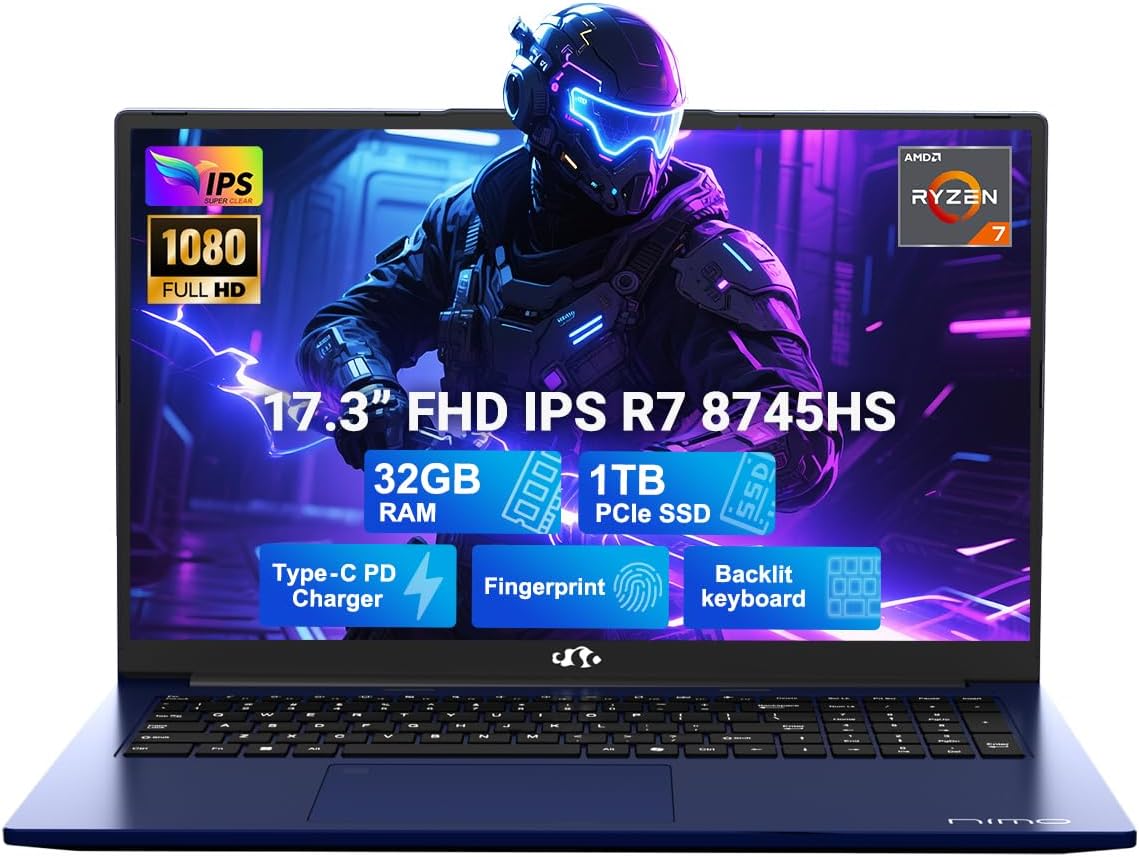
Image 1.1: The NIMO 17.3-inch FHD Gaming Laptop N177, showcasing its 17.3-inch display, 32GB RAM, 1TB SSD, Type-C PD Charger, Fingerprint sensor, and Backlit Keyboard features.
2. Бүтээгдэхүүний онцлог
The NIMO N177 Laptop is designed for performance and user convenience, incorporating several key features:
- Процессор: Equipped with an AMD Ryzen 7 8745HS processor, featuring 8 cores and 16 threads, capable of turbo speeds up to 4.9GHz for efficient handling of demanding tasks.
- График: Integrated AMD Radeon 780M Graphics provide capable visual performance for gaming and content creation.
- Санах ой ба хадгалалт: Features 32GB DDR5 RAM and a 1TB PCIe 4.0 SSD for fast data access and multitasking. The design allows for memory and storage upgrades.
- Дэлгэц: A 17.3-inch Full HD (1920x1080) IPS anti-glare display offers clear visuals with an 85% screen-to-body ratio.
- Цэнэглэж байна: Includes a 100W USB-C Power Delivery (PD) fast charger, providing rapid charging capabilities.
- Аюулгүй байдал, тав тухтай байдал: Integrated fingerprint sensor for secure login and a backlit keyboard for comfortable typing in various lighting conditions.
- Холболт: Multiple ports including USB 2.0, USB 3.0, USB 4.0 Type-C, HDMI, headphone jack, SD card reader, and Kensington Lock slot.
Дэлгэрэнгүй функц дууссанview

Image 2.1: Close-up of the AMD Ryzen 7 8745HS processor, highlighting its 8 cores, 16 threads, 780M iGPU Radeon, and 4.9GHz Precision Boost capabilities.
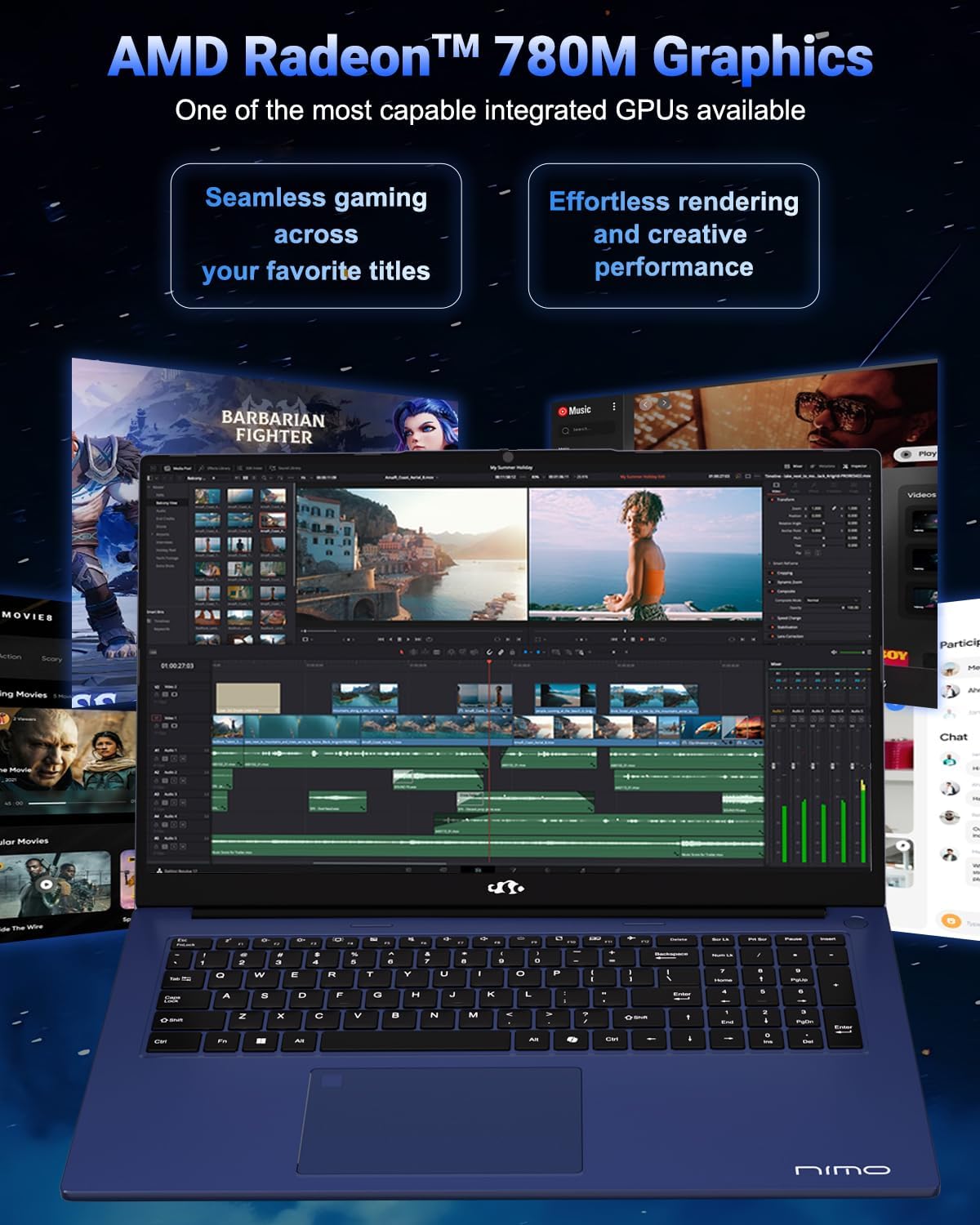
Image 2.2: Visual representation of the AMD Radeon 780M Graphics, illustrating its capacity for seamless gaming and efficient rendering for creative tasks.
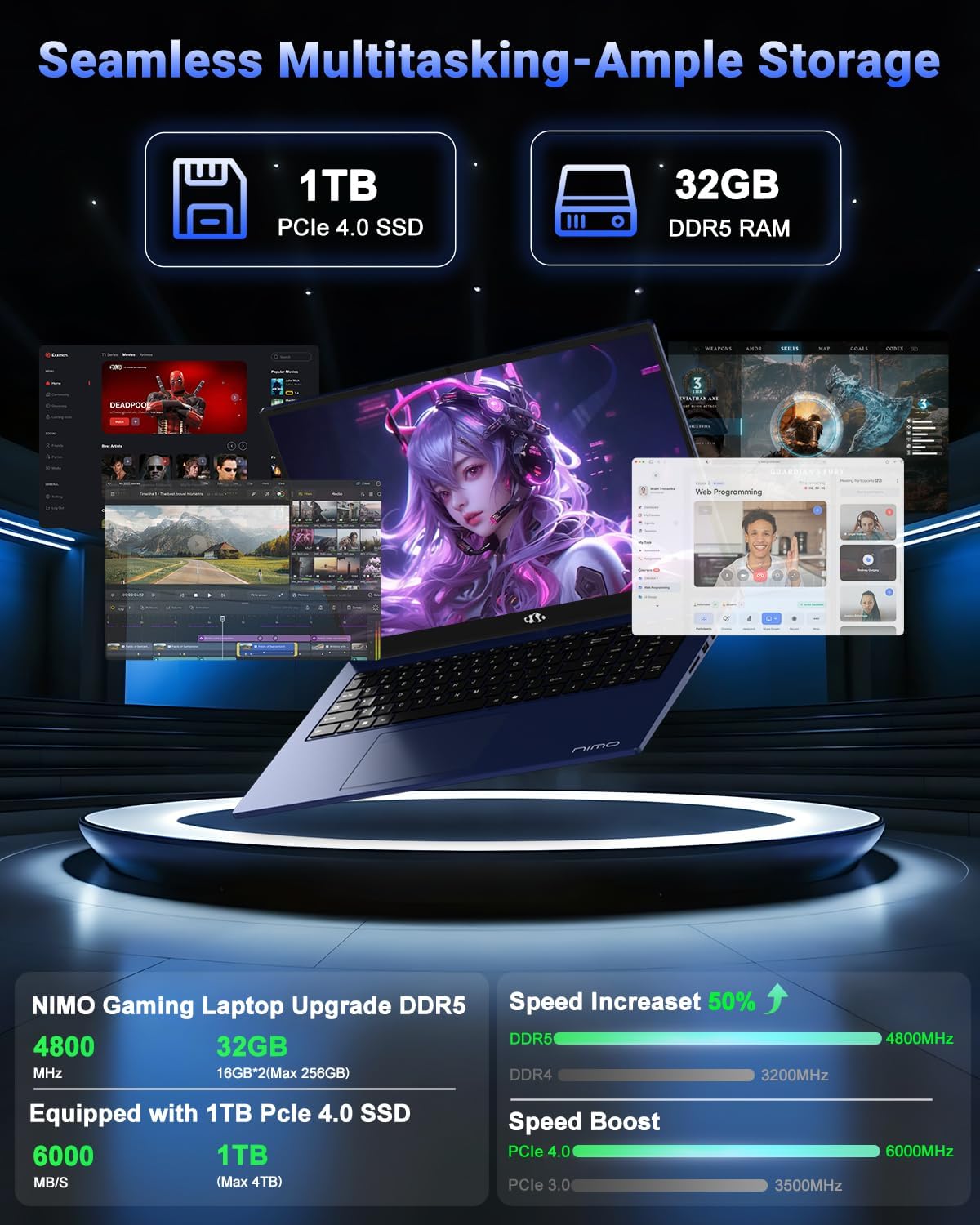
Image 2.3: Depiction of the laptop's 32GB DDR5 RAM and 1TB PCIe 4.0 SSD, emphasizing seamless multitasking and ample storage for various applications and files.

Image 2.4: Illustration of the 100W USB-C fast charger connected to the laptop, highlighting the 75Wh smart battery and its charging efficiency.
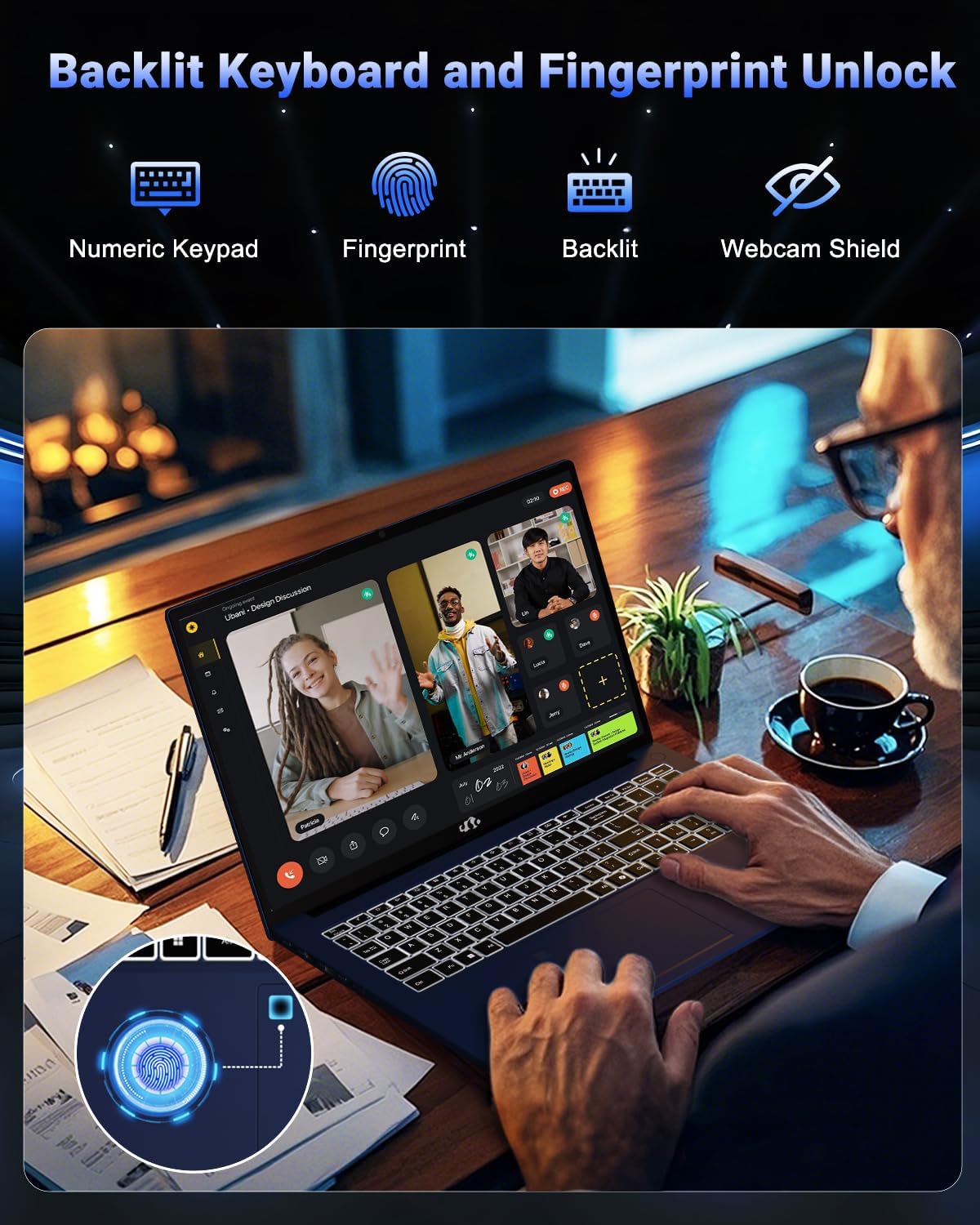
Image 2.5: The backlit keyboard and fingerprint unlock feature, showing the numeric keypad, fingerprint sensor, and webcam shield for enhanced usability and security.
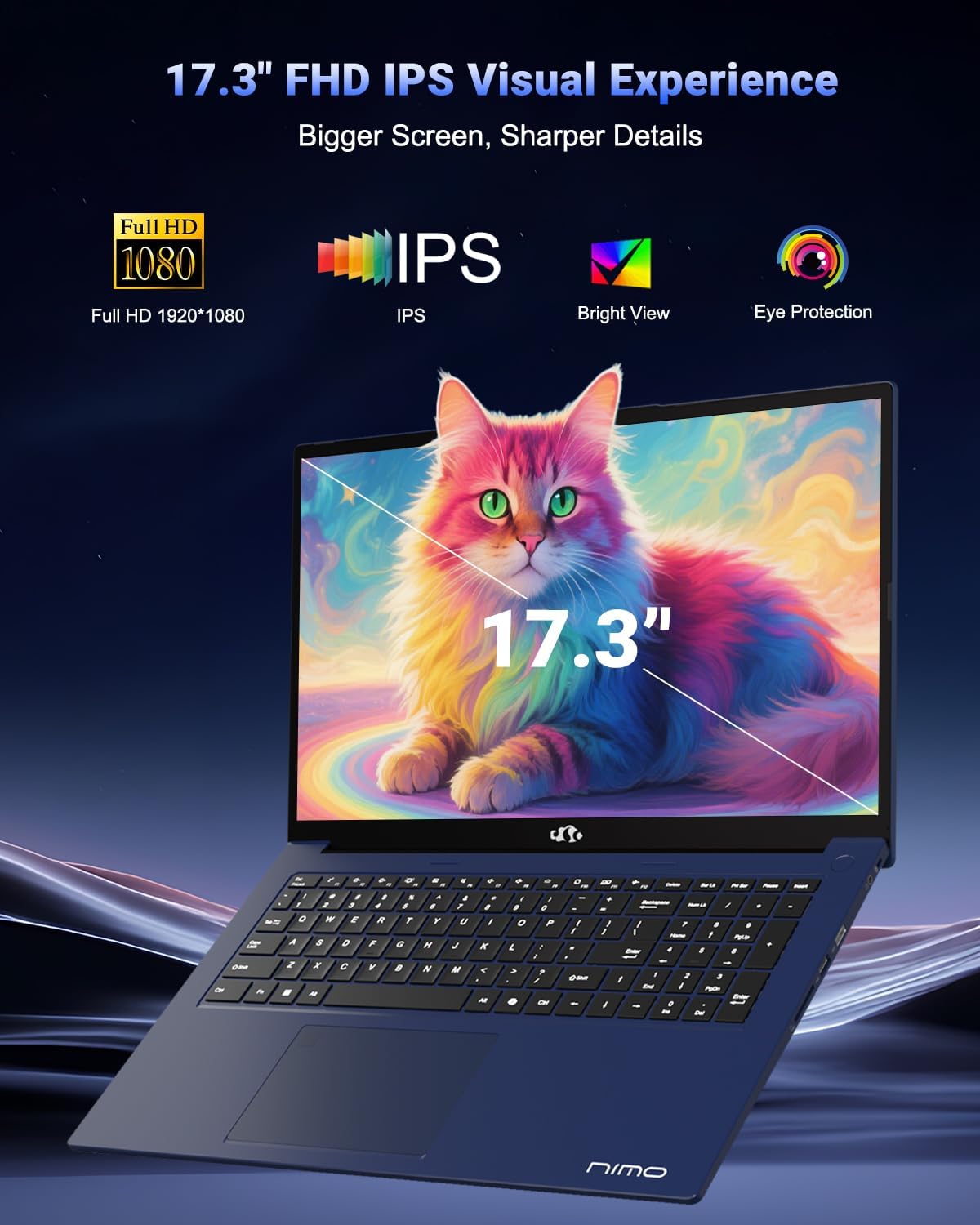
Image 2.6: The 17.3-inch FHD IPS display, emphasizing its larger screen size, sharper details, and eye protection features for an immersive visual experience.
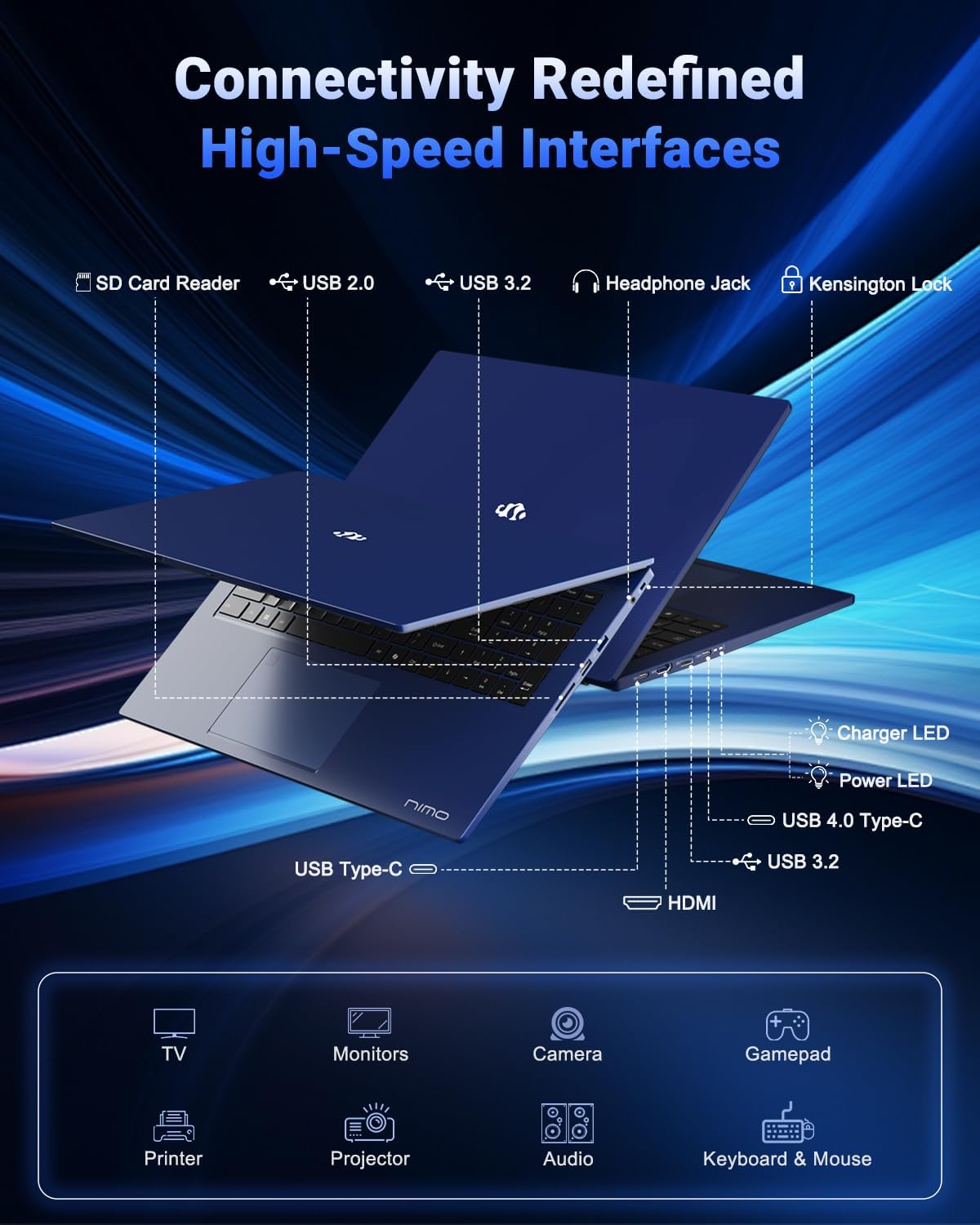
Image 2.7: Diagram illustrating the various high-speed interfaces and connectivity ports available on the NIMO N177 Laptop, including USB, HDMI, and Type-C ports.
3. Тохиргоо
3.1 Анхны цэнэглэлт
Before first use, it is recommended to fully charge your NIMO N177 Laptop. Connect the provided 100W Type-C PD Fast Charger to the laptop's USB-C port and then to a power outlet. The charging indicator light will illuminate. A full charge typically takes approximately 45 minutes, providing several hours of usage.
3.2 Эхний асаалт
Open the laptop lid. Press the power button, usually located on the top right of the keyboard or side. The laptop will boot up, and you will be guided through the initial Windows 11 setup process. Follow the on-screen instructions to configure your language, region, network, and user account.
3.3 Сүлжээний холболт
During the Windows 11 setup, you will be prompted to connect to a Wi-Fi network. Select your preferred network and enter the password. For a wired connection, connect an Ethernet cable (if an adapter is used, as the laptop does not have a built-in Ethernet port) to a USB port.
4. Зөөврийн компьютерээ ажиллуулах
4.1 Гар ба мэдрэгчтэй самбар
The laptop features a full-size keyboard with a numeric keypad and backlighting. To adjust the keyboard backlight, use the dedicated function keys (refer to the keyboard layout for specific key combinations, often Fn + Fx). The precision gesture touchpad supports multi-touch gestures for navigation.
4.2 Хурууны хээ мэдрэгч
The integrated fingerprint sensor allows for quick and secure login. During Windows 11 setup or via Windows Settings > Accounts > Sign-in options, you can set up Windows Hello Fingerprint recognition. Follow the prompts to register your fingerprints.
4.3 Гадаад төхөөрөмжүүдийг холбох
Utilize the available ports to connect peripherals:
- USB портууд: Connect USB drives, external keyboards, mice, or other USB devices.
- USB-C 4.0 порт: Supports data transfer, power delivery, and display output. This port can be used with compatible docking stations or external GPUs (eGPU dock not included).
- HDMI порт: Өргөтгөсөн дэлгэцийн хувьд гадаад дэлгэц эсвэл телевизортой холбогдоно уу.
- Чихэвчний Жак: Чихэвч эсвэл гадаад чанга яригчийг холбоно уу.
- SD карт уншигч: Өгөгдөл дамжуулахын тулд SD картуудыг оруулна уу.
4.4 Дэлгэцийн тохиргоо
To adjust display settings such as resolution, brightness, or to configure multiple monitors, right-click on the desktop and select 'Display settings' or navigate through Windows Settings > System > Display.
5. Засвар үйлчилгээ
5.1 Зөөврийн компьютер цэвэрлэх
To clean the laptop, power it off and disconnect the charger. Use a soft, lint-free cloth slightly dampдэлгэцийг ус эсвэл дэлгэц цэвэрлэгчээр арчина. Гар болон их биений хувьд хуурай эсвэл бага зэрэг хуурай цэвэрлэгч ашиглана ууamp даавуу. Хүчтэй химийн бодис, зүлгүүрийн материалаас зайлсхий.
5.2 Батерейны арчилгаа
Батерейны ашиглалтын хугацааг уртасгахын тулд:
- Хэт их температураас зайлсхий.
- Зайг ойр ойрхон бүрэн цэнэглэж болохгүй.
- Хэрэв та зөөврийн компьютерээ удаан хугацаагаар хадгалах гэж байгаа бол батерейг ойролцоогоор 50-70% цэнэглэсэн эсэхийг шалгаарай.
5.3 Хадгалах сан болон санах ойн шинэчлэлтүүд
The NIMO N177 Laptop features an upgradeable design for both RAM and SSD. If you intend to upgrade, it is recommended to consult a professional or refer to specific upgrade guides to avoid damaging components and potentially voiding your warranty.
6. Алдаа засах
This section addresses common issues you might encounter with your NIMO N177 Laptop.
| Асуудал | Боломжит шийдэл |
|---|---|
| Зөөврийн компьютер асахгүй байна. | Ensure the charger is securely connected and the power outlet is functional. Allow the laptop to charge for at least 30 minutes before attempting to power on again. |
| Дэлгэц хоосон эсвэл анивчих. | Check display cable connections if using an external monitor. Try adjusting screen brightness. Restart the laptop. Update graphics drivers. |
| Зайны ашиглалтын хугацаа хүлээгдэж байснаас богино байна. | Adjust power settings in Windows to a more power-efficient mode. Close unnecessary applications running in the background. Reduce screen brightness. |
| Wi-Fi холболтын асуудал. | Restart your router and the laptop. Ensure Wi-Fi is enabled in Windows settings. Update network drivers. |
| Хурууны хээ мэдрэгч ажиллахгүй байна. | Хуруугаа цэвэр, хуурай байгаа эсэхийг шалгаарай. Windows Hello тохиргоонд хурууны хээгээ дахин бүртгүүлнэ үү. |
If you encounter issues not listed here or if the suggested solutions do not resolve the problem, please contact NIMO customer support for further assistance.
7. Техникийн үзүүлэлтүүд
The following table outlines the technical specifications for the NIMO 17.3-inch FHD Gaming Laptop N177:
| Онцлог | Тодорхойлолт |
|---|---|
| Брэнд | NIMO |
| Загварын нэр | NIMO N177B |
| Байнгын дэлгэцийн хэмжээ | 17.3 инч |
| Хамгийн их дэлгэцийн нягтрал | 1920x1080 Pixels (FHD) |
| Процессор | AMD Ryzen 7 8745HS (up to 4.9 GHz) |
| RAM | 32 ГБ DDR5 (4800 МГц) |
| Хатуу диск | 1024 ГБ SSD (PCIe 4.0) |
| График процессор | AMD Radeon 780M (Нэгдсэн) |
| Үйлдлийн систем | Windows 11 Нүүр хуудас |
| Утасгүй төрөл | 802.11a/b/g/n/ac |
| USB 2.0 портууд | 1 |
| USB 3.0 портууд | 3 |
| USB 4.0 Type-C портууд | 1 (with PD and DisplayPort support) |
| HDMI порт | 1 |
| Батерейны дундаж хугацаа | 6 Hours (75Wh battery) |
| Зүйлийн жин | 3.84 фунт |
| Бүтээгдэхүүний хэмжээ (LxWxH) | 15.66 x 9.99 x 0.74 инч |
| Онцлог шинж чанарууд | Арын гэрэлтүүлэгтэй гар, хурууны хээ уншигч, HD аудио, тоон товчлуур |
8. Баталгаат хугацаа ба дэмжлэг
8.1 Баталгаат хугацааны мэдээлэл
Your NIMO N177 Laptop is covered by a 2 жилийн баталгаат хугацаа provided by NIMO Direct Inc. This warranty covers manufacturing defects and ensures support for your product.
8.2 Буцаах бодлого
NIMO санал болгож байна 90 хоногийн буцаах бодлого from the date of purchase. Please refer to the terms and conditions of your purchase for detailed return instructions.
8.3 Хэрэглэгчийн дэмжлэг
For any technical assistance, warranty claims, or product-related inquiries, please contact NIMO's dedicated support team. Contact information can typically be found on the official NIMO website or through your purchase platform. Our support team is available to provide solutions and ensure a satisfactory experience.


