Танилцуулга
This manual provides instructions for the Nulea RT07B Wireless Ergonomic Keyboard. Designed for comfort and efficiency, this keyboard features a split layout, integrated wrist rest, and versatile connectivity options to enhance your typing experience across multiple devices.
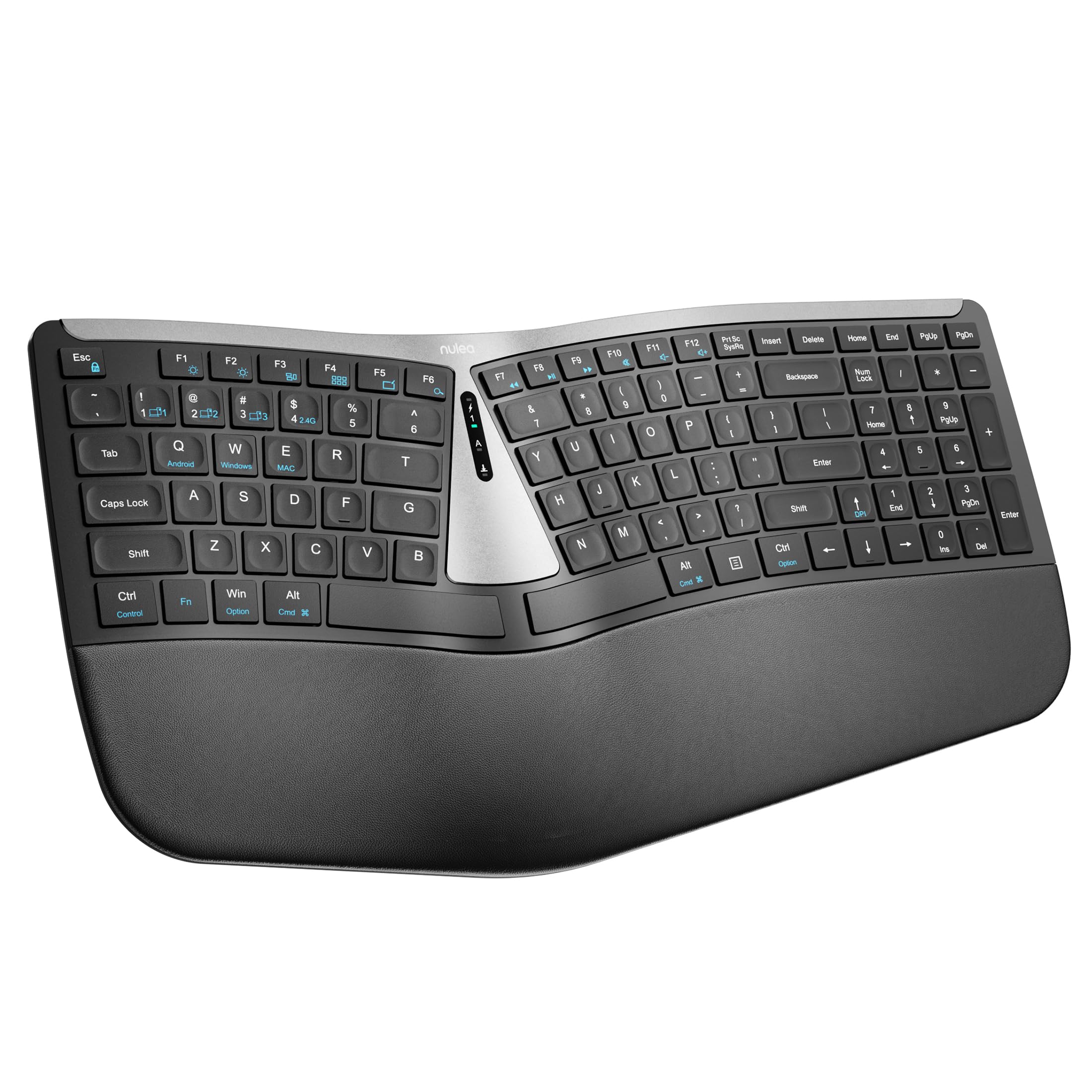
Figure 1: Nulea RT07B Wireless Ergonomic Keyboard
Тохиргоо
Багцын агуулга
- Nulea RT07B Wireless Ergonomic Keyboard
- USB 2.4G Receiver (stored in the keyboard's underside)
- USB-C цэнэглэгч кабель
- Хэрэглэгчийн гарын авлага (энэ баримт бичиг)
Гарыг цэнэглэж байна
The Nulea RT07B keyboard is equipped with a rechargeable battery. To charge, connect the provided USB-C cable to the keyboard's USB-C port and to a power source (e.g., computer USB port, USB wall adapter). A full charge typically takes 2-3 hours and provides approximately 200 hours of standby time.

Зураг 2: USB-C цэнэглэх порт
Холболтын сонголтууд
The keyboard supports dual-mode wireless connectivity: 2.4G wireless via a USB receiver and Bluetooth. It can connect to up to three devices simultaneously (one 2.4G and two Bluetooth devices).
2.4G утасгүй холболт
- Locate the USB 2.4G receiver stored in the compartment on the underside of the keyboard.
- USB хүлээн авагчийг компьютер дээрээ байгаа USB порт руу холбоно уу.
- Turn on the keyboard using the ON/OFF switch located on the top center of the keyboard.
- The keyboard should automatically connect to your device. If not, press fn+4 2.4G горимд шилжих.
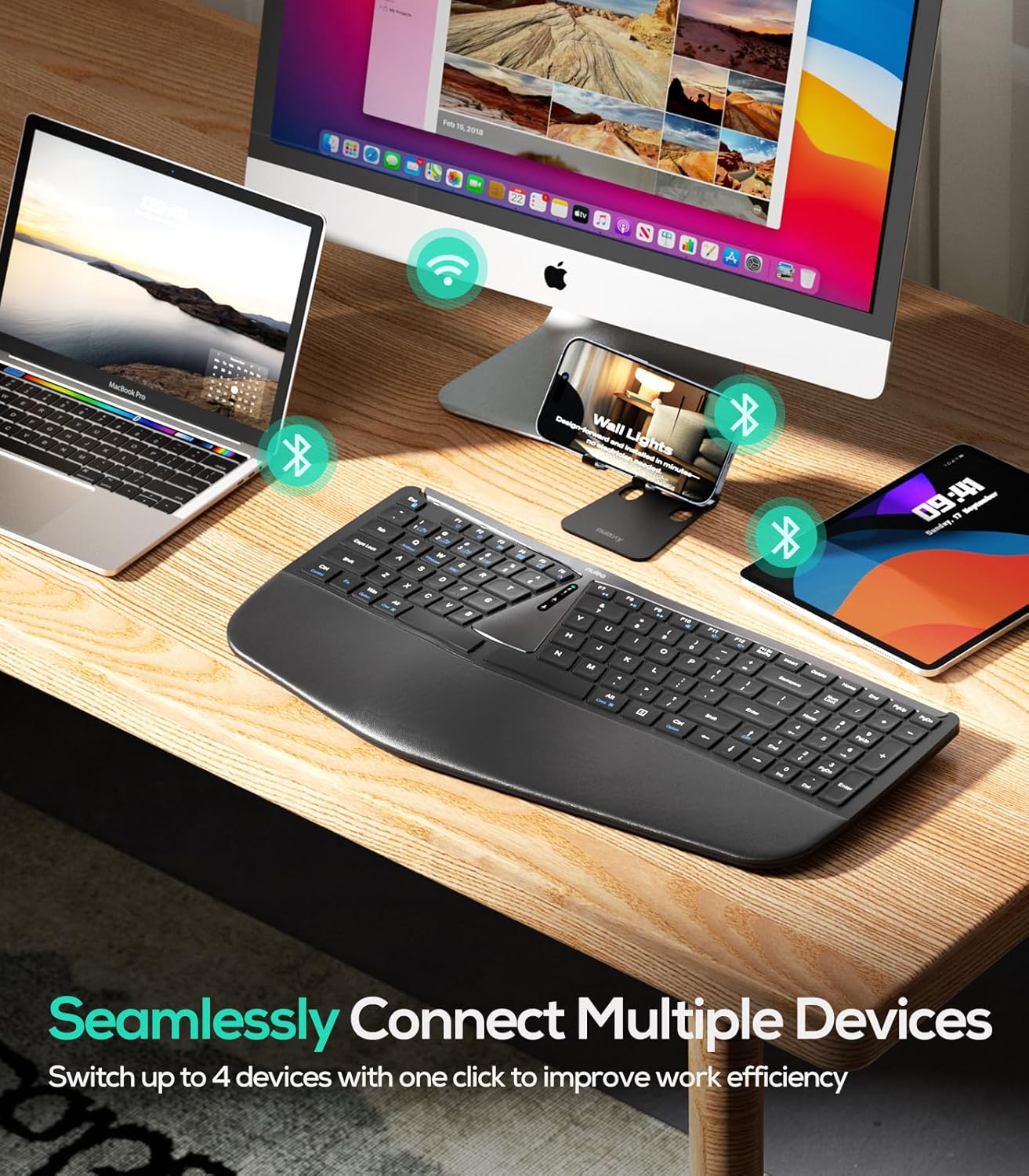
Зураг 3: Олон төхөөрөмжийн холболт
Bluetooth холболт (BT1 / BT2)
- ON/OFF товчлуурыг ашиглан гарыг асаана уу.
- дарна уу fn+1 or fn+2 to select a Bluetooth channel (BT1 or BT2). The corresponding indicator light will flash.
- Дарж удаан дарна уу fn+1 (эсвэл fn+2) for 3 seconds until the indicator light flashes rapidly, indicating pairing mode.
- On your device (computer, tablet, smartphone), enable Bluetooth and search for "Nulea RT07B".
- Select the keyboard from the list of available devices to complete pairing.
- To switch between connected Bluetooth devices, simply press fn+1 or fn+2.
Ашиглалтын заавар
Эргономик дизайн ба тав тух
The Nulea RT07B features a split keyboard layout and a comprehensive palm rest designed to promote a natural typing posture. This reduces forearm muscle twisting and wrist strain, contributing to long-term comfort.

Figure 4: Natural Hand Position on Split Keyboard
The integrated palm rest is made with soft material, providing excellent support for your wrists during extended use.

Figure 5: Integrated Palm Rest
Тохируулах боломжтой хазайлттай хөл
The keyboard includes adjustable tilt legs on both the front and back. These can be used to customize the typing angle for optimal wrist comfort. Raising the front legs can create a negative tilt, which some users find more ergonomic by allowing wrists to remain in a more neutral position.

Figure 6: Adjustable Tilt Legs for Customized Angle
Scissor-Switch Keys
The keyboard utilizes scissor-switch keys, which provide stable, responsive, and quiet typing. This design ensures even pressure distribution and a comfortable tactile feedback with each keystroke.
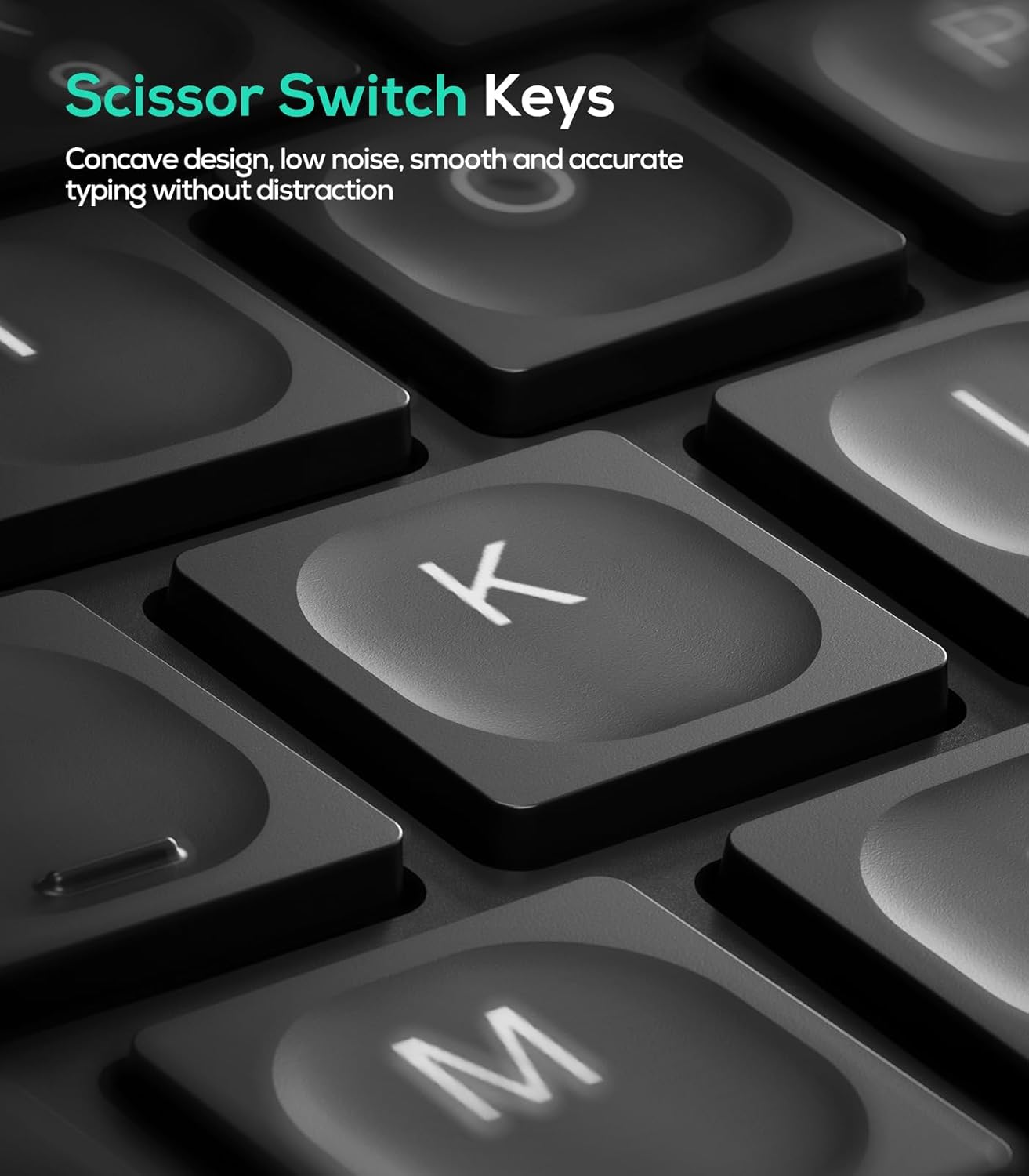
Зураг 7: Хайч-шилжүүлэгч түлхүүрийн механизм
Үйлдлийн системийн нийцтэй байдал
The Nulea RT07B keyboard is compatible with Windows and Mac operating systems. Dedicated keys for Windows (Win) and Mac (Option, Cmd) functions are clearly marked on the keyboard.
Функцийн товчлуурууд
The top row of keys (F1-F12) includes multimedia and shortcut functions. These functions can be accessed directly or by pressing the Fn товчлуурыг хүссэн функцийн товчлууртай хослуулна.
Засвар үйлчилгээ
To ensure the longevity and optimal performance of your Nulea RT07B keyboard, follow these maintenance guidelines:
- Цэвэрлэгээ: Зөөлөн, хөвөнгүй даавууг бага зэрэг хэрэглээрэй dampГарны гадаргууг ус эсвэл зөөлөн цэвэрлэгээний уусмалаар арчина. Хүчтэй химийн бодис эсвэл зүлгүүрийн материалаас зайлсхий.
- Тоос арилгах: Товчлуурын хоорондох тоос, хог хаягдлыг арилгахын тулд шахсан агаарыг ашиглана.
- Батерейны арчилгаа: Recharge the keyboard when the battery indicator is low. Avoid fully discharging the battery frequently to prolong its lifespan.
- Хадгалах: Удаан хугацаагаар ашиглаагүй үед гарыг сэрүүн, хуурай газар хадгална уу.
Алдааг олж засварлах
| Асуудал | Боломжит шалтгаан | Шийдэл |
|---|---|---|
| Keyboard not responding (2.4G) | USB receiver not properly connected; low battery; incorrect mode selected. | Ensure USB receiver is securely plugged in. Charge the keyboard. Press fn+4 to select 2.4G mode. |
| Гар хариу өгөхгүй байна (Bluetooth) | Not paired; out of range; low battery; incorrect Bluetooth channel selected. | Ensure keyboard is in pairing mode (Fn + 1/2 held for 3s). Check device's Bluetooth settings. Charge the keyboard. Press fn+1 or fn+2 to select the correct channel. |
| Keys feel unresponsive or sticky | Accumulated dust or debris under keys; low battery. | Clean the keyboard using compressed air. Charge the keyboard. |
| Caps Lock indicator light turns off quickly | Designed behavior to conserve battery. | This is normal operation. The Caps Lock function remains active even if the light turns off. |
Үзүүлэлтүүд
- Загвар: RT07B
- Холболт: 2.4G Wireless, Bluetooth (BT1, BT2)
- Гарны төрөл: Ergonomic Split, Membrane, Scissor-Switch
- Тохиромжтой байдал: Windows, Mac, Laptops, PCs, Tablets, Smartphones
- Эрчим хүчний эх үүсвэр: USB-C цэнэглэдэг батерей
- Зайны хугацаа: Up to 200 hours (standby)
- Материал: Хуванцар эсвэл силикон
- Барааны жин: 2.66 фунт
- Хэмжээ: 17.76 x 9.8 x 2.09 инч
- Оруулсан бүрэлдэхүүн хэсгүүд: Дал модны амрах
Бүтээгдэхүүний албан ёсны видео
Видео 1: Дууслааview of the Nulea RT07B Wireless Ergonomic Keyboard, demonstrating its features and ergonomic design.
Баталгаат болон дэмжлэг
Nulea offers a 12-month hassle-free replacement warranty for this product. For support or warranty claims, please refer to the contact information provided in your product packaging or visit the official Nulea webсайт.
Official Nulea Webсайт: www.nulea.com


