Танилцуулга
This instruction manual provides detailed guidance for setting up and operating your LOUTOC Universal TV Remote Control, Model SRP9232D. This remote is designed to control a wide range of electronic devices, including televisions, DVD/Blu-ray players, soundbars, and streaming media players. Please read this manual thoroughly to ensure proper use and to maximize your remote control's functionality.
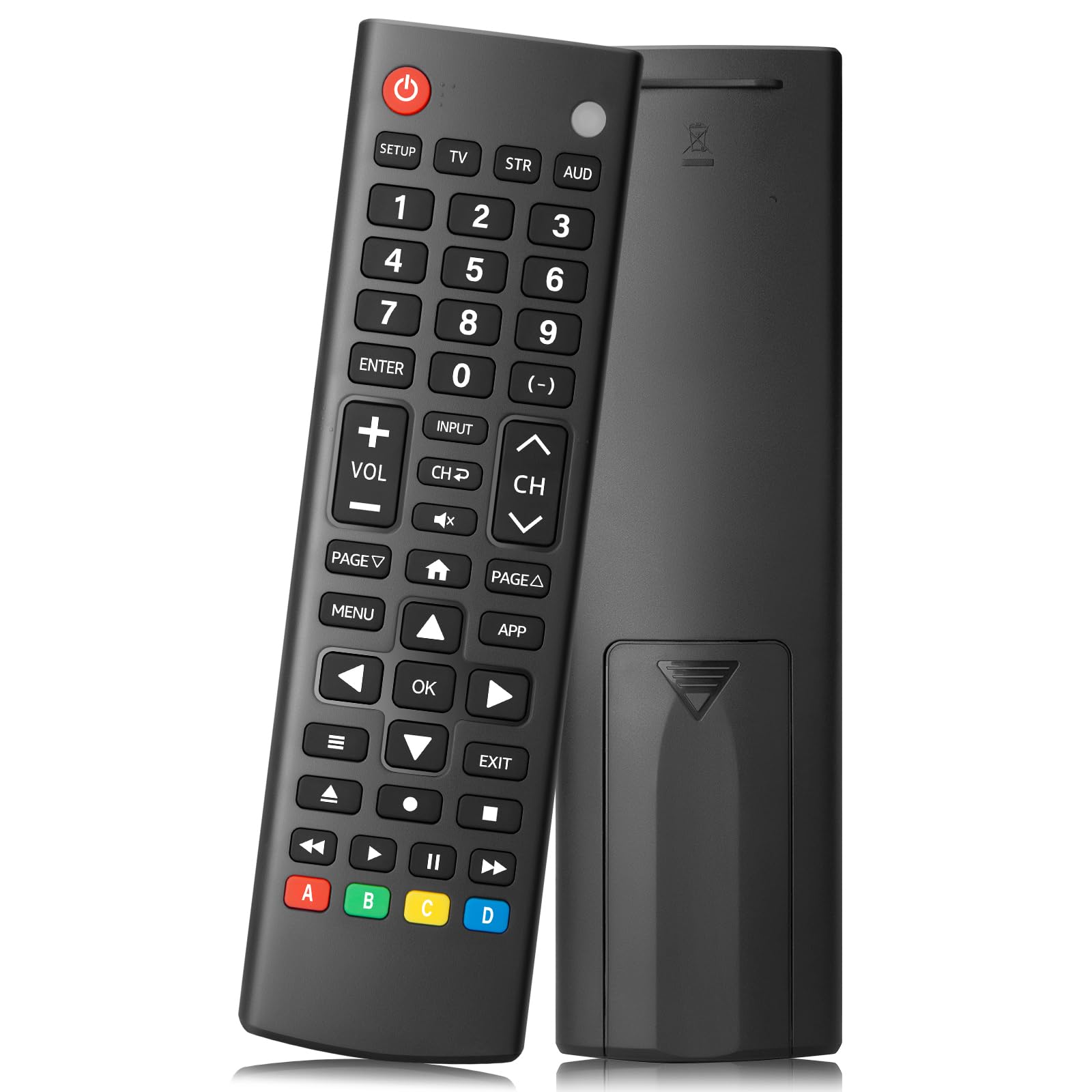
Image: The LOUTOC Universal TV Remote Control, Model SRP9232D.
Бүтээгдэхүүний онцлог
- Нийтэд нийцтэй байдал: Controls over 5 types of devices, including TVs, DVD/Blu-ray players, soundbars, streaming media players, and set-top boxes.
- Wide Brand Support: Compatible with major TV brands such as Samsung, LG, Hisense, TCL, Vizio, Sony, Onn, Toshiba, Philips, Element, Westinghouse, Sharp, Emerson, Sanyo, RCA, and more. Also supports audio/video brands like Sony, LG, Panasonic, Samsung, Bose, Vizio.
- Өргөтгөсөн хүрээ: Operates effectively up to 26 feet (approximately 8 meters).
- Шуурхай хариу: Features a 0.2-second fast response time for immediate command execution.
- Бат бөх дизайн: Tested for over 50,000 presses, ensuring long-lasting durability.
- Эрчим хүчний эх үүсвэр: 2 ААА батерей шаарддаг (оруулаагүй болно).
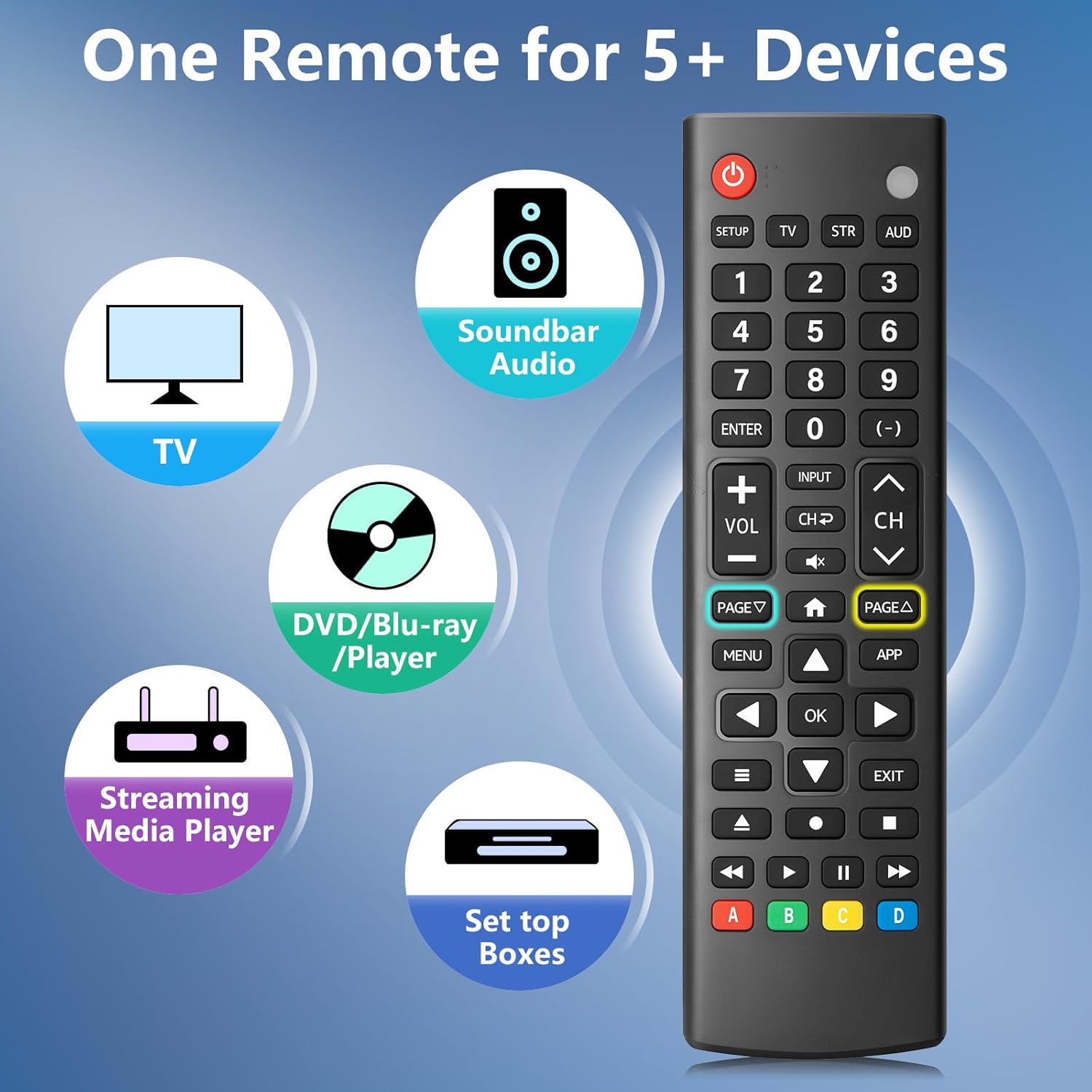
Image: The remote control is capable of operating multiple device types, including TV, Soundbar Audio, DVD/Blu-ray Player, Streaming Media Player, and Set Top Boxes.
Тохируулах заавар
1. Зай суурилуулах
Before using the remote control, install two new 1.5V AAA batteries. Ensure correct polarity (+/-) when inserting the batteries. Do not mix old and new batteries or different battery brands.
2. Хослох аргууд
The remote control offers two methods for pairing with your devices:
1-р арга: Кодыг гараар оруулах
- Locate your device's specific 4-digit code in the provided CODE LIST.
- -г удаан дар ТОХИРУУЛГА button on the remote until the remote's red indicator light turns on.
- Press and release the corresponding device button (e.g., TV, STR, AUD) for the device you wish to control.
- Enter the 4-digit code for your device using the number buttons. The red light will turn off after the code is entered.
- Point the remote at the device and test the buttons. If the buttons do not function as expected, repeat steps 2-5 using the next code listed for your device until proper functionality is achieved.
Method 2: Automatic Pairing
For automatic pairing, please refer to pages 8-9 of the physical user manual included with your product for detailed instructions. This method automatically scans for compatible codes.

Image: Visual guide for Method 1 (Manual Code Entry) and a reference to Method 2 (Automatic Pairing) in the manual.
Ашиглалтын заавар
Once paired, your LOUTOC Universal TV Remote Control can operate your devices using its various buttons. Below is a general overview товчлуурын нийтлэг функцүүдийн дунд:

Image: Labeled diagram of the remote control, highlighting each button and its corresponding function.
- Цахилгаан товч: Turns devices ON/OFF.
- Тоон товчлуурууд (0-9): Enter numbers for direct channel selection or code entry.
- OK товчлуур: Сонголтыг баталгаажуулах эсвэл цэс рүү орно.
- Чиглэлийн дэвсгэр (дээш/доошоо/зүүн/баруун): Navigates on-screen menus and selections.
- Дууны хэмжээг нэмэгдүүлэх/доошруулах: Дууны түвшнийг тохируулна.
- Суваг дээш/доошоо: Телевизийн сувгийг өөрчилдөг.
- Дууг хаах товч: Дууны дууг хаах эсвэл нээнэ.
- Оруулах товч: Selects video input sources.
- Цэсийн товчлуур: Displays the on-screen menu.
- APP Button: Quick access to popular streaming applications (e.g., Netflix, YouTube).
- Тоглуулах удирдлага (Тоглуулах, Түр зогсоох, Зогсоох, Буцаах, Хурдан урагшлуулах): Controls media playback on compatible devices.
- Өнгөт товчлуурууд (A, B, C, D): Provide additional features for DVRs, cable, and satellite receivers, depending on the device.
Тохиромжтой байдал
The LOUTOC Universal TV Remote Control is designed for broad compatibility:
Тохиромжтой ТВ брэндүүд:
- Samsung, LG, Hisense, TCL, Vizio, Sony, Onn, Toshiba, Philips, Element, Westinghouse, Sharp, Emerson, Sanyo, RCA, and others.
Compatible Other Devices:
- DVD Players, Blu-ray Players, Soundbars, Streaming Media Players, Set Top Boxes, DVRs, VCRs, Audio Devices.
- Supported brands include Sony, LG, Panasonic, Samsung, Bose, Vizio, and others.

Image: The remote control is compatible with numerous TV brands, including Samsung, LG, Hisense, TCL, Sony, Vizio, Onn, Toshiba, and Philips.
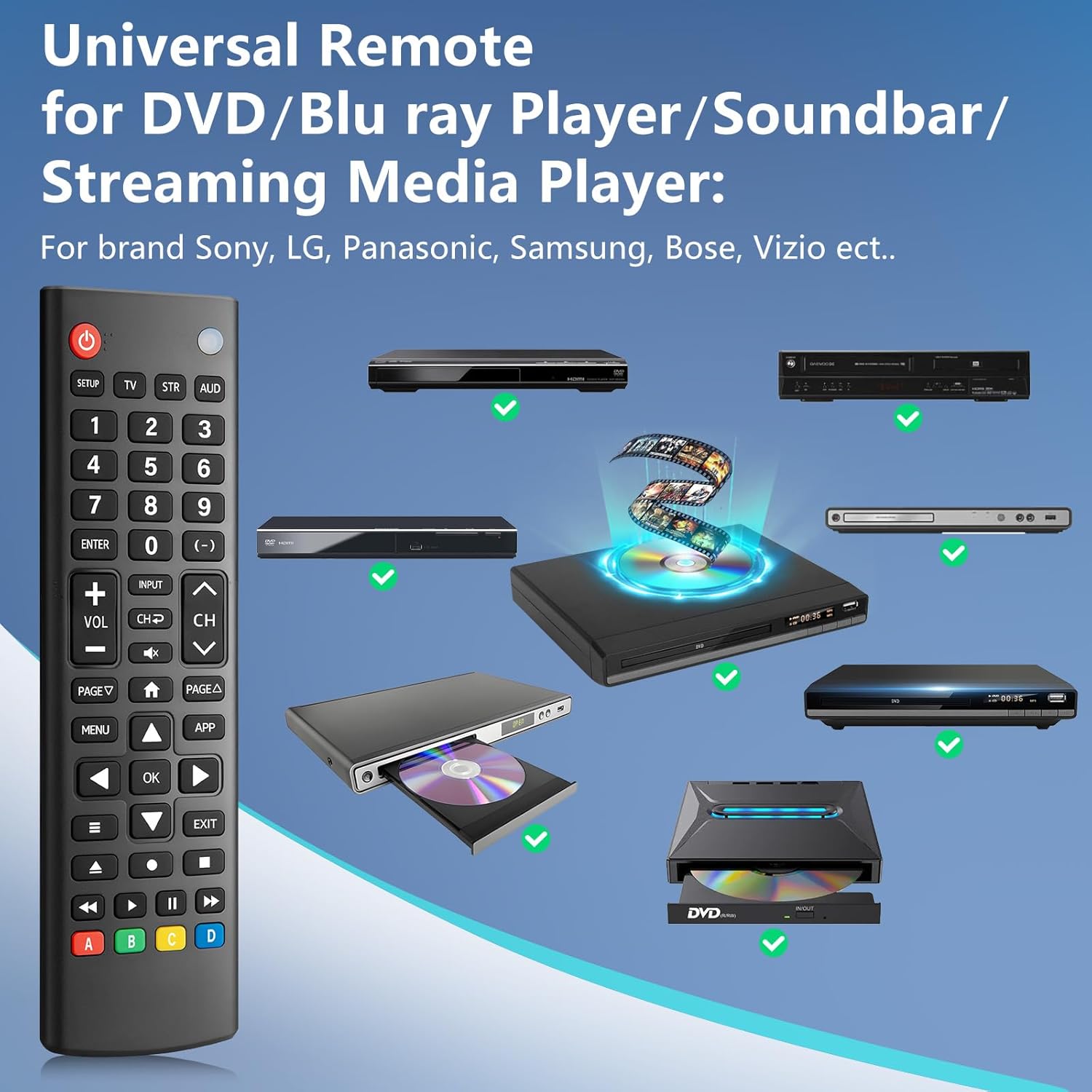
Image: The remote control is compatible with various DVD/Blu-ray players, soundbars, and streaming media players from brands like Sony, LG, Panasonic, Samsung, Bose, and Vizio.
Алдааг олж засварлах
If you encounter issues with your LOUTOC Universal TV Remote Control, try the following steps:
- Алсын удирдлага хариу өгөхгүй байна: Ensure fresh AAA batteries are correctly installed. Check if the remote's red indicator light flashes when a button is pressed.
- Төхөөрөмж хариу өгөхгүй байна: Verify that the remote is pointed directly at the device's IR receiver. Ensure there are no obstructions between the remote and the device.
- Буруу функциональ байдал: If buttons perform incorrect actions, re-attempt the pairing process (Method 1 or Method 2) using a different code from the CODE LIST for your specific device.
- Хязгаарлагдмал функциональ байдал: Some advanced or brand-specific functions may not be supported by a universal remote.
- хөндлөнгийн оролцоо: Бусад төхөөрөмжүүд хэт улаан туяаны хөндлөнгийн оролцоо үүсгэж байгаа эсэхийг шалгаарай.
Үзүүлэлтүүд
| Бүтээгдэхүүний хэмжээс | 6.7 x 1.8 x 0.7 инч |
| Зүйлийн жин | 2.08 унц |
| Загварын дугаар | SRP9232D |
| Брэнд | LOUTOC |
| Онцлог шинж чанар | Ergonomic, Lightweight, Universal |
| Дэмжигдсэн төхөөрөмжүүдийн хамгийн их тоо | 1 (at a time, configured for specific device type) |
| Тохиромжтой төхөөрөмжүүд | DVD/Blu-ray Player, Set Top Box, Television |
Бүтээгдэхүүний албан ёсны видео
Видео: Дууслааview of the LOUTOC Universal TV Remote Control, highlighting its compatibility with various brands like Samsung, LG, Hisense, and TCL.
Баталгаат болон дэмжлэг
For warranty information or technical support, please refer to the contact details provided with your product packaging or visit the official LOUTOC webсайт. Баталгаат зардлаа авахын тулд худалдан авалтын баримтаа хадгална уу.


