Танилцуулга
This manual provides essential information for the NIMO 15.6-inch Light Gaming Laptop N15A. It covers setup, operation, maintenance, troubleshooting, and product specifications. Please read this manual thoroughly before using your new laptop to ensure proper function and longevity.

Image: NIMO 15.6-inch Light Gaming Laptop N15A, showcasing нь бүрэн дэлгэц болон гартай.
Багцын агуулга
Verify that all items listed below are present in your product packaging. If any items are missing or damaged, please contact NIMO customer support.
- 1 x NIMO N15A зөөврийн компьютер
- 1 x Type-C 100W PD хурдан цэнэглэгч
- 1 х хэрэглэгчийн гарын авлага
- Windows 11 Home үйлдлийн систем (урьдчилан суулгасан)
Бүтээгдэхүүн дууссанview
The NIMO N15A laptop is designed for balanced performance, featuring an AMD Ryzen 7 Pro 6850U processor, 32GB LPDDR5 RAM, and a 1TB PCIe 4.0 SSD. It includes a 15.6-inch Full HD IPS display, a backlit keyboard, and an integrated fingerprint reader for secure access.
Гол онцлогууд:
- Процессор: AMD Ryzen 7 Pro 6850U with 8 Cores and 16 Threads, up to 4.7GHz.
- График: Integrated AMD Radeon 680M GPU.
- Санах ой: 32GB LPDDR5 RAM for efficient multitasking.
- Хадгалах: 1TB PCIe 4.0 SSD for fast boot times and data access.
- Дэлгэц: 15.6-inch Full HD (1920x1080) IPS Anti-Glare Display.
- Цэнэглэж байна: 100W USB-C Power Delivery fast charging.
- Аюулгүй байдал: Integrated fingerprint reader for secure login.
- Гар: Backlit keyboard for use in various lighting conditions.

Image: Visual representation of the AMD Ryzen 7 Pro 6850U processor's core and thread count, and turbo boost speed.
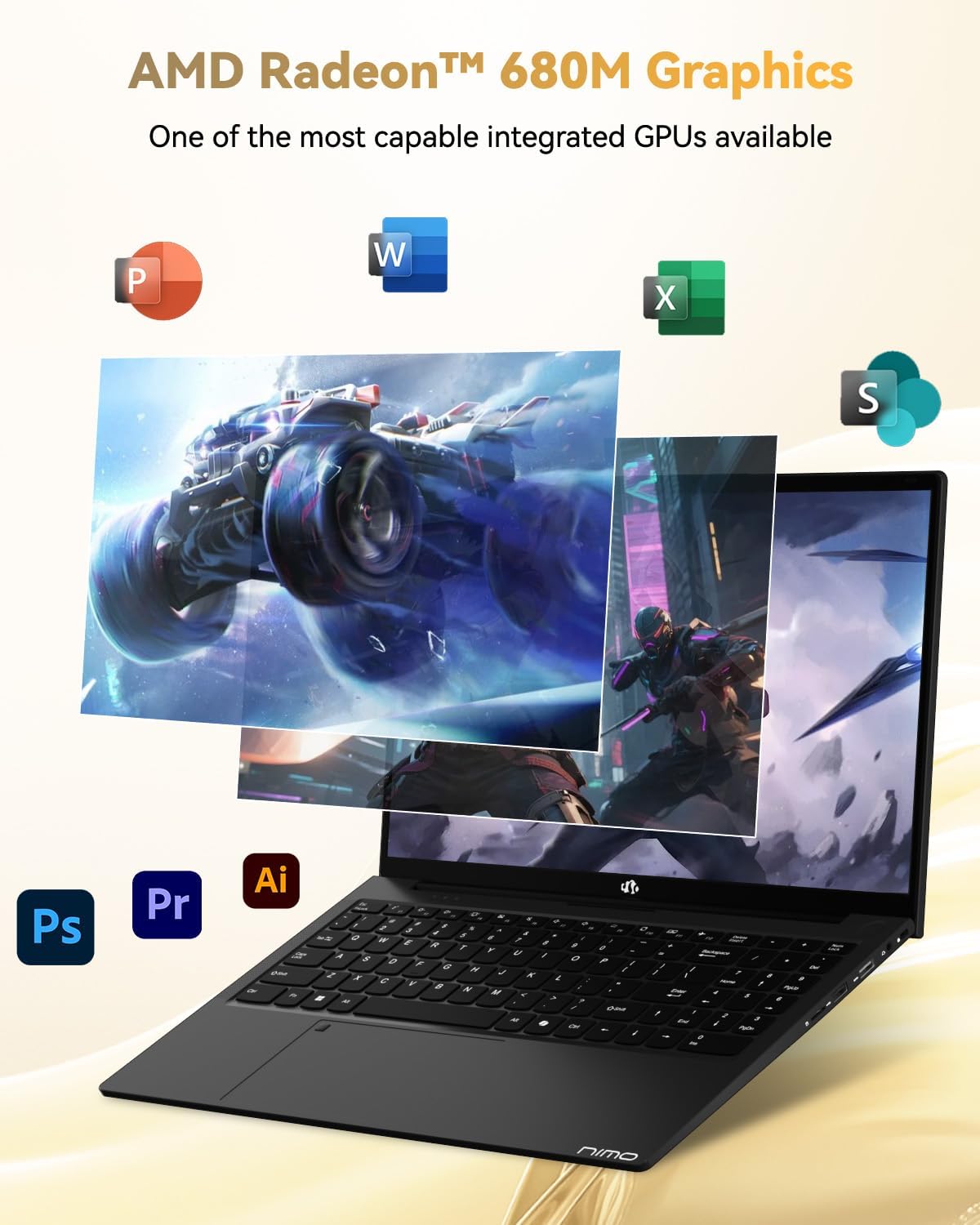
Image: Illustration highlighting the capabilities of the AMD Radeon 680M integrated graphics for various applications.

Image: Diagram showing the 32GB LPDDR5 RAM and 1TB PCIe 4.0 SSD for seamless multitasking and ampхадгалах газар.
Image: The NIMO N15A laptop displaying a vibrant image on its 15.6-inch Full HD IPS screen.
Портууд ба холболтууд:

Image: Diagram illustrating the various ports on the NIMO N15A laptop, including USB, HDMI, and Type-C.
- Микро SD уншигч
- USB 2.0 порт
- USB 3.2 портууд (олон)
- Чихэвчний залгуур
- Кенсингтон түгжих үүр
- Type-C (Multifunction) Ports (supporting charging and data transfer)
- HDMI порт
Тохиргоо
1. Initial Charging and Power On:
- Connect the provided 100W Type-C PD Fast Charger to the laptop's Type-C charging port and a power outlet.
- Allow the laptop to charge for at least 30 minutes before initial use, or until the charging indicator shows sufficient battery.
- Зөөврийн компьютерийг асаахын тулд гар дээрх асаах товчийг дарна уу.

Image: Illustration of the NIMO N15A laptop being charged with the 100W Type-C PD Fast Charger.
2. Windows 11 Initial Setup:
Follow the on-screen prompts to complete the Windows 11 setup process. This typically includes:
- Бүс нутаг болон гарын байрлалаа сонгох.
- Wi-Fi сүлжээнд холбогдож байна.
- Signing in with a Microsoft account or creating a local account.
- ПИН код эсвэл нууц үг тохируулах.
- Нууцлалын тохиргоог тохируулж байна.
Ашиглалтын заавар
Эрчим хүчний менежмент:
- Асаах: Цахилгаан товчийг дар.
- Унтах горим: Тагийг нь хааж эсвэл асаах товчийг богино хугацаанд дарна уу.
- Унтраах: Эхлүүлэх товчийг, дараа нь Асаах товчийг, дараа нь Унтраах товчийг дарна уу.
- Дахин эхлүүлэх: Эхлүүлэх товчийг дарна уу, дараа нь Асаах товчийг дарна уу, дараа нь Дахин эхлүүлнэ үү.
Гар болон мэдрэгчтэй самбар:

Зураг: Ойролцоогоор view of the NIMO N15A laptop's backlit keyboard and the integrated fingerprint reader on the touchpad.
- Арын гэрэлтүүлэгтэй гар: Use the dedicated function key (usually Fn + Fx) to toggle the keyboard backlight on/off and adjust brightness levels.
- Хурууны хээ уншигч: The fingerprint reader is integrated into the touchpad. During Windows setup, you can configure your fingerprint for secure, quick login.
- Нарийвчлалтай мэдрэгч самбар: Навигацийн олон мэдрэгчтэй дохиог дэмждэг. Өөрчлөхийн тулд Windows тохиргооноос харна уу.
Дагалдах төхөөрөмжүүдийг холбох:
Utilize the various ports to connect external devices such as monitors, printers, external storage, and audio devices.
- USB төхөөрөмжүүд: Plug USB devices into the available USB 2.0 or USB 3.2 ports.
- Гадаад дэлгэц: Connect an external monitor or TV using the HDMI port or a compatible Type-C adapter.
- Аудио: Use the 3.5mm headphone jack for headphones or external speakers.
Камерын нууцлал:

Image: Illustration of the NIMO N15A laptop's built-in privacy camera switch, allowing users to easily disable the webкамер.
The NIMO N15A laptop features a built-in privacy camera switch. This allows you to physically disable the 2.0MP webАшиглаагүй үед камертай тул таны хувийн нууцыг хамгаална.
Засвар үйлчилгээ
Зөөврийн компьютер цэвэрлэх:
- Power off the laptop and disconnect the charger before cleaning.
- Зөөлөн, хөвөнгүй даавууг бага зэрэг хэрэглээрэй dampдэлгэцэнд зориулж ус эсвэл дэлгэц цэвэрлэгчээр дүүргэсэн.
- Гар болон явах эд ангиудын хувьд зөөлөн даавуу хэрэглээрэй. Хүчтэй химийн бодис, зүлгүүрийн материалаас зайлсхий.
- Гарны товчлуур болон агааржуулалтын нүхнээс тоосыг цэвэрлэхийн тулд шахсан агаар ашиглана уу.
Батерейны арчилгаа:
- Байнга зайгаа бүрэн цэнэглэхээс зайлсхий.
- Store the laptop in a cool, dry place if not used for extended periods, with the battery charged to around 50-70%.
- Use only the original NIMO 100W Type-C PD Fast Charger.
Програм хангамжийн шинэчлэлтүүд:
- Системийн тогтвортой байдал, аюулгүй байдлыг хангахын тулд Windows шинэчлэлтүүдийг тогтмол шалгаж, суулгаарай.
- Keep device drivers updated, especially for graphics and chipset, by checking the NIMO support webсайт эсвэл Windows Update.
Алдааг олж засварлах
| Асуудал | Боломжит шийдэл |
|---|---|
| Зөөврийн компьютер асахгүй байна. | Ensure the charger is properly connected and the power outlet is functional. Allow the battery to charge for at least 30 minutes. If the issue persists, contact support. |
| Дэлгэц хоосон эсвэл анивчих. | Try connecting an external monitor to check if the issue is with the laptop's display. Adjust display brightness. Restart the laptop. |
| Удаан гүйцэтгэл. | Шаардлагагүй програмуудыг хаа. Өндөр нөөц ашигладаг арын процессуудыг шалга. Хангалттай чөлөөтэй хадгалах зай байгаа эсэхийг шалга. Хортой програм хангамж байгаа эсэхийг системийн сканнерд. |
| Гарын арын гэрэл ажиллахгүй байна. | Press the dedicated function key combination (e.g., Fn + Fx) to toggle or adjust the backlight. Check keyboard settings in Windows. |
| Хурууны хээ уншигч хариу өгөхгүй байна. | Ensure your finger is clean and dry. Re-register your fingerprint in Windows settings. Restart the laptop. |
For issues not listed here or if solutions do not resolve the problem, please refer to the Warranty and Support section for assistance.
Үзүүлэлтүүд
| Онцлог | Дэлгэрэнгүй |
|---|---|
| Брэнд | NIMO |
| Загварын нэр | NIMO N15AL (N15A) |
| Дэлгэцийн хэмжээ | 15.6 инч |
| Дэлгэцийн нягтрал | 1920 x 1080 пиксел (Full HD) |
| Процессор | AMD Ryzen 7 Pro 6850U (8 цөмт, 4.7 GHz хүртэл) |
| RAM | 32 ГБ LPDDR5 (6400 МГц) |
| Хатуу диск | 1024 GB SSD (PCIe 4.0, Solid State) |
| График процессор | AMD Radeon 680M (Нэгдсэн) |
| Үйлдлийн систем | Windows 11 |
| Утасгүй төрөл | 802.11a/b/g/n/ac |
| USB 2.0 портууд | 1 |
| USB 3.0/3.2 Ports | 4 |
| Батерейны дундаж хугацаа | 9 цаг |
| Зүйлийн жин | 3.75 фунт |
| Бүтээгдэхүүний хэмжээс | 14.07 x 8.98 x 0.76 инч |
| Өнгө | Хар |
| Арын Webкамерын нягтрал | 2 МП |
| Онцлог шинж чанарууд | Арын гэрэлтүүлэгтэй гар, хурууны хээ уншигч, HD аудио, тоон товчлуур |
Баталгаат болон дэмжлэг
NIMO provides comprehensive support for your laptop.
- Баталгаат хугацаа: Your NIMO N15A laptop comes with a 2-year manufacturer's warranty.
- Буцаах бодлого: A 90-day hassle-free return policy is offered from the date of purchase.
- Хэрэглэгчийн дэмжлэг: For technical assistance, warranty claims, or product-related inquiries, please contact NIMO customer support.
Contact information for support is typically available on the official NIMO website or through the product's packaging.
Аюулгүй байдлын мэдээлэл
Чухал: Read and follow these safety guidelines to prevent damage to your device or personal injury.
- Use only original chargers and regularly inspect cables for damage.
- Handle the laptop by its base and consider using a protective case. Avoid placing heavy objects on it.
- Place the laptop on a hard, flat surface to ensure proper ventilation and prevent overheating. Keep it away from extreme temperatures and moisture.
- Do not overcharge the battery. Discontinue use if the battery shows signs of swelling or damage.
- Set strong passwords, keep software updated, use antivirus software, and regularly back up your data.
- In case of liquid spills, immediately unplug the laptop and allow it to dry completely before attempting to power it on.
- For any issues, consult qualified professionals. Do not attempt to disassemble or repair the device yourself.
Хууль эрх зүйн татгалзал
This NIMO laptop is provided "as is," without express or implied warranties, except for any applicable manufacturer's limited warranty. Implied warranties of merchantability or fitness for a specific purpose are disclaimed. NIMO is not liable for damages resulting from misuse (e.g., non-approved chargers, unauthorized repairs), physical damage, or failure to adhere to safety guidelines, including data loss or business interruption. Users are responsible for regularly backing up their data. This disclaimer does not exclude liability for manufacturing defects or violations of mandatory local laws. By using this laptop, you accept these terms, which are governed by the laws of the applicable jurisdiction.


