1. Танилцуулга
This manual provides detailed instructions for the installation, operation, and maintenance of your CP PLUS EZ-P34Q 3MP Smart Wi-Fi CCTV Camera. Please read this manual thoroughly before using the product to ensure proper functionality and safety. Keep this manual for future reference.
2. Бүтээгдэхүүн дууссанview
The CP PLUS EZ-P34Q is a 3MP Smart Wi-Fi CCTV Camera designed for indoor home surveillance. It features 360° pan and 60° tilt capabilities, providing comprehensive coverage. The camera supports 2K clarity video recording with H.265 compression, ensuring clear footage and efficient storage. Advanced features include motion detection, human body detection, motion tracking, sound alerts, dual-vision night mode, two-way communication, and cloud recording options. It is equipped with CTC Cyber Secure Tech for data privacy.

Figure 2.1: CP PLUS EZ-P34Q Camera with highlighted features.
3. Хайрцагт юу байна
Дараах бүх зүйлс таны багцад байгаа эсэхийг шалгаарай.
- CP PLUS EZ-P34Q Camera Unit
- Эрчим хүчний адаптер
- Цэнэглэх кабель (USB Type-C)
- Зааварчилгааны гарын авлага
- Суурилуулах эрэг
4. Тохиргоо
4.1 Физик суурилуулалт
The camera is designed for indoor use and tabletop mounting. Ensure the camera is placed on a stable, flat surface with a clear view of the area you wish to monitor. For wall or ceiling mounting, use the provided mounting screws and follow the instructions in the separate mounting guide (if applicable).
- Choose a suitable indoor location for the camera.
- Connect the charging cable to the camera's USB Type-C port and the power adapter.
- Plug the power adapter into a standard electrical outlet. The camera will power on and initiate its startup sequence.
4.2 Програм суулгах, холбох
To operate the camera and access its features, you need to download and install the compatible mobile application on your smartphone.
- Download the official CP PLUS mobile application from your device's app store (e.g., Google Play Store or Apple App Store).
- Шинэ акаунтаар бүртгүүлэх эсвэл хэрэв танд бүртгэл байгаа бол нэвтэрнэ үү.
- Follow the in-app instructions to add your new EZ-P34Q camera. This typically involves scanning a QR code on the camera or manually entering its device ID.
- Connect the camera to your Wi-Fi network as prompted by the application. Ensure your Wi-Fi network is 2.4GHz for optimal compatibility.
- Once successfully paired, you can view the live feed and configure camera settings through the app.
5. Үйл ажиллагаа
5.1 Пал болон хазайлтын удирдлага
The camera offers a 360° horizontal pan and 60° vertical tilt range, allowing you to adjust the viewing angle remotely via the mobile application.
- Шууд нэвтрүүлгийг нээ view гар утасны програм дээр.
- Use the directional controls (usually an on-screen joystick or arrows) to move the camera lens horizontally (pan) and vertically (tilt).

Figure 5.1: Illustrates the 360° pan and tilt capability for comprehensive coverage.
5.2 Smart Detection Suite
The camera is equipped with advanced detection features to enhance security and reduce false alarms.
- Хөдөлгөөн илрүүлэх: The camera detects movement within its field of view.
- Хүний бие илрүүлэх: Specifically identifies human shapes, minimizing alerts from pets or inanimate objects.
- Хөдөлгөөнийг хянах: When motion is detected, the camera can automatically track the moving object.
- Дуут дохио: The camera can detect unusual sounds and send notifications.
- Идэвхтэй саатуулах: Features a built-in siren and warm LED flash light that can be activated automatically upon detection of unexpected motion to deter intruders.
Configure these settings in the mobile application's detection settings menu to receive instant notifications on your smartphone.

Figure 5.2: Motion tracking feature in action, following movement.
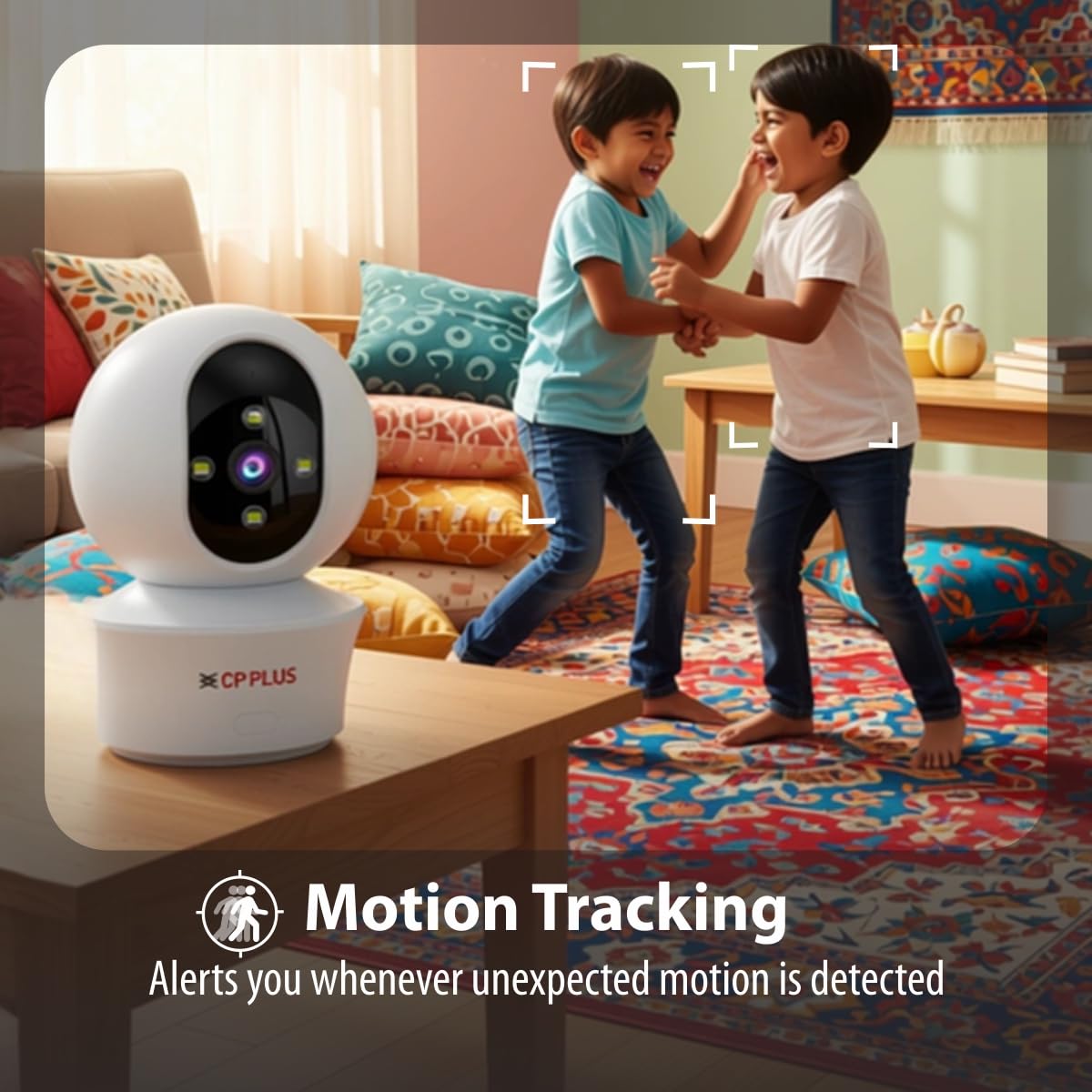
Figure 5.3: Human body detection providing real-time alerts.

Figure 5.4: Active deterrence using siren and LED flash light.
5.3 Шөнийн хараа
The camera offers dual-vision night mode for clear surveillance in low-light conditions.
- Хэт улаан туяаны (IR) шөнийн хараа: Хар цагаан өнгийн тунгалаг байдлыг ханганаtage up to 20-30 meters in complete darkness.
- White LED Color Night Vision: Utilizes built-in white LEDs to deliver full-color video up to 15-20 meters at night, also serving as a deterrent.
You can switch between these modes or set them to activate automatically based on ambient light conditions through the app.

Figure 5.5: Full-color night vision capturing details in low light.
5.4 Хоёр талын харилцаа холбоо
The built-in microphone and speaker allow for two-way audio communication.
- Шууд нэвтрүүлгээс view in the mobile app, tap the microphone icon to speak through the camera's speaker.
- The camera's microphone will pick up audio from the monitored area, which you can hear through your smartphone.
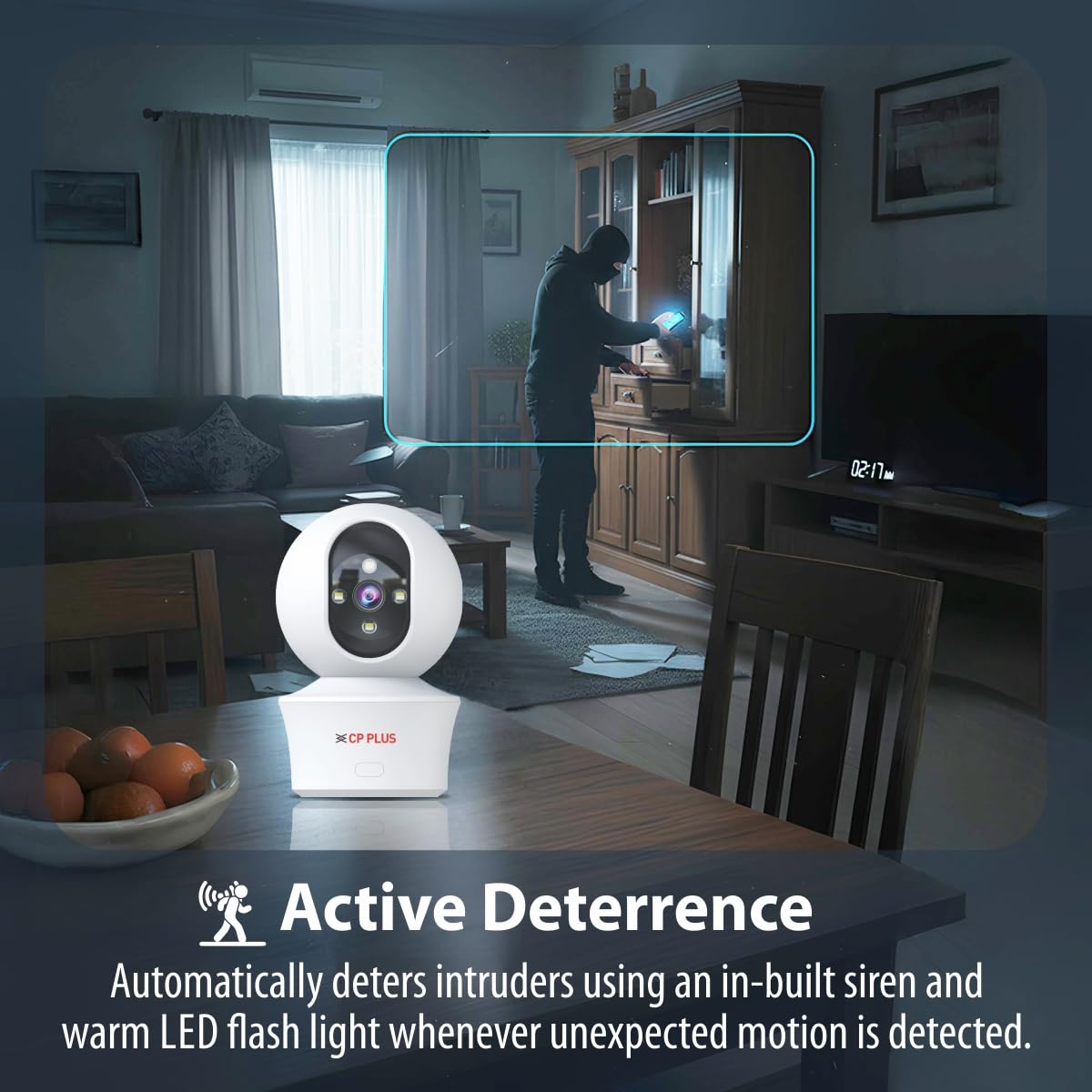
Figure 5.6: Two-way communication feature for interacting with the monitored area.
5.5 Видео бичлэг ба хадгалах
The camera supports both local and cloud storage options for your video recordings.
- MicroSD карт хадгалах: Insert a MicroSD card (up to 256GB, not included) into the designated slot on the camera for local storage. Recordings will be saved directly to the card.
- Үүлэн бичлэг: The camera supports cloud recording services (subscription may be required). Refer to the mobile application for details on activating and managing cloud storage.
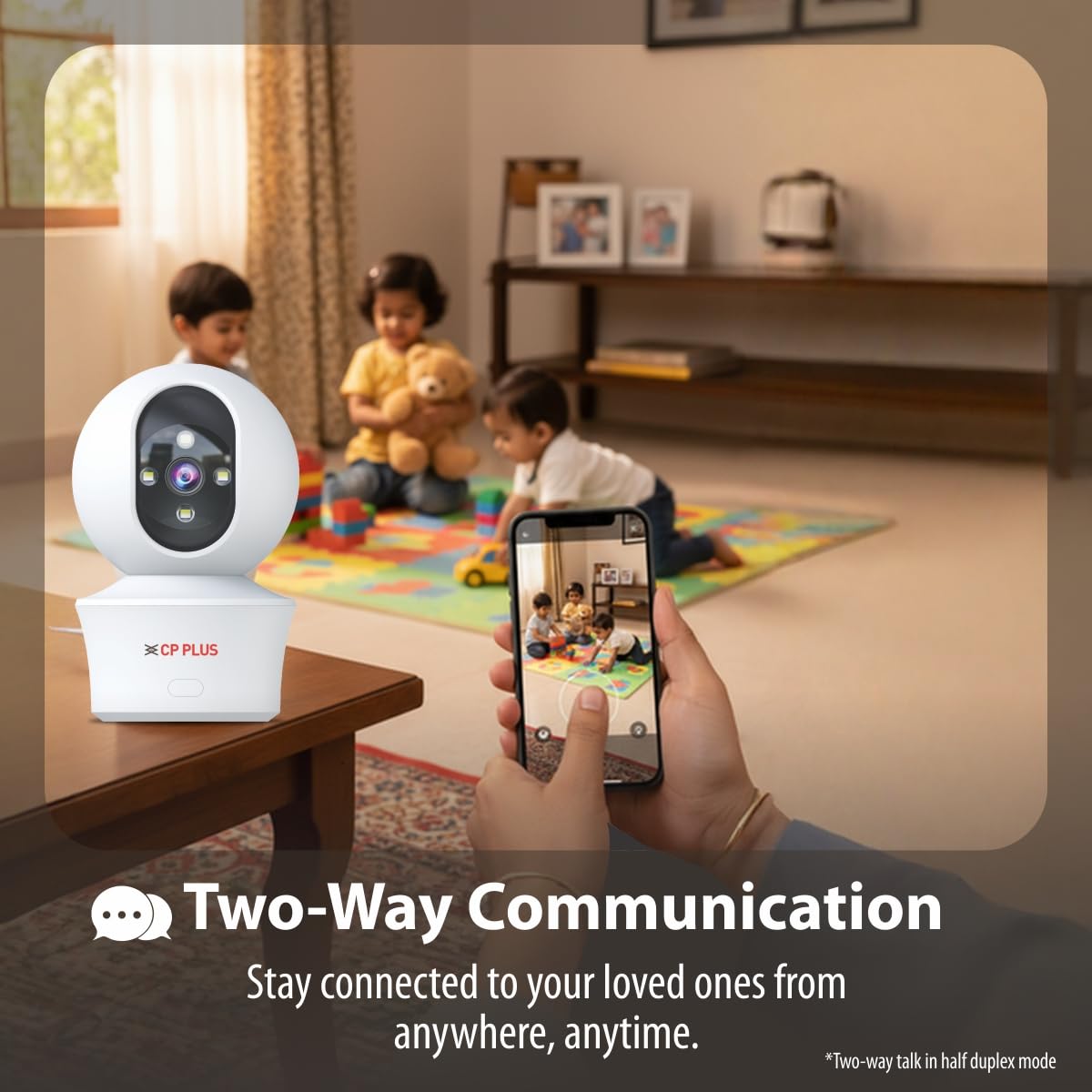
Figure 5.7: Cloud recording feature for remote access to footage.
5.6 CTC Cyber Secure Tech
Your CP PLUS camera incorporates CTC Cyber Secure Tech to ensure your video data remains encrypted, private, and protected from cyber threats.
6. Техникийн үзүүлэлтүүд
| Онцлог | Тодорхойлолт |
|---|---|
| Загварын дугаар | EZ-P34Q |
| Шийдвэр | 3MP (2304x1296) |
| Видео шахалт | H.265 |
| Пан хамрах хүрээ | 360° |
| Налалтын хүрээ | 60° |
| IR шөнийн харааны хүрээ | 20-30 метр |
| White LED Night Vision Range | 15-20 meters (Full Color) |
| Frame Rate | Секундэд 20 кадр |
| Хадгалах | MicroSD card (up to 256GB), Cloud Storage |
| Холболт | Wi-Fi (2.4GHz) |
| Эрчим хүчний оролт | 5V USB Type-C |
| Хэмжээ (LxWxH) | 7.7 x 7.7 x 10.9 см |
| Жин | 330 грамм |
| Дотор/гадаа ашиглах | Зөвхөн дотор |
| Онцлог шинж чанарууд | 2-Way Audio, Motion Sensor, Night Vision, Human Detection, Auto Tracking, Built-in Siren |
7. Алдаа засах
Хэрэв танд камертай холбоотой асуудал тулгарвал дараах нийтлэг асуудал, шийдлүүдийг үзнэ үү.
- Камер Wi-Fi-д холбогдоогүй байна:
- Таны Wi-Fi сүлжээ 2.4GHz байгаа эсэхийг шалгаарай.
- Камерын байршилд Wi-Fi дохионы хүчийг шалгана уу.
- Апп доторх Wi-Fi нууц үг зөв оруулсан эсэхийг шалгана уу.
- Wi-Fi чиглүүлэгч болон камераа дахин эхлүүлнэ үү.
- Видео чанар муу:
- Интернет холболтын хурдаа шалгана уу.
- Камерын линз цэвэр байгаа эсэхийг шалгаарай.
- Adjust video resolution settings in the app if your network bandwidth is limited.
- No motion detection alerts:
- Verify motion detection and notification settings are enabled in the app.
- Check the detection sensitivity settings.
- Камер байгаа эсэхийг шалгаарай view саад болохгүй.
- Хоёр талын аудио ажиллахгүй байна:
- Утсан дээрх програмын микрофон болон чанга яригчийн зөвшөөрлийг шалгана уу.
- Апп болон утсан дээрээ дууны түвшинг зөв тохируулсан эсэхийг шалгаарай.
8. Аюулгүй байдлын мэдээлэл
- This camera is designed for зөвхөн дотор ашиглах. Do not expose it to water, moisture, or extreme temperatures.
- Use only the provided power adapter and charging cable. Using unauthorized accessories may damage the product and void the warranty.
- Камер болон түүний дагалдах хэрэгслийг хүүхдэд хүрэхгүй газар хадгална уу.
- Камерыг өөрөө задлах эсвэл засах гэж бүү оролдоорой. Тусламж авахын тулд хэрэглэгчийн дэмжлэгтэй холбогдоно уу.
- Хэт халалтаас урьдчилан сэргийлэхийн тулд камерын эргэн тойронд агааржуулалтыг зөв хийх хэрэгтэй.
9. Бүтээгдэхүүний видео дууссанview
Хурдан үзэхийн тулд энэ богино видеог үзээрэйview of the CP PLUS EZ-P34Q camera's features and capabilities.
Video 9.1: A brief introduction to the CP PLUS 3MP Camera features.
10. Баталгаат хугацаа ба дэмжлэг
For warranty information, technical support, or service inquiries, please refer to the official CP PLUS webсайт эсвэл харилцагчийн үйлчилгээтэй холбогдоно уу. Худалдан авалтын баримтаа худалдан авалтын баталгаа болгон хадгалаарай.


