1. Аюулгүй байдлын мэдээлэл
Please read all safety instructions carefully before using the innioasis G1 MP3 Player. Keep this manual for future reference.
- Төхөөрөмжийг хэт өндөр температур, нарны шууд тусгал, өндөр чийгшилд бүү тавь.
- Төхөөрөмжийг унагах эсвэл хүчтэй нөлөөнд оруулахаас зайлсхий.
- Төхөөрөмжийг өөрөө задлах, засах гэж бүү оролдоорой. Энэ нь баталгааг хүчингүй болгоно.
- Цэнэглэхийн тулд зөвхөн өгсөн USB-C кабелийг ашиглана уу.
- Төхөөрөмжийг ус болон бусад шингэнээс хол байлга.
- Дууны өндөр түвшинд удаан хугацаагаар сонсох нь сонсголд гэмтэл учруулж болзошгүй.
2. Багцын агуулга
Таны багцад бүх зүйл байгаа эсэхийг шалгана уу:
- 1 x innioasis G1 MP3 Player
- 1 x 64GB SD card (pre-installed or separate)
- 1 x USB-C цэнэглэгч кабель
- 1 x Wired headphones
- 1 х хэрэглэгчийн гарын авлага

Image: The innioasis G1 MP3 Player, USB-C cable, wired headphones, 64GB SD card, and user manual included in the package.
3. Төхөөрөмж дууссанview
The innioasis G1 MP3 Player features a compact design with a 4-inch full-touch screen. It includes physical buttons for power and volume control, and ports for charging and headphones.

Зураг: Урд view of the innioasis G1 MP3 Player displaying various preinstalled applications on its touch screen.
Гол онцлогууд:
- 4-inch Full Touch Screen
- Android OS with 1.9GHz Octa-core CPU and 2GB RAM
- 80GB Storage (16GB ROM + 64GB TF card), expandable up to 1TB
- Bluetooth 4.2 холболт
- Wi-Fi (2.4GHz ба 5GHz)
- Pre-installed streaming apps (Spotify, Spotify Kids, Amazon Music, Pandora, Tidal, Deezer, Audible)
- Эцэг эхийн хяналт
- FM Radio, Voice Recorder, Video Player, Ebook Reader, Calculator, Clock, Gallery, Browser, Calendar
4. Тохиргоо
4.1 Анхны цэнэглэлт
Before first use, fully charge the device using the provided USB-C cable and a compatible power adapter (not included). The battery indicator on the screen will show charging status.
4.2 Асаах/унтраах
- Асаахын тулд: Press and hold the Power button on the side of the device until the screen lights up.
- Унтраахын тулд: Асаах товчийг удаан дараад, дэлгэцэн дээрх сонголтуудаас "Унтраах"-ыг сонгоно уу.
4.3 Language and Time Settings
Upon first startup, you may be prompted to select your preferred language and set the date and time. Follow the on-screen instructions.
4.4 Wi-Fi холболт
To access streaming services and online features, connect your device to a Wi-Fi network:
- руу оч Тохиргоо > Сүлжээ ба Интернет > Wi-Fi.
- Wi-Fi-г асаах/унтраах On.
- Жагсаалтаас хүссэн сүлжээгээ сонгоно уу.
- Хэрэв асуувал нууц үгээ оруулаад товш Холбох.

Image: The innioasis G1 MP3 Player displaying its home screen with app icons, illustrating its strong network connection capabilities.
5. Ашиглалтын заавар
5.1 Үндсэн навигаци
The device features a full touch screen for navigation. Swipe left/right to browse app pages, tap an icon to open an app, and use the navigation buttons at the bottom of the screen (Back, Home, Recent Apps) to move between screens and applications.
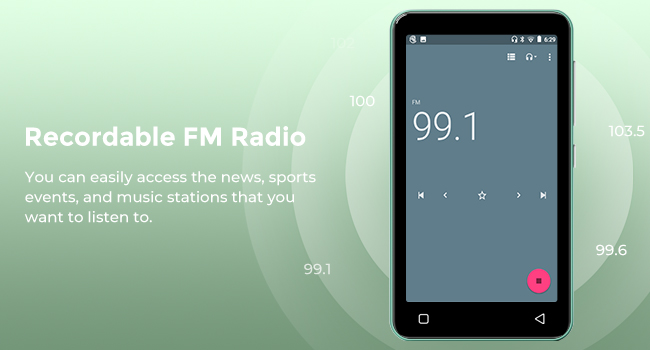
Image: A hand demonstrating touch screen interaction on the innioasis G1 MP3 Player, highlighting its ease of use.
5.2 Хөгжим тоглуулах
The innioasis G1 supports various audio formats including MP3, FLAC, WAV, AAC, APE, OGG, M4A, WMA, and MP2.
- Local Music Player: Open the "Music" app to play files stored on the device or SD card. You can create playlists, search for songs, and use the graphic equalizer to adjust sound.
- Дамжуулах програмууд: Access pre-installed apps like Spotify, Spotify Kids, Amazon Music, Pandora, Tidal, and Deezer. Ensure you are connected to Wi-Fi for streaming.

Image: The innioasis G1 MP3 Player displaying its local music player interface, showing song categories, search function, playlist creation, and equalizer options.
5.3 Bluetooth холболт
Connect your MP3 player to Bluetooth headphones, speakers, or car stereos.
- руу оч Тохиргоо > Холбогдсон төхөөрөмжүүд > Bluetooth.
- Bluetooth-г асаах/унтраах On.
- Make sure your Bluetooth accessory is in pairing mode.
- Хослуулах боломжтой төхөөрөмжүүдийн жагсаалтаас дагалдах хэрэгслээ сонгоно уу.
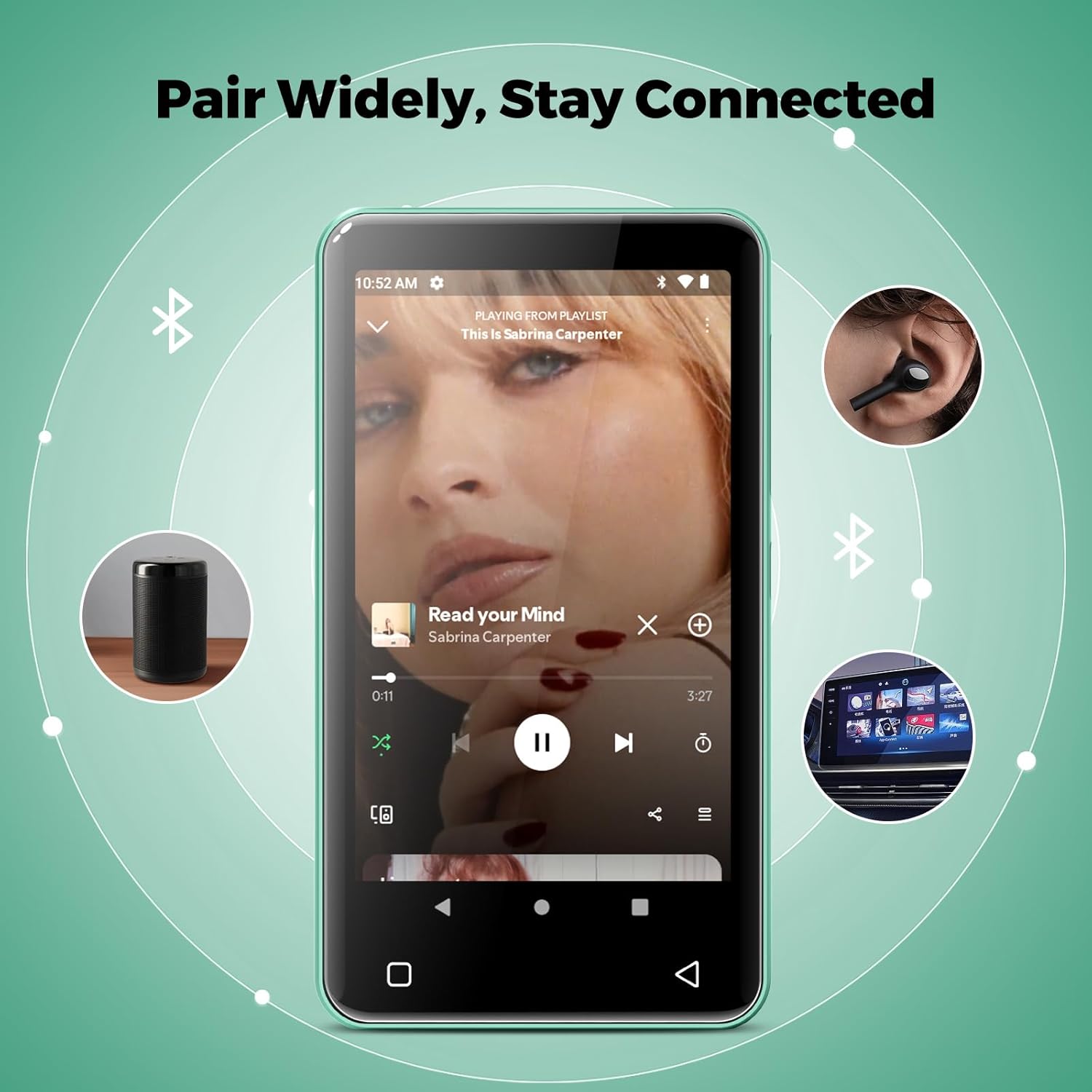
Image: The innioasis G1 MP3 Player showing its Bluetooth connection capabilities, pairing with headphones, a portable speaker, and a car stereo system.
5.4 Эцэг эхийн хяналт
The device includes parental control features to manage app access and settings.
- руу оч Тохиргоо > Эцэг эхийн хяналт.
- Set a parental control password.
- You can enable/disable app installation, limit internet usage, and restrict device usage time.
- Preloaded apps can be removed, and settings can be locked with the passcode.

Image: The innioasis G1 MP3 Player displaying its parental control settings, including options for password management, app installation, internet usage limits, and device usage limits.
5.5 File Дамжуулах
To transfer music, videos, and other files from a computer:
- MP3 тоглуулагчаа USB-C кабель ашиглан компьютертээ холбоно уу.
- On the MP3 player, swipe down from the top of the screen to open the notification panel.
- Tap the USB notification (e.g., "USB charging this device") and select "File шилжүүлэх" эсвэл "MTP".
- Your computer should now recognize the device as a removable storage drive. You can drag and drop files to the internal storage or the SD card.
5.6 Бусад програмууд
The innioasis G1 comes with several other useful applications:
- FM радио: Tune into local radio stations. Some models may support recording.
- Видео тоглуулагч: Supports 1080P HD video playback and various formats including AVI, MKV, MP4, MPEG, MOV, VOB, WMV, WEBM, DIVX, F4V, FLV, XviD, 3GP.
- Дуу бичигч: Суурилуулсан микрофон ашиглан аудио бичлэг хийх.
- Ebook Reader: Access pre-loaded Audible for audiobooks and other e-book formats.
- Calculator, Clock, Gallery, Browser, Calendar: Standard utility apps for daily use.
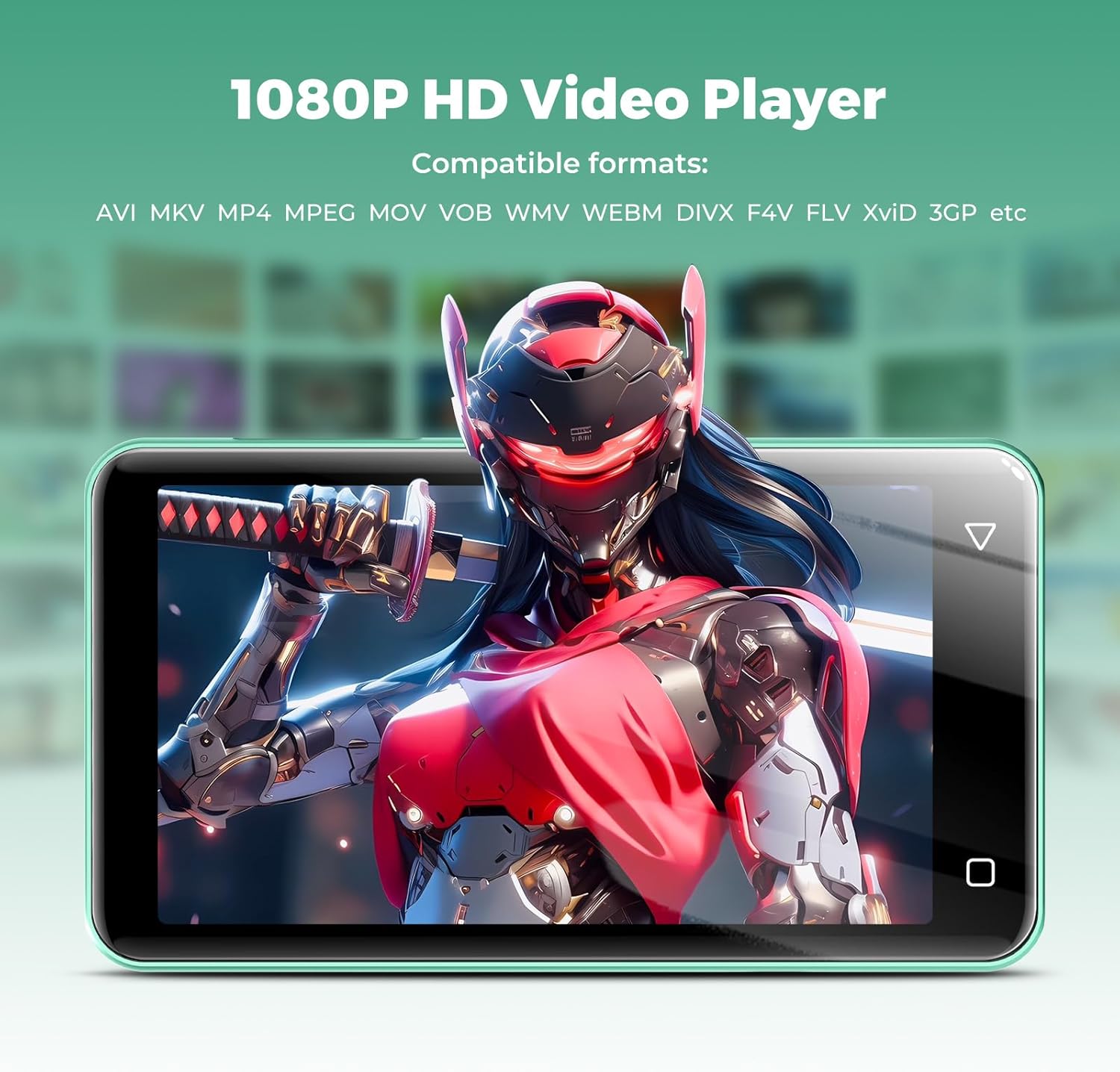
Image: The innioasis G1 MP3 Player displaying a high-definition video on its screen, illustrating its 1080P HD video playback capability.
6. Засвар үйлчилгээ
- Цэвэрлэгээ: Төхөөрөмжийг цэвэрлэхийн тулд зөөлөн, хуурай даавуу ашиглана уу. Шингэн цэвэрлэгч, аэрозоль хэрэглэж болохгүй.
- Батерейны арчилгаа: To prolong battery life, avoid fully discharging the battery frequently. Charge the device regularly. If storing for a long period, charge it to about 50% every few months.
- Програм хангамжийн шинэчлэлтүүд: Periodically check for software updates in the device settings to ensure optimal performance and security.
7. Алдаа засах
| Асуудал | Боломжит шийдэл |
|---|---|
| Төхөөрөмж асахгүй байна. | Ensure the battery is charged. Connect to a charger for at least 30 minutes. If unresponsive, press and hold the power button for 10-15 seconds to force a restart. |
| Wi-Fi-д холбогдох боломжгүй байна. | Check if Wi-Fi is enabled in settings. Verify the Wi-Fi password. Restart your router and the MP3 player. Ensure you are within range of the Wi-Fi signal. |
| Bluetooth төхөөрөмж хослохгүй байна. | Ensure Bluetooth is enabled on both devices and the accessory is in pairing mode. Move the devices closer together. Try restarting both devices. |
| Аппликейшнүүд удаан эсвэл хариу өгөхгүй байна. | Close unused background apps. Clear app cache in Settings > Apps. Restart the device. Ensure sufficient storage space is available. |
| Шилжүүлэх боломжгүй fileкомпьютер руу/компьютерээс. | Ensure the USB-C cable is properly connected and functioning. On the MP3 player, select "File transfer" mode from the USB notification. Try a different USB port or computer. |
| Дууны чанар муу. | Check headphone connection. Test with different headphones. Adjust equalizer settings in the music player. Ensure audio files нь гэмтээгүй. |
8. Техникийн үзүүлэлтүүд
- Загварын нэр: G1
- Бүтээгдэхүүний хэмжээ: 0.39 x 2.56 x 4.13 инч
- Барааны жин: 5.9 унц
- Үйлдвэрлэгч: INNIOASIS
- Санах ойн хадгалах багтаамж: 80 ГБ (16 ГБ ROM + 64 ГБ TF карт)
- Өргөтгөх боломжтой хадгалах сан: Up to 1TB (SDXC/SDHC compatible)
- Дэлгэцийн хэмжээ: 4 инч
- Холболтын технологи: Bluetooth 4.2, Wi-Fi (2.4GHz & 5GHz)
- Онцлог шинж чанарууд: Equalizer, FM Radio, Hi-Res Audio, Video Playback, Voice Recorder, Parental Controls
- Тохиромжтой төхөөрөмжүүд: Headphones, Earphones
- Хэвлэл мэдээллийн төрөл: Микро SD, Микро SDHC, Микро SDXC, SD карт, SDHC
- Зай: 1500mAh (up to 25 hours music, 5 hours video playback)

Image: The innioasis G1 MP3 Player screen displaying battery life indicators for video (5 hours) and music (25 hours) playback.
9. Баталгаат хугацаа ба дэмжлэг
The innioasis G1 MP3 Player comes with a standard manufacturer's warranty. For detailed warranty information, please refer to the warranty card included in your package or contact innioasis customer support.
If you encounter any issues or have questions about your device, please contact innioasis customer support through their official webсайт эсвэл бүтээгдэхүүний савлагаанд заасан холбоо барих мэдээлэл.


