1. Танилцуулга
This manual provides instructions for the PUSOKEI 4G LTE WiFi Router, a portable mobile hotspot designed to convert a 4G LTE signal into a WiFi network. This device supports up to 10 connected devices simultaneously and operates on a 2.4GHz wireless network frequency.
2. Багцын агуулга
Бүх зүйл багцад байгаа эсэхийг шалгана уу:
- 1 x Portable WiFi Hotspot (PUSOKEI 4G LTE WiFi Router)
- 1 x USB кабель
- 1 х хэрэглэгчийн гарын авлага
3. Бүтээгдэхүүн дууссанview
The PUSOKEI 4G LTE WiFi Router is a compact device that provides wireless internet connectivity. It features a standard SIM card slot and an integrated 10000mAh lithium-ion battery for extended use.
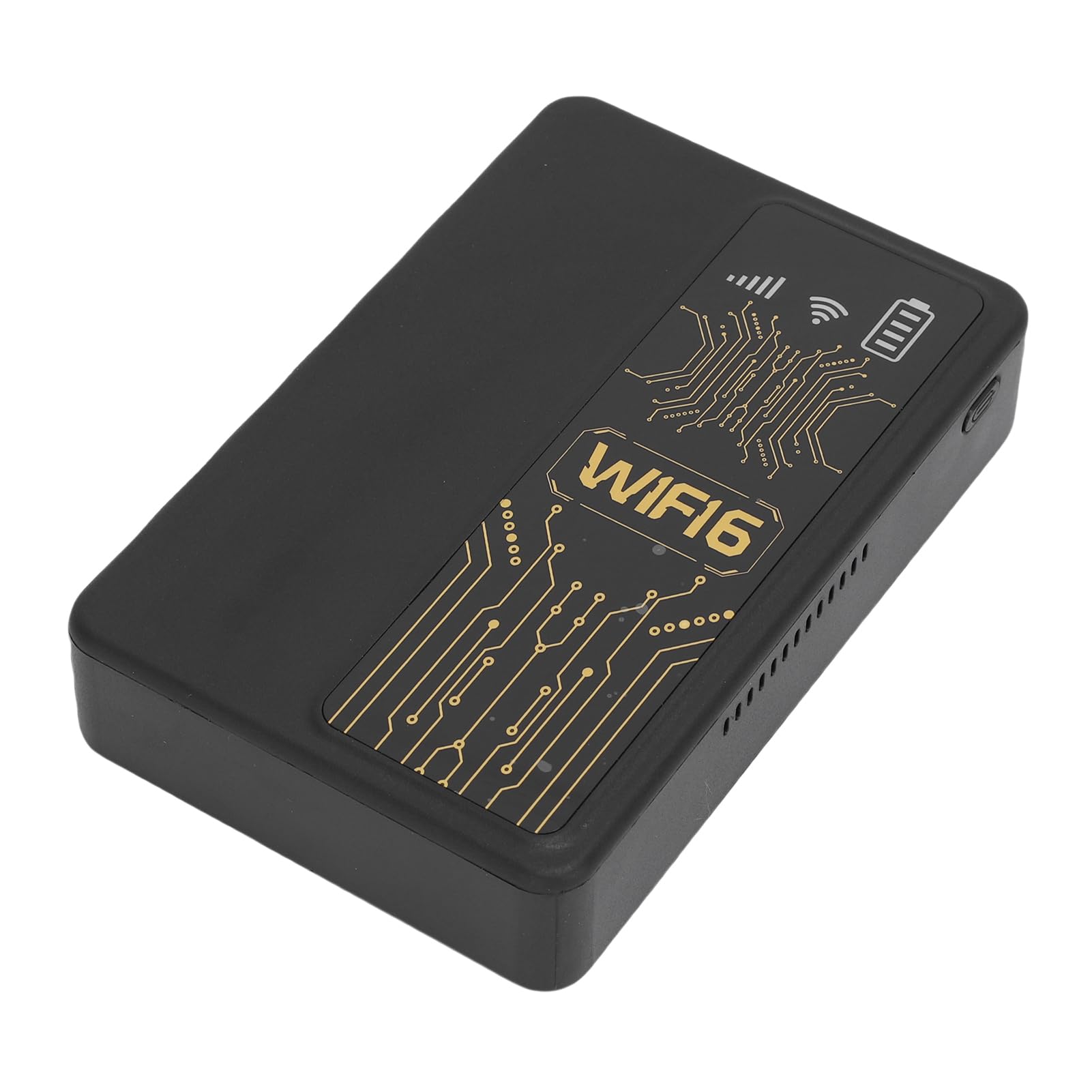
Зураг 3.1: Урд view of the PUSOKEI 4G LTE WiFi Router, showing the display and WiFi6 branding.
Гол онцлогууд нь:
- 4G to WiFi Conversion: Converts 4G LTE signals into a WiFi network.
- Дамжуулах хувь: Provides up to 300Mbps (2.4GHz) WiFi speeds.
- Төхөөрөмжийн холболт: Supports connection for up to 10 wireless devices simultaneously.
- Сүлжээний дэмжлэг: Operates on 2.4GHz WiFi frequency.
- Зай: Equipped with a 10000mAh lithium-ion battery.
4. Тохиргоо
Follow these steps to set up your PUSOKEI 4G LTE WiFi Router:
- SIM карт оруулах: Locate the SIM card slot on the side of the device. Insert a standard small SIM card into the slot. Ensure the SIM card is correctly oriented.
- Асаах: Press and hold the power button until the device powers on. The device will automatically detect the 4G network signal.
- Сүлжээний боломж: Once powered on, the device will establish a wireless network. You can then connect your WiFi-enabled devices to this network.

Зураг 4.1: Хажуу тал view of the router, highlighting the SIM card slot.

Figure 4.2: The router powered on and ready to provide internet access.
5. Ашиглалтын заавар
To use your PUSOKEI 4G LTE WiFi Router:
- Төхөөрөмжүүдийг холбох: On your WiFi-enabled device (e.g., smartphone, laptop), search for available WiFi networks. Select the network name (SSID) broadcast by your PUSOKEI router.
- Нууц үгээ оруулна уу: Enter the WiFi password (usually found on a label inside the device or in the quick start guide) when prompted.
- Интернет хандалт: Once connected, your device will have internet access via the 4G LTE network. The router provides a stable connection for various online activities.
- Олон төхөөрөмж: The router can support up to 10 devices simultaneously, making it suitable for sharing internet access in various environments.
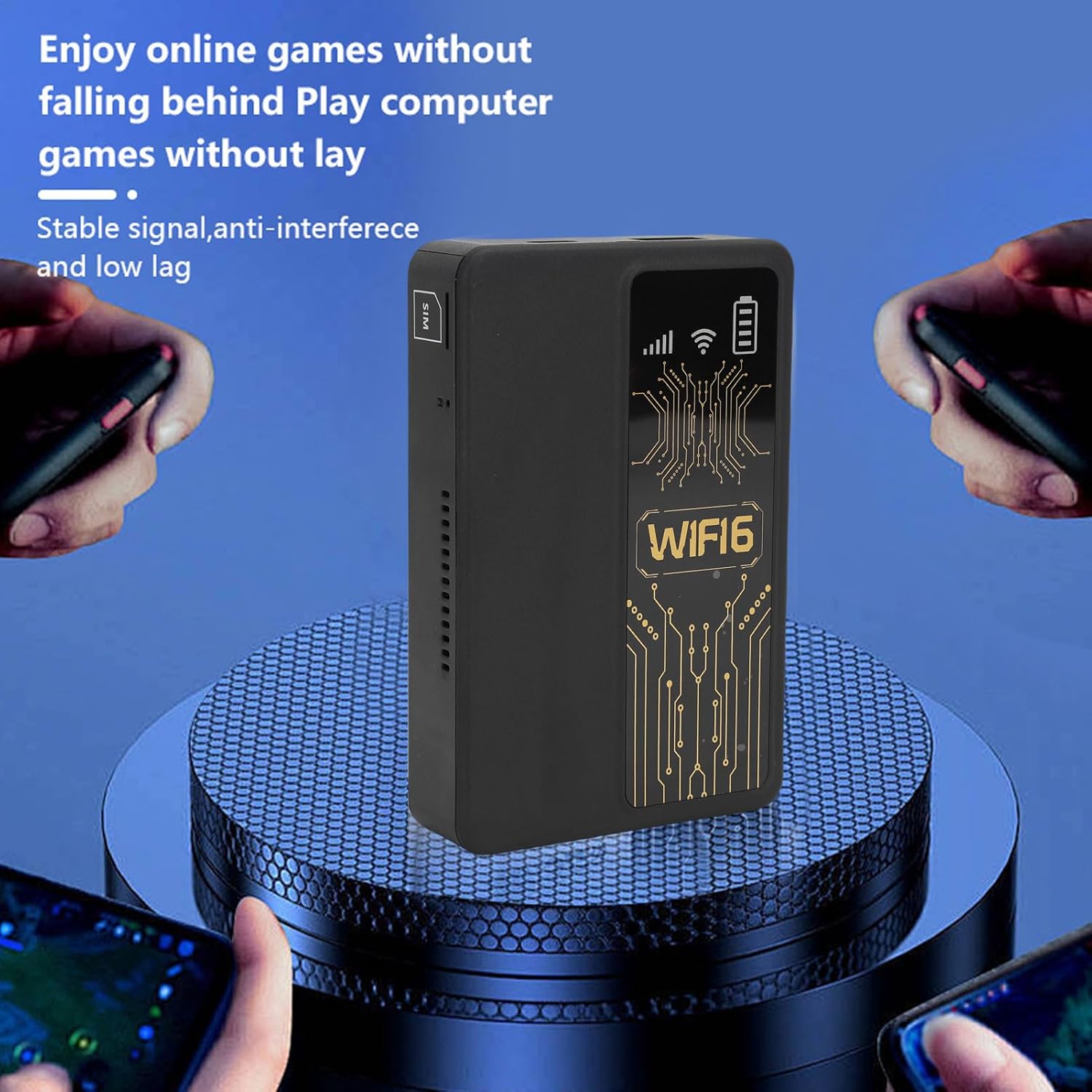
Figure 5.1: A smartphone connected to the router, showing network performance metrics.
6. Засвар үйлчилгээ
Зөв засвар үйлчилгээ нь таны чиглүүлэгчийн урт наслалт, оновчтой ажиллагааг баталгаажуулдаг.
- Цэвэрлэгээ: Төхөөрөмжийн гадна талыг цэвэрлэхийн тулд зөөлөн, хуурай даавуугаар цэвэрлээрэй. Шингэн цэвэрлэгч, зүлгүүрийн материал ашиглахаас зайлсхий.
- Батерейны арчилгаа: The router includes a 10000mAh lithium-ion battery. For optimal battery life, avoid extreme temperatures and fully discharge and recharge the battery periodically.
- Хадгалах: Удаан хугацаагаар ашиглаагүй тохиолдолд төхөөрөмжийг сэрүүн, хуурай газар хадгална.
- Програм хангамжийн шинэчлэлтүүд: Үйлдвэрлэгчийг шалгана уу website periodically for any available firmware updates to ensure optimal performance and security.
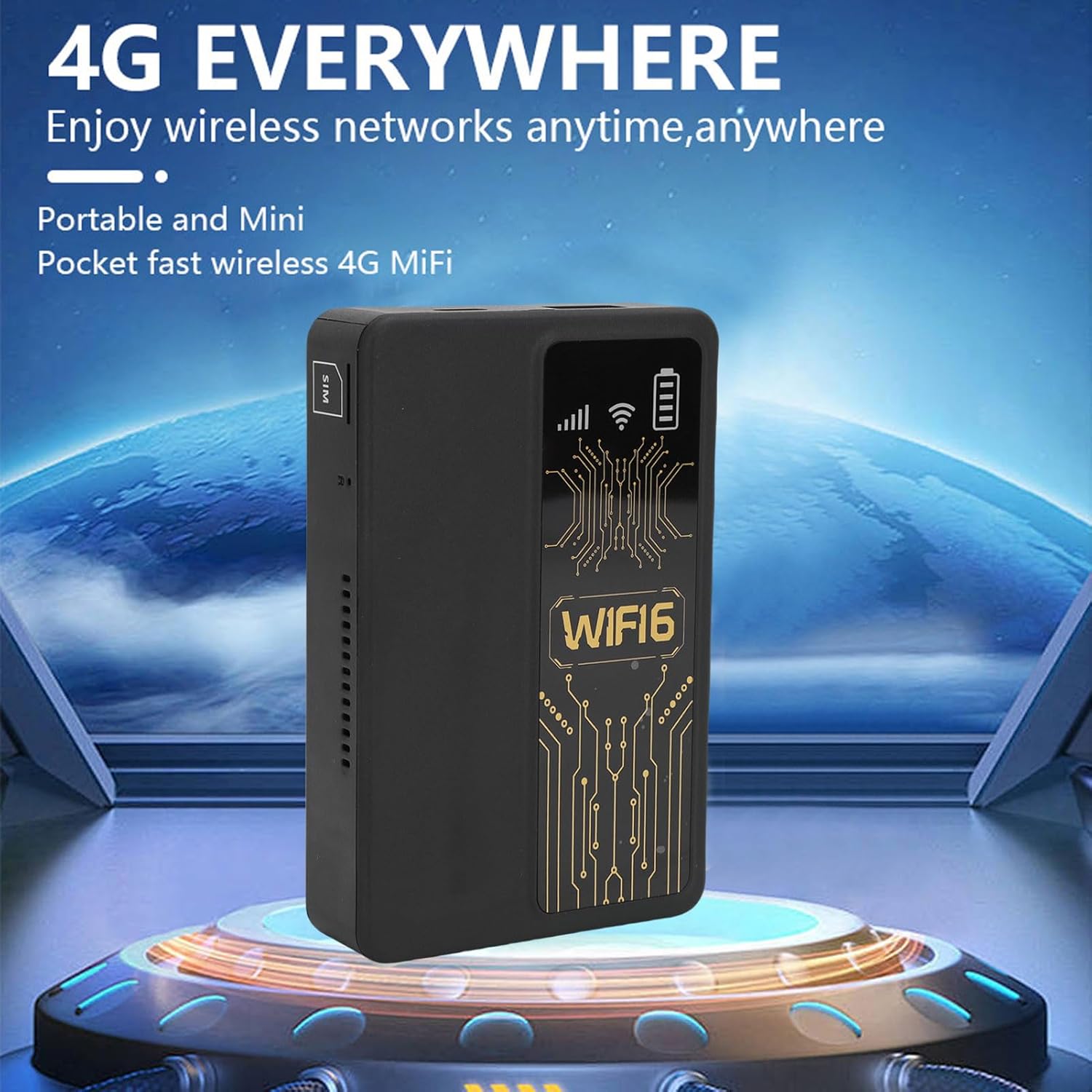
Figure 6.1: The router's internal 10000mAh battery provides extended usage time.
7. Алдаа засах
Хэрэв та чиглүүлэгчтэйгээ холбоотой асуудалтай тулгарвал дараах нийтлэг асуудал болон шийдлүүдийг үзнэ үү.
- Интернет холболт байхгүй:
- SIM картыг зөв оруулж, идэвхтэй байгаа эсэхийг шалгаарай.
- Check if your local SIM card or 4G bands are supported (FDD-LTE B1 B3 B5 B7 B8 B20 TDD-LTE B38 B40 B41).
- Чиглүүлэгч болон холбогдсон төхөөрөмжөө дахин эхлүүлнэ үү.
- Таны SIM карт идэвхтэй дата багцтай эсэхийг шалгана уу.
- Удаан холболтын хурд:
- Move to an area with better 4G signal reception.
- Холбогдсон төхөөрөмжүүдийн тоог багасгах.
- Ямар ч програм хэт их зурвасын өргөнийг ашиглаж байгаа эсэхийг шалгаарай.
- Төхөөрөмж WiFi-д холбогдоогүй байна:
- Confirm you are entering the correct WiFi password.
- Ensure the router is powered on and broadcasting its WiFi signal.
- Restart both the router and the device attempting to connect.
- Router Only Displays '4G' Network:
- The device is designed to display '4G' regardless of whether a 4G or 5G SIM card is inserted. This is normal operation and does not indicate a fault.
8. Техникийн үзүүлэлтүүд
| Онцлог | Тодорхойлолт |
|---|---|
| Зүйлийн төрөл | Portable WiFi Hotspot |
| Материал | ABS |
| Applicable Region | Европ |
| Сүлжээний давтамж | FDD-LTE B1 B3 B5 B7 B8 B20 TDD- B38 B40 B41 |
| Сүлжээ | 4G |
| Дамжуулах хурд | 300Mbps |
| Протоколын дэмжлэг | 802.11ac |
| Wireless Network Frequency | 2.4 ГГц |
| Баригдсан галт хана | Тиймээ |
| Баригдсан батерей | 1 x 10000mAh Lithium Ion Battery |
| SIM картны үүр | Small SIM Card (Not Included) |
| Зүйлийн жин | 8.9 унц |
| Багцын хэмжээ | 5.91 x 3.54 x 1.57 инч |
9. Баталгаат хугацааны мэдээлэл
Please refer to the warranty card included with your product or contact the retailer for specific warranty terms and conditions. Keep your proof of purchase for warranty claims.
10. Хэрэглэгчийн дэмжлэг
For technical assistance or further inquiries, please contact PUSOKEI customer support through the contact information provided on the product packaging or the official PUSOKEI webсайт.