1. Танилцуулга
The ASRock PRO-650G Power Supply is designed to provide stable and efficient power for your personal computer system. This 650W unit features 80 PLUS Gold certification, ensuring high energy efficiency and reduced heat output. It is compliant with the latest ATX 3.1 standard, making it compatible with modern and next-generation components. This manual provides essential information for the safe installation, operation, and maintenance of your power supply.
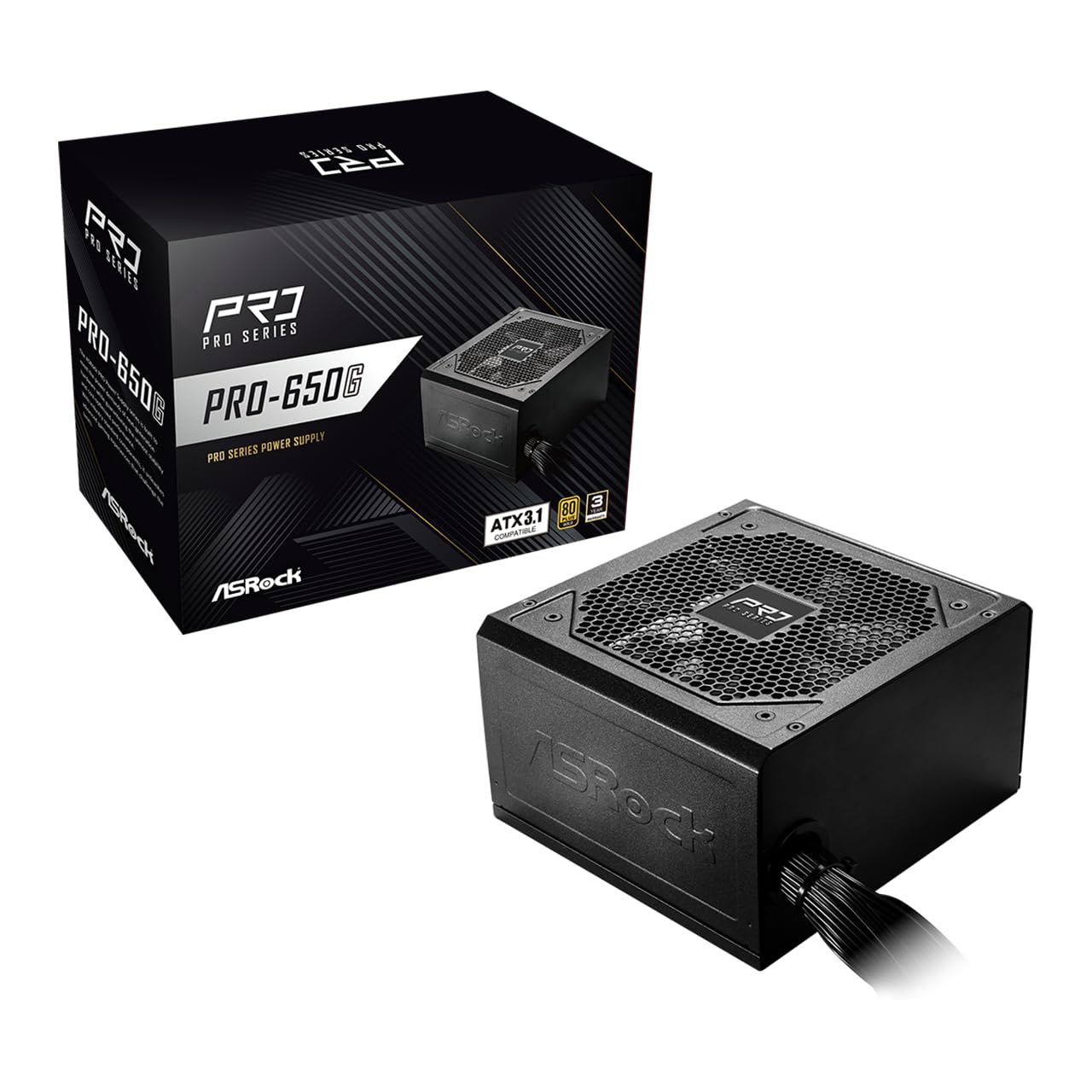
Figure 1: ASRock PRO-650G Power Supply, front view.
2. Аюулгүй байдлын мэдээлэл
Please read and follow all safety instructions carefully before installing or using the power supply. Failure to do so may result in personal injury or damage to your equipment.
- Суурилуулах эсвэл засвар үйлчилгээ хийхээс өмнө цахилгаан тэжээлийг үндсэн цахилгаан залгуураас салгасан эсэхийг шалгаарай.
- Цахилгаан хангамжийг нээж болохгүй casing. Өндөр ботьtages нь салгагдсан байсан ч дотор нь байдаг.
- Install the power supply in a well-ventilated area to prevent overheating.
- Зөвхөн цахилгаан тэжээлд дагалддаг кабелийг ашиглана уу.
- Цахилгаан хангамжийг чийг эсвэл хэт өндөр температурт өртөхөөс зайлсхий.
- This product is designed for use in personal computer systems only.
3. Багцын агуулга
Бүх зүйл багцад байгаа эсэхийг шалгана уу:
- ASRock PRO-650G Power Supply Unit
- Хувьсах гүйдлийн цахилгааны утас
- Modular Cable Set (as detailed below)
- Суурилуулах эрэг
- Хэрэглэгчийн гарын авлага

Figure 2: Included modular cables and their quantities.
4. Бүтээгдэхүүн дууссанview болон онцлог
The ASRock PRO-650G Power Supply is engineered for performance and reliability. Key features include:
- 80 PLUS Алтны үр ашиг: Delivers up to 90% energy efficiency, reducing power consumption and heat output.
- ATX 3.1 нийцтэй: Meets the latest ATX 3.1 standard, ensuring compatibility with modern and next-generation components.
- Stable 12V Output: Provides 54.1A on the +12V rail for reliable power delivery to CPU and graphics cards.
- Цогц хамгаалалтууд: Includes Over Current Protection (OCP), Over Voltage Protection (OVP), Under Voltage Protection (UVP), Over Power Protection (OPP), Over Temperature Protection (OTP), and Short Circuit Protection (SCP) for enhanced system safety.
- Quiet 120mm Fan: Features a balanced cooling solution that maintains low noise levels during operation.
- All-Taiwanese Capacitors: Uses high-quality capacitors for improved durability and longevity.
- Хавтгай кабелийн загвар: Enables easier cable management and improved airflow within the case.
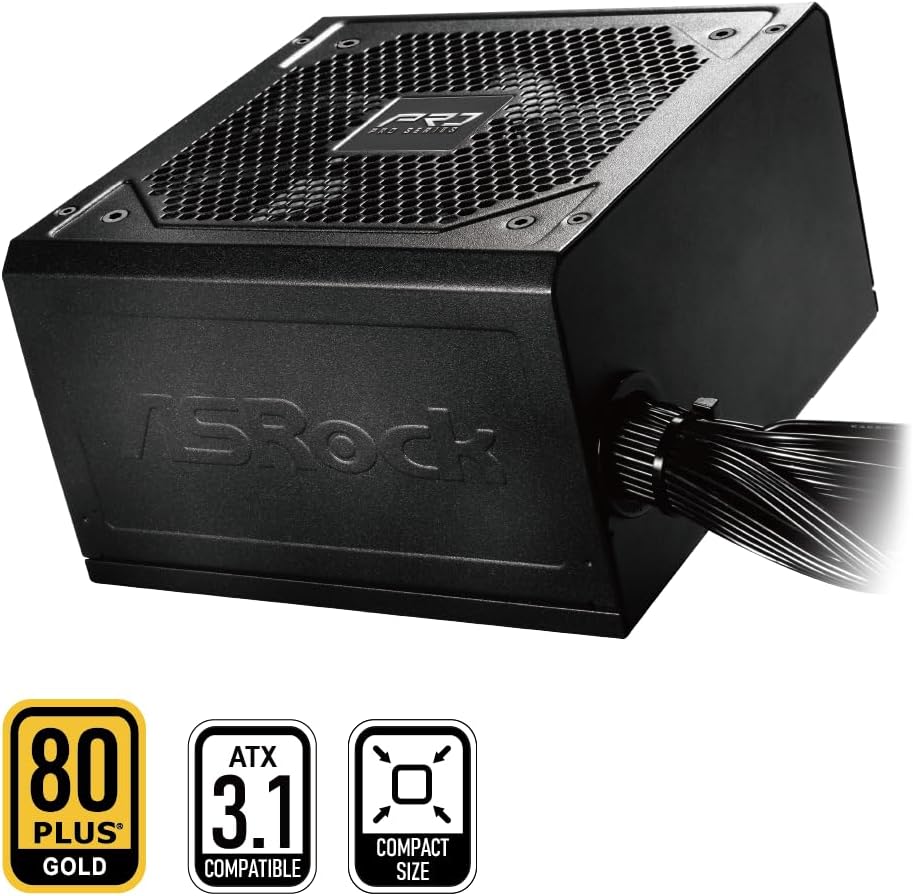
Figure 3: ASRock PRO-650G Power Supply highlighting key certifications.
5. Тохиргоо ба суурилуулалт
Follow these general steps to install your ASRock PRO-650G Power Supply:
- Системээ бэлтгэ: Компьютероо унтрааж, ханын залгуураас салгасан эсэхээ шалгаарай. Компьютерийнхээ гэрийг нээнэ үү.
- Хуучин PSU-г арилгах (хэрэв байгаа бол): Хуучин цахилгаан тэжээлийн эх үүсвэрээс бүх кабелийг салгаад, гэрнээс нь салга.
- Шинэ цахилгаан тэжээлийн блокийг суурилуулах: Insert the ASRock PRO-650G into the power supply bay of your PC case. Secure it with the provided mounting screws.
- Connect Motherboard Cables: Connect the 24-pin ATX motherboard cable and the 4+4-pin CPU power cable to their respective ports on your motherboard.
- Connect Component Cables: Connect the necessary PCIe 6+2-pin cables to your graphics card(s), and SATA/PATA cables to your storage drives and other peripherals. The flat cable design aids in easier routing and improved airflow.
- Кабелийн менежмент: Organize cables to ensure proper airflow and a tidy build.
- Кейс хааж, асаалттай: Close your PC case, plug in the AC power cord to the power supply and a wall outlet, then flip the power switch on the PSU to the 'ON' position.

Зураг 4: Ар талд view of the power supply with power switch and AC input.
Installation Video Overview
Үзүүлэн үзэхийн тулд энэ видеог үзээрэйview of the ASRock Pro Gold Series power supplies, including details on cable connections and features relevant to installation.
Video 1: ASRock Power Supplies Pro Gold Series Overview. This video demonstrates the features and cable connections of the Pro Gold Series, which includes the PRO-650G model.
6. Ашиглалтын заавар
Once installed, operating the ASRock PRO-650G Power Supply is straightforward:
- Асаах: Ensure the power supply's main switch (located at the rear) is in the 'ON' position. Press the power button on your computer case to start the system.
- Унтраах: Shut down your computer through the operating system. Once the system is off, you may optionally switch the power supply's main switch to the 'OFF' position for complete power disconnection.
- The 120mm cooling fan operates automatically to maintain optimal temperatures and minimize noise.
7. Засвар үйлчилгээ
Тохиромжтой засвар үйлчилгээ нь таны цахилгаан хангамжийн урт наслалт, оновчтой гүйцэтгэлийг баталгаажуулдаг.
- Тоос цэвэрлэх: Periodically clean the exterior of the power supply and its fan grille to prevent dust buildup, which can impede airflow and cooling. Use compressed air or a soft brush. Always disconnect the power supply from the wall outlet before cleaning.
- Кабелийн үзлэг: Occasionally check all connected cables to ensure they are securely seated and free from damage.
- Байгаль орчин: Operate the power supply in a clean, dry, and well-ventilated environment.
8. Алдаа засах
If you encounter issues with your power supply, consider the following troubleshooting steps:
- Эрчим хүчгүй:
- Хувьсах гүйдлийн тэжээлийн утас нь тэжээлийн эх үүсвэр болон ханын залгуурт найдвартай холбогдсон эсэхийг шалгаарай.
- Check that the power supply's main switch is in the 'ON' position.
- Өөр төхөөрөмжийг залгаж, ханын залгуур ажиллаж байгаа эсэхийг шалгана уу.
- Confirm all internal power cables (24-pin, CPU, PCIe) are correctly and firmly connected.
- Системийн тогтворгүй байдал/гацалт:
- Таны системийн эрчим хүчний шаардлага нь PSU-ийн 650 Вт-ын хүчин чадлаас хэтрэхгүй байгаа эсэхийг шалгаарай.
- Check for proper ventilation within your PC case to prevent overheating of components, including the PSU.
- Verify that all power connections to components are secure.
- Ер бусын дуу чимээ:
- A slight fan noise is normal during operation. If the noise is excessive or unusual, ensure no cables are obstructing the fan.
- If coil whine is present, it may be due to specific load conditions. While often harmless, if persistent and bothersome, contact support.
If these steps do not resolve the issue, please contact ASRock customer support.
9. Техникийн үзүүлэлтүүд
| Онцлог | Тодорхойлолт |
|---|---|
| Загварын нэр | PRO-650G |
| Гаралтын ватtage | 650 ватт |
| 80 PLUS гэрчилгээ | алт |
| ATX стандарт | ATX 3.1 нийцтэй |
| +12V Rail Output | 54.1 А |
| Хөргөх арга | Air (120mm Fan) |
| Конденсатор | All-Taiwanese Capacitors |
| Form Factor | ATX (140x150x86mm) |
| Бүтээгдэхүүний хэмжээ (L x W x H) | 5.51 x 5.91 x 3.39 инч |
| Зүйлийн жин | 4.33 фунт |
| Үйлдвэрлэгч | ASRock |
| Загварын дугаар | 90-UXR065-GNUAA2 |
10. Баталгаат хугацаа ба дэмжлэг
The ASRock PRO-650G Power Supply is backed by a 3 жилийн баталгаат хугацаа, чанар болон бат бөх чанарын талаар сэтгэлийн амар амгаланг өгдөг.
For any product inquiries, technical assistance, or warranty claims, please contact ASRock USA customer support through Amazon or visit the official ASRock website for further support options.
Онлайн нөөцүүд:
- ASRock Store on Amazon: Visit ASRock Store