1. Танилцуулга
This manual provides instructions for the setup, operation, and maintenance of your EVICIV 15.6-inch Portable Monitor, Model EC156FHD. This monitor is designed to extend your display capabilities for various devices, including laptops, smartphones, and game consoles, offering a Full HD 1080p resolution display with a 125% sRGB color gamut.
2. Багцын агуулга
Тохиргоог үргэлжлүүлэхийн өмнө доор жагсаасан бүх зүйлс таны багцад байгаа эсэхийг шалгана уу:
- 15.6" Portable Monitor
- Mini HDMI кабель
- Type-C - Type-C кабель
- USB-A-аас USB-C кабель
- Хэрэглэгчийн гарын авлага

Хэрэв ямар нэгэн зүйл алга болсон эсвэл гэмтсэн бол хэрэглэгчийн дэмжлэгтэй холбогдоно уу.
3. Over Monitorview
3.1 Физик шинж чанарууд
The EVICIV portable monitor features an ultra-slim design with narrow bezels, maximizing screen area and minimizing visual distractions. It is lightweight for portability.

3.2 Портууд болон удирдлага
The monitor is equipped with various ports and controls for versatile connectivity and easy navigation:
- Мини HDMI порт: HDMI гаралттай төхөөрөмжүүдээс видео оролтод зориулагдсан.
- USB-C 3.1 портууд (x2): For power, video, and data transmission with compatible devices.
- 3.5 мм аудио залгуур: Гадаад чихэвч эсвэл чанга яригчийг холбох зориулалттай.
- Pulley Button/Menu: Used to navigate the On-Screen Display (OSD) menu and adjust settings.
- Return/Power Button: Used to power the monitor on/off and return from OSD menus.
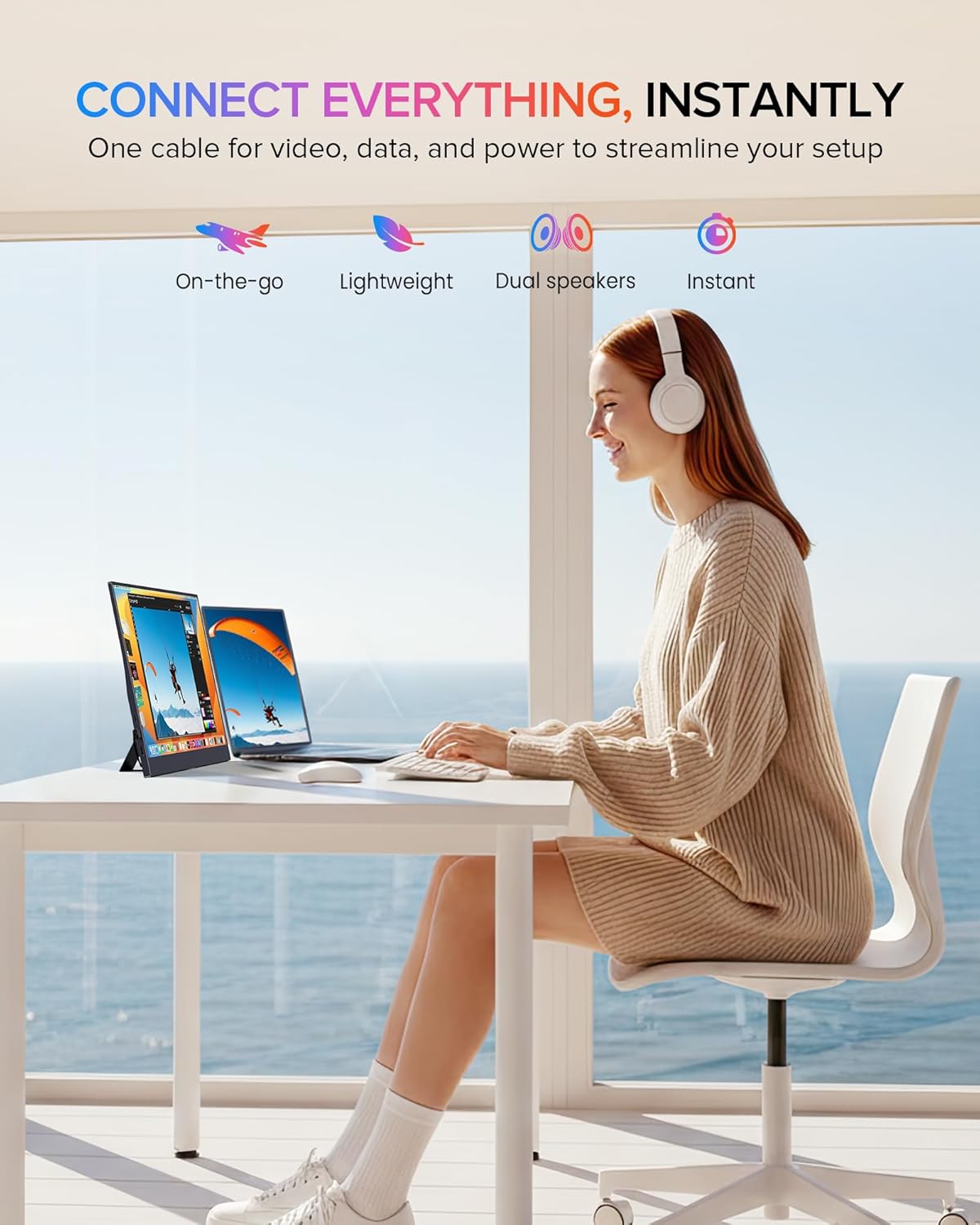
4. Тохиргоо ба холболт
The monitor supports plug-and-play functionality with most devices. Ensure your device supports video output over USB-C (DisplayPort Alternate Mode) or HDMI.
4.1 Connecting via USB-C (Full-featured)
For devices with a full-featured USB-C port (supporting power, video, and data), a single USB-C to USB-C cable can provide both power and display signal.
- Connect one end of the Type-C to Type-C cable to your device's USB-C port.
- Connect the other end of the Type-C to Type-C cable to one of the monitor's USB-C 3.1 ports.
- Хяналт нь дохиог автоматаар илрүүлж, асаах ёстой.

4.2 Mini HDMI-ээр холбогдох
For devices with an HDMI output, use the Mini HDMI to HDMI cable for video signal and a USB-A to USB-C cable for power.
- Connect one end of the Mini HDMI cable to your device's HDMI port and the other end to the monitor's Mini HDMI port.
- Connect the USB-A end of the USB-A to USB-C cable to a power source (e.g., laptop USB port, wall adapter) and the USB-C end to one of the monitor's USB-C 3.1 ports for power.
- The monitor should display the signal from your device.

4.3 Төхөөрөмжийн нийцтэй байдал
The monitor is compatible with a wide range of devices:
- Type-C (Android/Windows): Phones, Tablets, Laptops, PCs.
- HDMI (Game Consoles): Nintendo Switch, Steam Deck, PlayStation (PS3/4/5), Xbox.

5. Ашиглалтын заавар
5.1 Асаах/унтраах
Press and hold the Power button (often combined with the Return function) for a few seconds to turn the monitor on or off.
5.2 Дэлгэц дээрх дэлгэц (OSD) цэс
The OSD menu allows you to adjust various display settings. Use the Pulley Button to navigate and select options.
- Press the Pulley Button to open the OSD menu.
- Roll the Pulley Button up or down to navigate through menu options.
- Press the Pulley Button to select an option or confirm a setting.
- Press the Return/Power button to exit the current menu or the OSD entirely.
Common OSD settings include Brightness, Contrast, Color Temperature, Input Source, and HDR mode.
6. Дэлгэцийн онцлог
The EVICIV portable monitor is designed with several features to enhance your viewтуршлага:
- 125% sRGB өнгөний хүрээ: Provides a wider range of colors compared to standard sRGB, resulting in more accurate and vibrant color reproduction.
- Full HD 1080p Resolution (1920x1080): Delivers clear and detailed images.
- 350 нит тод байдал: Offers sufficient brightness for various indoor lighting conditions.
- 2000:1 Ялгарах харьцаа: Produces deeper blacks and brighter whites for improved image depth.
- IPS Display Technology: Ensures consistent color and image quality across wide 178-degree viewөнцөг.
- HDR дэмжлэг: Enhances dynamic range for compatible content, showing more detail in both bright and dark areas.
- Нүдний арчилгааны онцлогууд: Includes a blue light filter and flicker-free technology to reduce eye strain during extended use.


7. Суурилуулах сонголтууд
7.1 Built-in Adjustable Stand
The monitor includes a built-in stand that can be adjusted up to 70 degrees, allowing you to find an ergonomic viewбайрлал.

7.2 VESA суурилуулах
For more permanent setups, the monitor is VESA compatible (75x75mm, M4*4mm). This allows it to be mounted on a wall or a desk arm.
- Дэлгэцийн арын хэсэгт байрлах VESA холбох нүхийг ол.
- Secure the VESA mount bracket to the monitor using the provided M4*4mm screws.
- Attach the monitor to your VESA-compatible arm or wall mount.

8. Засвар үйлчилгээ
Мониторын урт наслалт, оновчтой ажиллагааг хангахын тулд дараах засвар үйлчилгээний удирдамжийг дагана уу.
- Дэлгэц цэвэрлэх: Зөөлөн, хөвөнгүй даавуугаар дэлгэцийг зөөлөн арчина. Зөрүүд тэмдгийн хувьд dampen the cloth slightly with water or a screen-safe cleaning solution. Avoid harsh chemicals or abrasive materials.
- C цэвэрлэхasing: Зөөлөн хуурай даавуугаар мониторыг цэвэрлэх casing.
- Хадгалах: When not in use, store the monitor in a cool, dry place, preferably in its protective sleeve or original packaging, to prevent dust accumulation and physical damage.
- Шингэнээс зайлсхийх: Keep liquids away from the monitor to prevent electrical damage.
- Хэт их температураас зайлсхийх: Do not expose the monitor to extreme hot or cold temperatures.
9. Алдаа засах
Хэрэв танд монитортой холбоотой асуудал тулгарвал дараах нийтлэг асуудал, шийдлүүдийг үзнэ үү.
9.1 Дохио байхгүй / Хар дэлгэц
- Кабель шалгах: Ensure all video (USB-C or Mini HDMI) and power cables are securely connected to both the monitor and your device.
- Эрчим хүчний эх үүсвэр: Verify the monitor is receiving adequate power. If using USB-C, ensure your device's USB-C port supports power delivery. If using HDMI, ensure the USB-C power cable is connected to a sufficient power source.
- Оролтын эх сурвалж: Зөв оролтын эх үүсвэрийг (USB-C эсвэл HDMI) гараар сонгохын тулд OSD цэсийг ашиглана уу.
- Төхөөрөмжийн гаралт: Confirm your connected device is configured to output video to an external display.
9.2 Эрчим хүчгүй
- Цахилгааны утас: Ensure the USB-C power cable is connected to a functional power source (e.g., wall adapter, powered USB port).
- Цахилгаан товч: Press and hold the Power button for a few seconds to ensure it's not just in standby mode.
- Өөр кабель/портыг туршиж үзээрэй: Test with a different USB-C cable or a different power source if available.
9.3 Image Flickering or Distortion
- Кабелийн чанар: Use the provided cables or high-quality certified cables. Poor quality cables can cause signal issues.
- Нарийвчлал/Сэргээх хурд: Ensure your device's output resolution and refresh rate are supported by the monitor (Max 1920x1080 at 60Hz).
- хөндлөнгийн оролцоо: Move the monitor away from other electronic devices that might cause electromagnetic interference.
If these steps do not resolve the issue, please contact EVICIV customer support.
10. Техникийн үзүүлэлтүүд
| Онцлог | Тодорхойлолт |
|---|---|
| Брэнд | EVICIV |
| Загварын дугаар | EC156FHD |
| Дэлгэцийн хэмжээ | 15.6 инч |
| Шийдвэр | FHD 1080p (1920 x 1080) |
| Дэлгэцийн технологи | IPS LCD |
| Сэргээх хурд | 60 Гц |
| Гэрэлтүүлэг | 350 Кандела (Нитс) |
| Ялгаатай харьцаа | 2000:1 |
| Өнгөний хүрээ | 125% sRGB |
| Viewing өнцөг | 178 градус |
| Хариу өгөх хугацаа | 3 миллисекунд |
| Холболт | 2x USB 3.0 Type-C, 1x Mini HDMI, 1x 3.5mm Audio |
| Суурилуулах төрөл | VESA (75x75mm), Built-in Stand |
| Эрчим хүчний хэрэглээ | 10 ватт |
| Хэмжээ (D x W x H) | 0.27"D x 14"W x 9"H |
11. Баталгаат хугацаа ба дэмжлэг
Your EVICIV Portable Monitor comes with a 2 жилийн үйлдвэрлэгчийн баталгаа. Энэхүү баталгаа нь ердийн ашиглалтын үед хийгдсэн материал, хийцийн согогийг хамарна.
For warranty claims, technical assistance, or further inquiries, please contact EVICIV customer support through the official EVICIV webсайт эсвэл таны борлуулагч.
Дэлгэрэнгүй мэдээлэл, дэмжлэг авахыг хүсвэл зочилно уу EVICIV Store on Amazon.


