Introduction to the OPPO Find X9 Series
This manual provides a detailed guide to understanding and utilizing the full capabilities of your OPPO Find X9 Series smartphone, including the Find X9 and Find X9 Pro models. It covers essential functions, advanced features, and practical tips to enhance your user experience. The goal is to help you navigate your device efficiently and securely.
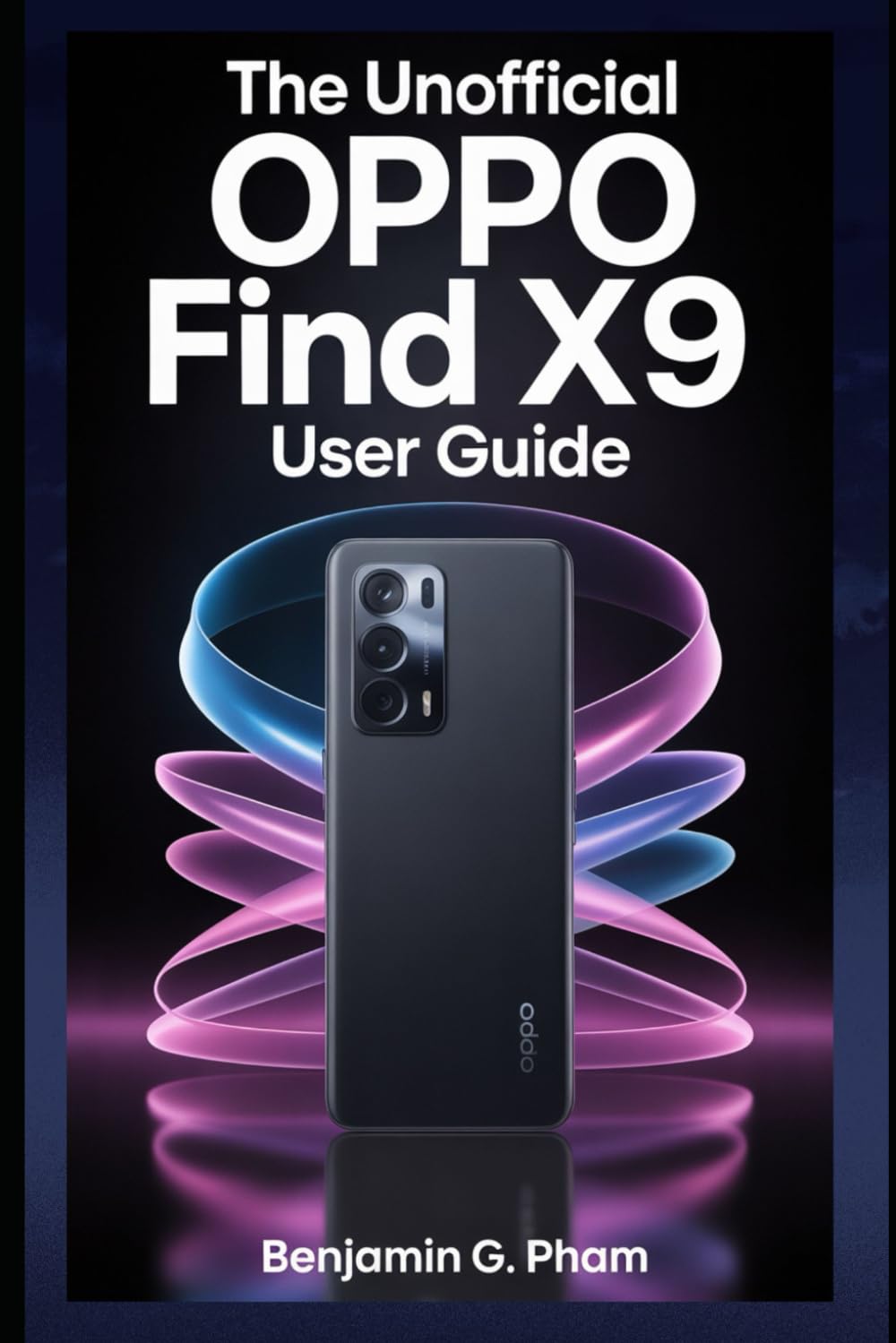
Image: Front cover of the user manual for the OPPO Find X9 Series, displaying the title and design.
1. Анхны тохиргоо ба тохиргоо
Upon first powering on your OPPO Find X9 Series device, you will be guided through a series of steps to set up your phone. This section outlines the process for initial configuration.
- Асаах: Press and hold the power button until the OPPO logo appears.
- Хэлний сонголт: Жагсаалтаас дуртай хэлээ сонгоно уу.
- Бүсийн сонголт: Select your geographical region.
- Wi-Fi холболт: Connect to a stable Wi-Fi network to download necessary updates and complete setup.
- Google Бүртгэлийн тохиргоо: Google бүртгэлээрээ нэвтэрч эсвэл шинээр үүсгэнэ үү. Энэ нь Google Play Store болон Google-ийн бусад үйлчилгээнд нэвтрэхэд зайлшгүй шаардлагатай.
- Өгөгдөл дамжуулах (заавал биш): Follow prompts to transfer data from an old device if desired.
- Аюулгүй байдлын тохиргоо: Configure screen lock methods such as PIN, pattern, password, fingerprint, or facial recognition.
- Review and Finish: Accept terms and conditions, and complete the setup process.
2. Үндсэн ажиллагаа ба навигаци
Familiarize yourself with the fundamental operations and navigation gestures of your OPPO Find X9 Series device.
- Үндсэн дэлгэц: Апп, виджет болон мэдэгдлүүдэд хандана уу. Нүүр дэлгэцийн хооронд шилжихийн тулд зүүн эсвэл баруун тийш шударна уу.
- Апп шүүгээ: Суулгасан бүх програмд хандахын тулд дэлгэцийн доороос дээш шударна уу.
- Мэдэгдлийн самбар: Дэлгэцийн дээд хэсгээс доош шударна уу view мэдэгдэл болон хурдан тохиргоо.
- Сүүлийн үеийн програмууд: Swipe up and hold from the bottom of the screen (or tap the recent apps button) to view мөн саяхан ашигласан програмуудыг удирдах.
- Зангаа: Customize navigation gestures in Settings > System Settings > System Navigation.
3. Camera Features and Photography
The OPPO Find X9 Series offers advanced camera capabilities. This section guides you through various camera modes and settings to capture high-quality photos and videos.
- Камерын горимууд: Explore modes such as Photo, Video, Portrait, Night, Pro, Panorama, and Slow-motion.
- Тохиргоо: Adjust resolution, aspect ratio, timer, grid lines, and advanced camera parameters.
- AI Enhancements: Utilize AI Scene Enhancement for optimized photo quality based on detected subjects.
- Мэргэжилтнүүдийн зөвлөгөө: Learn about composition, lighting, and focus techniques for improved photography.
4. AI Tools and Smart Settings
Discover the integrated AI features and smart settings designed to personalize and optimize your device's performance and user experience.
- Ухаалаг хажуугийн самбар: Access frequently used apps and tools quickly.
- Flexible Windows: Utilize split-screen and floating windows for enhanced multitasking.
- AI System Booster: Optimize system performance and app launch speeds.
- Хувийн тохиргоо: Customize themes, wallpapers, always-on display, and icon styles.
5. Productivity Tools and Connectivity
Enhance your productivity with various built-in tools and seamless connectivity options.
- File Хуваалцах: Use Nearby Share or OPPO Share for quick file төхөөрөмжүүдийн хооронд шилжүүлэх.
- Multi-Screen Connect: Mirror your phone screen to a PC or tablet for a larger workspace.
- Дижитал сайн сайхан байдал: Дэлгэцийн цаг болон апп ашиглалтаа хянаж, удирдаарай.
- Үүлэн үйлчилгээ: Sync data and back up your device using Google Drive or OPPO Cloud.
6. Аюулгүй байдал ба нууцлал
Protect your personal data and maintain your privacy with the security features available on your OPPO Find X9 Series device.
- Биометрийн аюулгүй байдал: Configure and manage fingerprint and facial recognition for secure unlocking and app access.
- Апп түгжээ: Хувь хүний програмуудыг нууц үг эсвэл биометрийн баталгаажуулалтаар хамгаалаарай.
- Хувийн сейф: Securely store private photos, videos, and documents.
- Permission Manager: Control which apps have access to your device's features and data.
- Нууцлалын хяналтын самбар: Monitor app access to sensitive permissions.
7. Төхөөрөмжийн засвар үйлчилгээ
Regular maintenance helps ensure optimal performance and longevity of your OPPO Find X9 Series smartphone.
- Програм хангамжийн шинэчлэлтүүд: Системийн шинэчлэлтүүдийг тогтмол шалгаж, суулгана уу Тохиргоо > Төхөөрөмжийн тухай > Шинэчлэгдсэн.
- Батерейны оновчлол: Manage battery usage in Тохиргоо > Батерей батерейны ашиглалтын хугацааг уртасгахын тулд.
- Хадгалах менежмент: Шаардлагагүй зүйлийг арилгах files and cache to free up storage space.
- Цэвэрлэгээ: Use a soft, lint-free cloth to clean the screen and device body. Avoid harsh chemicals.
8. Нийтлэг асуудлуудыг олж засварлах
Энэ хэсэгт танд тохиолдож болох нийтлэг асуудлуудыг авч үзэж, шийдвэрлэх арга замыг зааж өгнө.
| Асуудал | Шийдэл |
|---|---|
| Төхөөрөмж асахгүй байна | Батерейг цэнэглэсэн эсэхийг шалгаарай. Цахилгаан товчийг дор хаяж 10 секундын турш дарна уу. |
| Аппликешнууд гацаж эсвэл хөлддөг | Програмын кэшийг цэвэрлэх (Settings > Apps > App management > [App Name] > Storage usage > Clear cache). Төхөөрөмжийг дахин эхлүүлнэ үү. |
| Зайны хугацаа муу | Check battery usage in settings to identify power-hungry apps. Reduce screen brightness. Disable unnecessary features like GPS or Bluetooth when not in use. |
| Network connectivity problems | Toggle Wi-Fi/Mobile Data off and on. Restart the device. Reset network settings (Тохиргоо > Системийн тохиргоо > Нөөцлөх ба дахин тохируулах > Утсыг дахин тохируулах > Сүлжээний тохиргоог дахин тохируулах). |
9. Product Specifications (OPPO Find X9 Series)
This manual details the specifications of the OPPO Find X9 and Find X9 Pro models. For precise technical specifications, please refer to the official OPPO website or the packaging of your specific device model.
Note: As this document is a general guide, specific hardware details such as processor type, RAM, storage, and camera sensor models are covered within the guide's content rather than listed here.
ISBN for this user guide: 979-8270541873

Image: Back cover of the user manual, showing the ISBN barcode and additional details.
10. Баталгаат хугацаа ба дэмжлэг
For information regarding your device's warranty, please refer to the warranty card included with your OPPO Find X9 Series smartphone or visit the official OPPO support website. For technical assistance, contact OPPO customer service through their official channels.
- Албан ёсны OPPO Webсайт: For product information, FAQs, and support resources.
- Харилцагчийн үйлчилгээ: Contact details for phone, chat, or email support can be found on the official webсайт.


