1. Танилцуулга
This manual provides essential information for setting up, operating, maintaining, and troubleshooting your Sharp Aquos QLED 55 Inch 4K Ultra HD Xumo Smart TV. Please read this manual thoroughly before using your television and retain it for future reference.
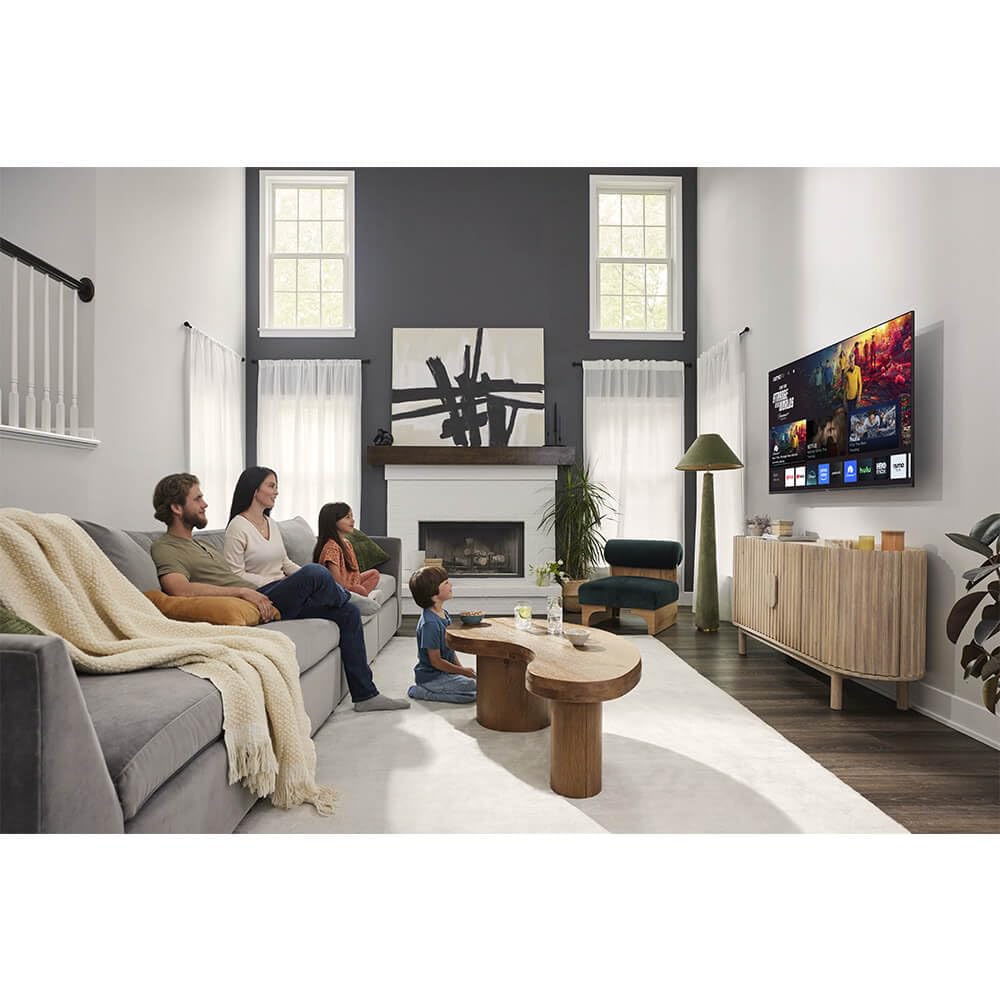
Зураг: Урд view of the Sharp Aquos QLED 55 Inch 4K Ultra HD Xumo Smart TV.
2. Аюулгүй байдлын мэдээлэл
Always follow basic safety precautions when using this television to reduce the risk of fire, electric shock, and injury. Keep the television away from moisture, direct sunlight, and heat sources. Ensure proper ventilation and do not block any ventilation openings. Use only the power cord and accessories specified by the manufacturer. Refer to the full safety guidelines in the included printed manual.
3. Хайрцагт юу байна
Your Sharp Aquos QLED 55 Inch 4K Ultra HD Xumo Smart TV package includes:
- Sharp Aquos QLED 55 Inch 4K Ultra HD Xumo Smart TV
- Дуут алсын удирдлага
- ТВ тавиур (2 ширхэг)
- Телевизийн тавиурын шураг
- Цахилгааны утас
- Хэрэглэгчийн гарын авлага (энэ баримт бичиг)
- Түргэн эхлүүлэх гарын авлага
4. Тохиргоо
4.1 Телевизийн тавиурыг бэхлэх
- Телевизийн дэлгэцийг гэмтээхгүйн тулд зөөлөн, тэгш гадаргуу дээр болгоомжтой байрлуул.
- Тавиурын хэсэг бүрийг ТВ-ийн доод талд байгаа харгалзах шурагны нүхнүүдтэй зэрэгцүүлнэ.
- Тавиурын хэсэг бүрийг нийлүүлсэн эрэг ашиглан бэхлээрэй. Тэдгээрийг сайтар чангалж байгаа эсэхийг шалгаарай.
4.2 Хананд суурилуулах (заавал биш)
If you choose to wall mount your TV, ensure you use a VESA-compatible wall mount kit (sold separately) that supports the 55-inch screen size and weight. Follow the instructions provided with your wall mount kit. Remove the TV stand before mounting.
4.3 Төхөөрөмжүүдийг холбох
Connect your external devices (cable box, gaming console, soundbar, etc.) to the appropriate ports on the back of the TV. The Sharp Aquos QLED TV features multiple HDMI inputs for versatile connectivity.

Зураг: Ар талд view of the Sharp Aquos QLED TV showing cable management through the stand.
4.4 Эрчим хүчний холболт
Plug the power cord into the TV's power input, then into a wall outlet. The TV is now ready for initial setup.
5. Ашиглалтын заавар
5.1 Анхны тохиргоо ба сүлжээний холболт
Upon first power-on, the TV will guide you through the initial setup process. This includes selecting your language, connecting to your Wi-Fi network (dual-band Wi-Fi supported for reliable streaming), and agreeing to terms and conditions. Follow the on-screen prompts.
5.2 Алсын удирдлагын функцууд
The included voice remote allows for intuitive navigation. Use the directional pad to move through menus, the OK button to select, and dedicated buttons for popular streaming services. The built-in voice search feature provides hands-free control for launching apps, adjusting volume, and switching inputs.
5.3 Xumo Smart TV Platform
The Xumo Smart TV system offers fast and intuitive access to your favorite streaming applications. The clean home screen allows for easy navigation and personalized content recommendations.
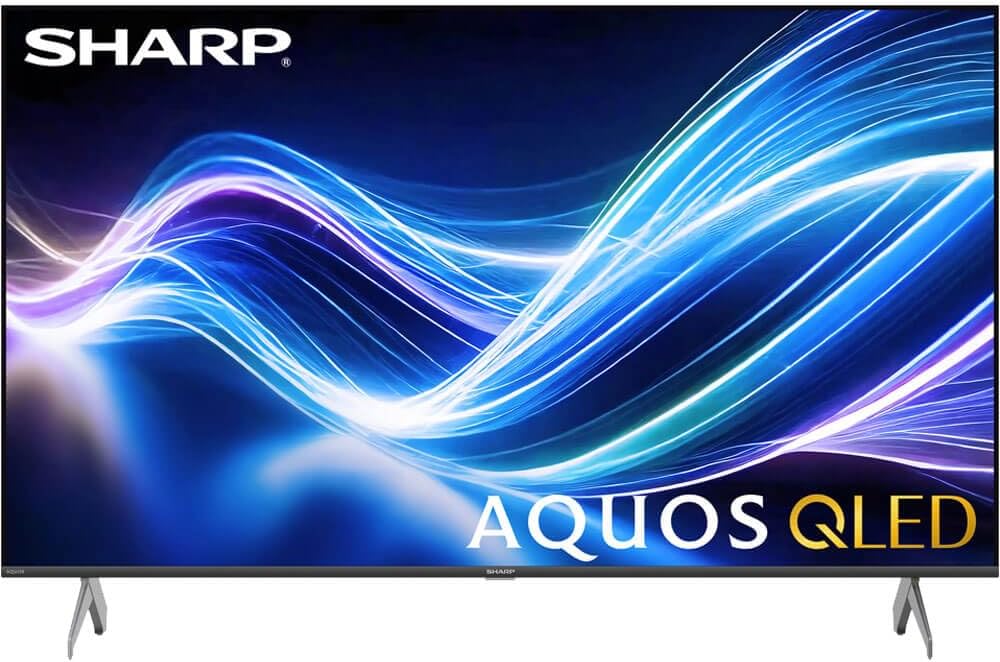
Image: The Xumo Smart TV home screen displaying various streaming apps and voice search functionality.
5.4 Зураг болон дууны тохиргоо
Your Sharp Aquos QLED TV supports advanced picture and sound technologies:
- 4K QLED дэлгэц: Enjoy vibrant, lifelike images with Quantum Dot color and enhanced brightness.
- Dolby Vision & HDR10: These premium HDR formats optimize contrast, depth, and clarity for cinematic picture quality. Access picture settings via the TV menu to fine-tune brightness, contrast, color, and sharpness.
- Иммерсив аудио: The TV features optimized sound processing for clear dialogue and enhanced bass. Connect Bluetooth headphones or speakers for wireless listening. Adjust audio modes (Standard, Music, Movie, Speech, Custom) in the sound settings.
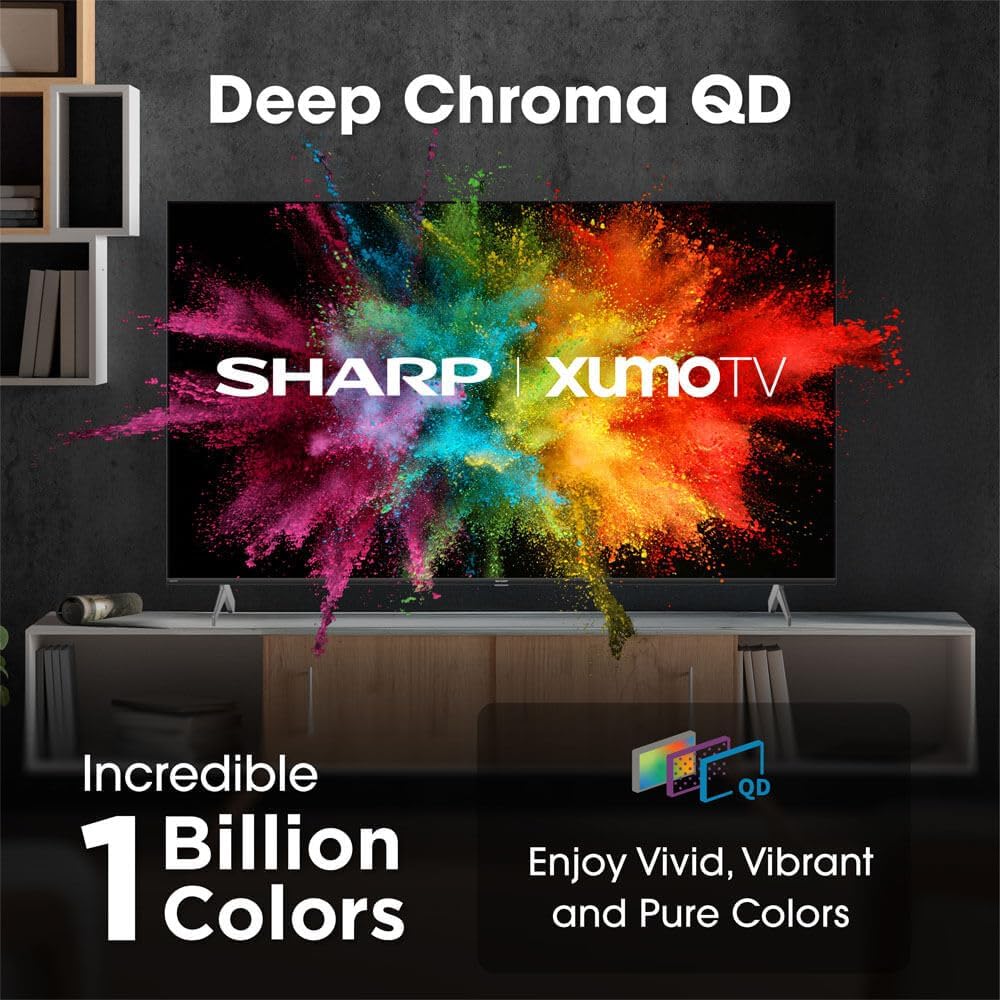
Image: Comparison of Dolby Vision enhanced picture quality against a standard display.

Image: Visual representation of Dolby Atmos creating immersive sound in a living room setting.
6. Засвар үйлчилгээ
6.1 ТВ цэвэрлэх
Дэлгэцийг цэвэрлэхийн тулд зөөлөн, хөвөнгүй даавуугаар зөөлөн арчина. Зөрүүд тэмдгийн хувьд бага зэрэг dampen the cloth with water or a screen-cleaning solution. Never spray liquid directly onto the screen. Clean the TV's exterior with a soft, dry cloth.
6.2 Програм хангамжийн шинэчлэлтүүд
Таны ТВ гүйцэтгэлийг сайжруулах, шинэ боломжуудыг нэмэхийн тулд автомат программ хангамжийн шинэчлэлтийг хүлээн авч магадгүй. Эдгээр шинэчлэлтийг хүлээн авахын тулд ТВ тань интернетэд холбогдсон эсэхийг шалгаарай. Та мөн ТВ-ийн тохиргооны цэснээс шинэчлэлтүүдийг гараар шалгаж болно.
7. Алдаа засах
| Асуудал | Боломжит шалтгаан | Шийдэл |
|---|---|---|
| Хүч чадалгүй | Power cord not connected, power outlet not working. | Цахилгааны холболтыг шалгаад өөр залгуурыг туршаад үзээрэй. |
| Зураг/дуу байхгүй | Incorrect input selected, external device off/disconnected. | Verify input source, check device power and connections. |
| Алсын удирдлага ажиллахгүй байна | Batteries low/dead, obstruction between remote and TV. | Replace batteries, remove obstructions, re-pair remote if necessary. |
| Wi-Fi холболтын асуудал | Router issues, incorrect password, weak signal. | Restart router, re-enter Wi-Fi password, move TV closer to router or use Ethernet. |
8. Техникийн үзүүлэлтүүд
- Брэнд: Хурц
- Загварын дугаар: 4TC55HP7050U
- Дэлгэцийн хэмжээ: 55 инч
- Дэлгэцийн технологи: QLED Smart
- Шийдвэр: 4K Ultra HD
- Сэргээх хурд: 60 Гц
- Онцлог шинж чанарууд: Flat, Dolby Vision, HDR10, Xumo Smart TV, Voice Remote, Bluetooth, Dual-band Wi-Fi
- Холболтын технологи: RCA, HDMI (multiple ports)
- Дэмжигдсэн интернет үйлчилгээ: Netflix, Hulu, Amazon Prime Video (and more via Xumo platform)
- Барааны жин: 32 фунт
- Өнгө: Хар
9. Баталгаат хугацаа ба дэмжлэг
Баталгаат хугацааны мэдээлэл болон техникийн дэмжлэг авахыг хүсвэл бүтээгдэхүүнтэй хамт ирсэн баталгаат картыг үзэх эсвэл албан ёсны Sharp дэлгүүрт зочилно уу. webсайт. Худалдан авалтын баримтаа баталгаат нэхэмжлэлд зориулж худалдан авалтын баталгаа болгон хадгална уу.