1. Танилцуулга
This manual provides essential information for the proper setup, operation, and maintenance of your MESWAO 15.6-inch Android 14 Tablet (Model MES-B3). Please read this manual thoroughly before using the device to ensure optimal performance and longevity. Keep this manual for future reference.
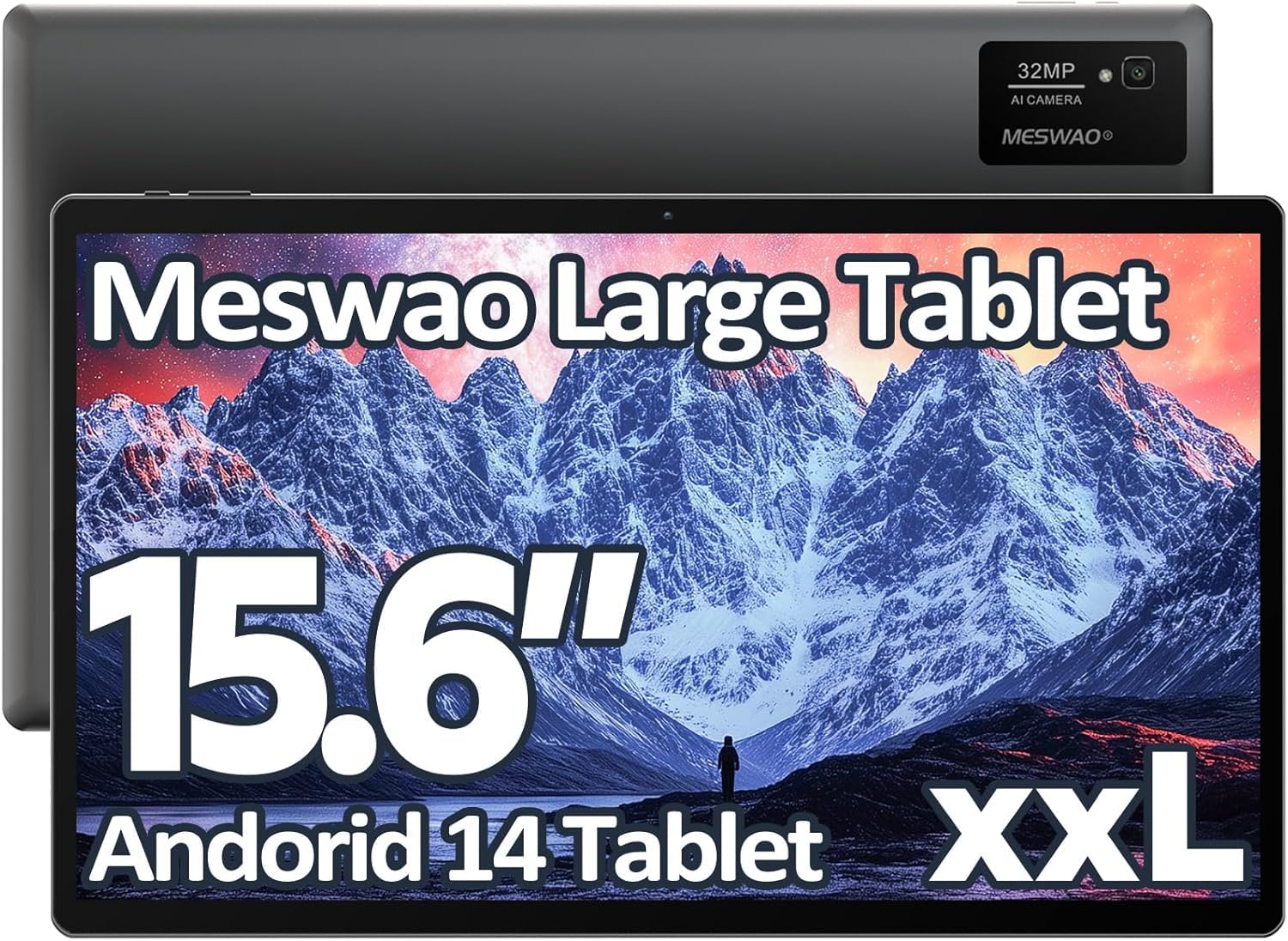
Image: The MESWAO 15.6-inch Android 14 Tablet, showcasing том дэлгэц, гоёмсог дизайнтай.
2. Тохиргоо
2.1 Хайрцагнаас задлах, анхны үзлэг
Савлагаанаас бүх эд ангиудыг болгоомжтой авч хаяна уу. Савлагааны агуулгад жагсаасан бүх зүйлс байгаа бөгөөд гэмтээгүй эсэхийг шалгана уу. Хэрэв ямар нэгэн зүйл алга болсон эсвэл гэмтсэн бол хэрэглэгчийн дэмжлэгтэй яаралтай холбогдоно уу.
2.2 Таблетыг цэнэглэх
Before first use, fully charge the tablet. Connect the provided USB-C cable to the tablet's charging port and the other end to the power adapter. Plug the power adapter into a wall outlet. The charging indicator will illuminate. A full charge typically takes approximately 3 hours with the 30W fast charging capability.
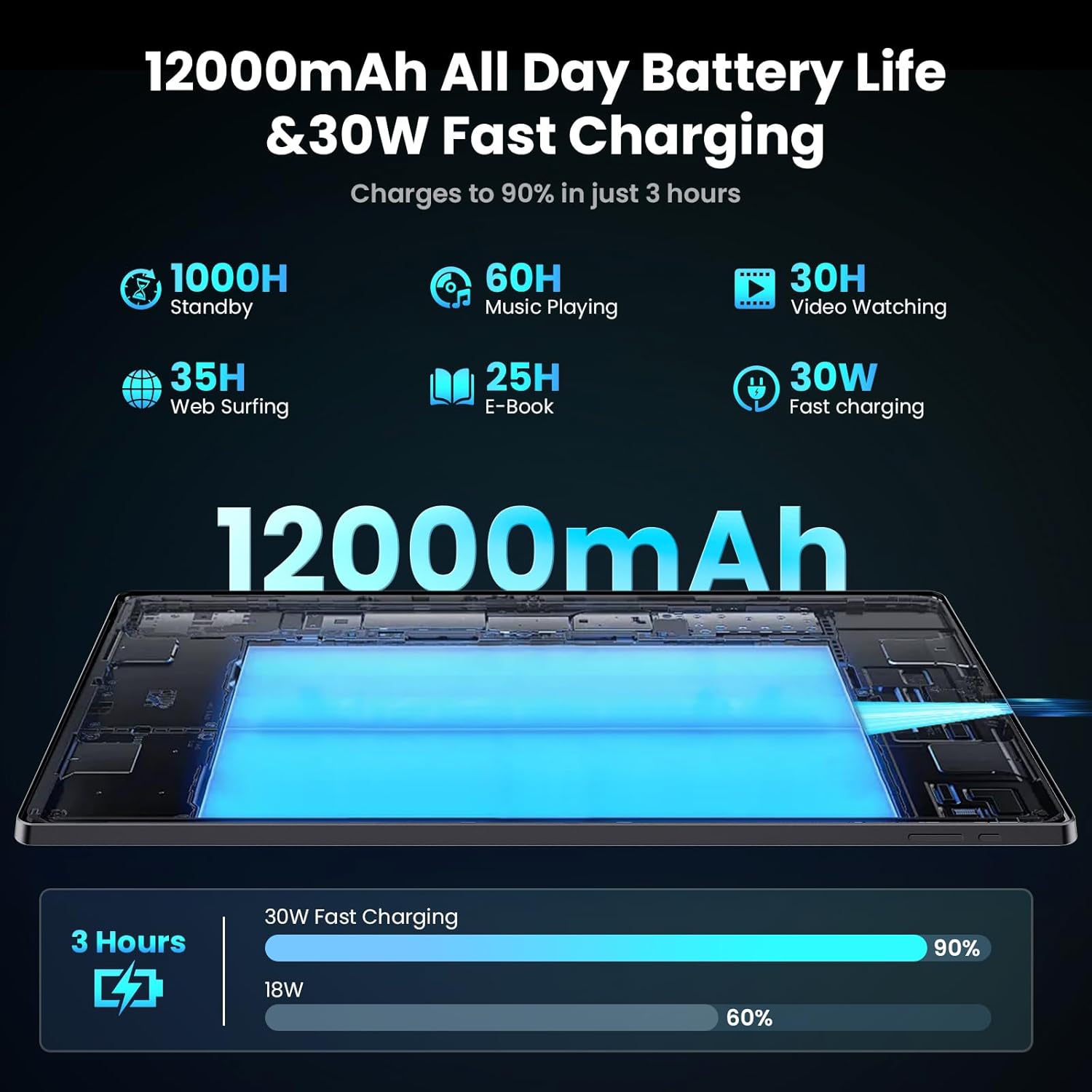
Image: Diagram illustrating the 12000mAh battery capacity and 30W fast charging feature, showing a charge to 90% in 3 hours.
2.3 Асаалт ба анхны тохиргоо
- Press and hold the Power button until the MESWAO logo appears.
- Хэл, бүс нутгаа сонгох, Wi-Fi сүлжээнд холбогдохын тулд дэлгэцэн дээрх зааврыг дагана уу.
- Google Play Store болон бусад үйлчилгээнд хандахын тулд Google бүртгэлээрээ нэвтрэх эсвэл шинээр үүсгэнэ үү.
- Complete any remaining setup steps, such as setting up a screen lock (PIN, pattern, or password) and reviewнууцлалын тохиргоог хийж байна.
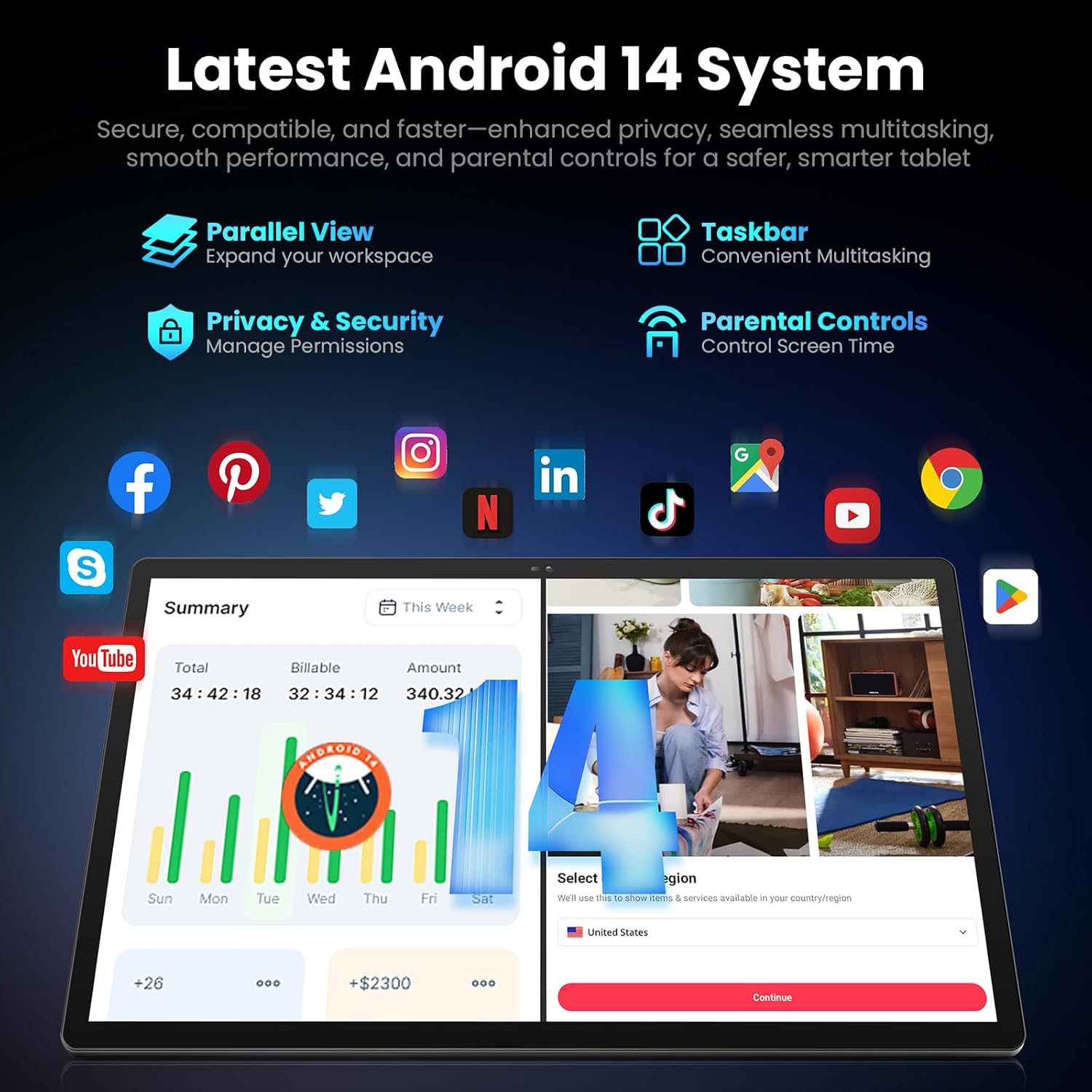
Image: Screenshot of the Android 14 system interface on the MESWAO tablet, highlighting features like Parallel View, Taskbar, Privacy & Security, and Parental Controls.
3. Ашиглалтын заавар
3.1 Үндсэн навигаци
- Хүрэх дохио: Сонгохын тулд товш, гүйлгэхийн тулд шудар, томруулахын тулд чимхээрэй.
- Үндсэн дэлгэц: Апп, виджет, мэдэгдэлд хандах.
- Мэдэгдлийн самбар: Дэлгэцийн дээд хэсгээс доош шударна уу view мэдэгдэл болон хурдан тохиргоо.
- Апп шүүгээ: Суулгасан бүх програмд хандахын тулд дэлгэцийн доороос дээш шударна уу.
3.2 Дэлгэц ба харааны туршлага
The 15.6-inch Full HD (1920x1080) IPS display offers vivid colors and wide viewing angles. Adjust brightness and display settings in the Settings menu under "Display" for optimal viewing comfort. The large screen is ideal for multitasking and immersive media consumption.

Image: The MESWAO tablet displaying a high-definition image, emphasizing the 1920x1080P Full HD IPS display with eye protection features.
3.3 Гүйцэтгэл ба хадгалалт
Equipped with an Octa-Core Helio G99 processor and Android 14, the tablet provides smooth performance for various applications. It includes 8GB RAM and 256GB internal storage, expandable up to 1TB via a TF (microSD) card. To insert a TF card, locate the card slot on the side of the tablet, open the tray, and carefully place the card into the designated slot before reinserting the tray.
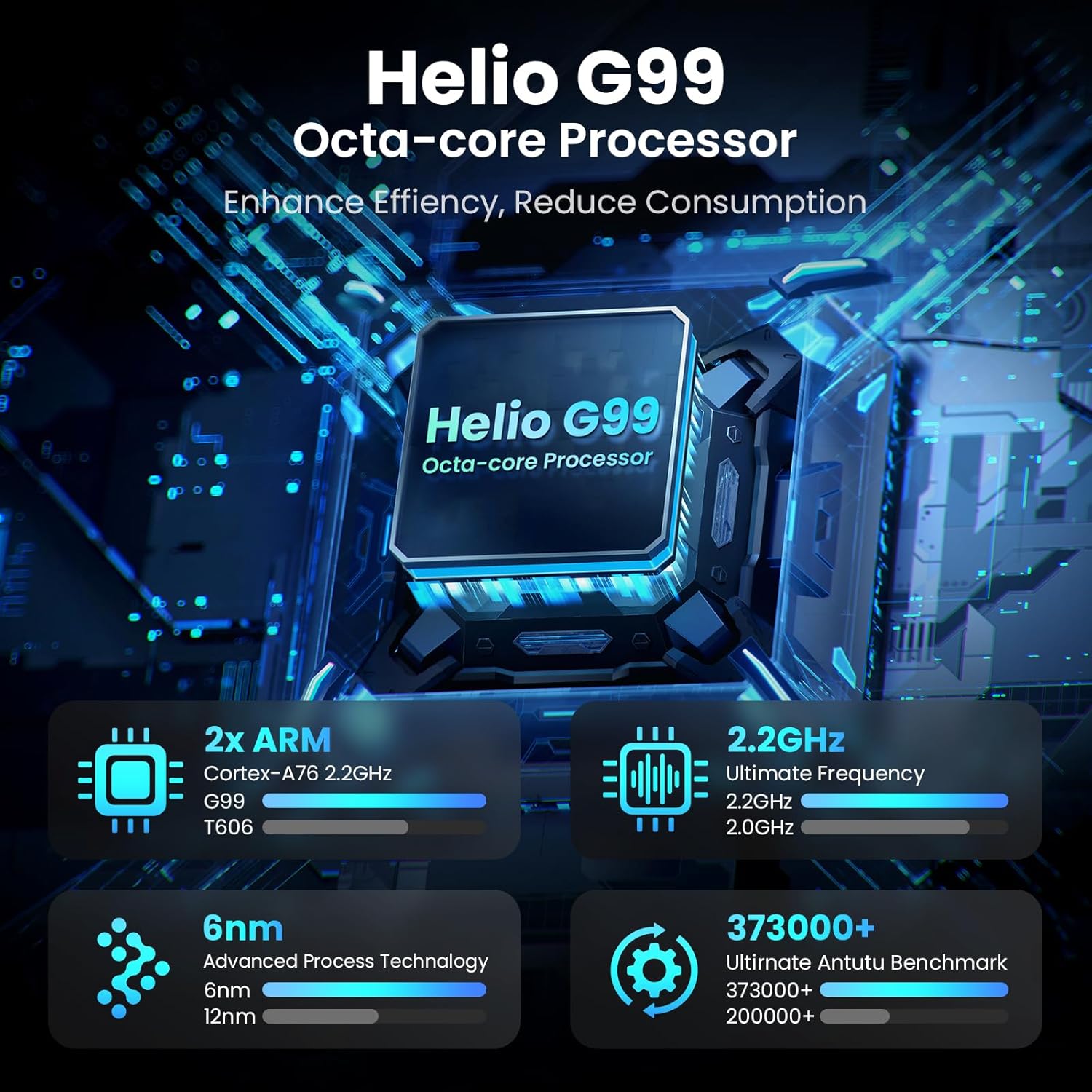
Image: Visual representation of the Helio G99 Octa-core Processor, detailing its architecture and performance metrics like 2.2GHz frequency and 6nm process technology.

Image: The MESWAO tablet screen showing multiple open applications and storage capacity details: 8GB RAM, 256GB ROM, and support for up to 1TB external storage.
3.4 Камерын хэрэглээ
The tablet features a 32MP rear camera with flash and a 5MP front camera. Open the Camera application to capture photos, record videos, or engage in video calls. Ensure good lighting for best results.

Image: A visual demonstrating the MESWAO tablet's 5MP front camera and 32MP rear camera, showing a family photo being taken and a video call in progress.
3.5 Холболт
The tablet supports dual-band Wi-Fi (2.4GHz & 5GHz) for stable internet connectivity. Bluetooth is also available for connecting wireless accessories. Access these settings via the Notification Panel or the main Settings app.
4. Засвар үйлчилгээ
4.1 Таблетыг цэвэрлэх
Таблетын дэлгэц болон их биеийг цэвэрлэхийн тулд зөөлөн, хөвөнгүй даавуу ашиглана уу. Зөрүүд толбоны хувьд бага зэрэг dampАлчуурыг ус эсвэл дэлгэцэнд тэсвэртэй цэвэрлэгээний уусмалаар арчина. Хүчтэй химийн бодис эсвэл зүлгүүрийн материал хэрэглэхээс зайлсхий.
4.2 Програм хангамжийн шинэчлэлтүүд
Regularly check for and install system updates to ensure your tablet has the latest features, security patches, and performance improvements. Go to Тохиргоо > Систем > Системийн шинэчлэл шинэчлэлтүүдийг шалгахын тулд.
4.3 Батерейны арчилгаа
- Хэт их температураас зайлсхий, учир нь энэ нь батерейны ашиглалтыг бууруулдаг.
- Зайг байнга бүрэн шавхаж болохгүй.
- Зөвхөн дагалдаж ирсэн цэнэглэгч эсвэл баталгаажсан нийцтэй цэнэглэгчийг ашиглана уу.
5. Алдаа засах
5.1 Таблет асахгүй байна
- Ensure the tablet is sufficiently charged. Connect it to the charger for at least 30 minutes before attempting to power on again.
- Албадан дахин эхлүүлэхийн тулд Power товчийг 10-15 секундын турш дарна уу.
5.2 Wi-Fi холболтын асуудал
- Check if Wi-Fi is enabled in the Quick Settings or Settings menu.
- Wi-Fi чиглүүлэгч болон таблетаа дахин эхлүүлнэ үү.
- Wi-Fi тохиргоонд сүлжээгээ мартаад дахин холбогдоно уу.
- Та Wi-Fi дохионы хүрээнд байгаа эсэхээ шалгаарай.
5.3 Удаан гүйцэтгэл
- Шаардлагагүй дэвсгэр програмуудыг хаа.
- Байнга ашиглагддаг аппликейшнуудын кэш өгөгдлийг цэвэрлэх (Тохиргоо > Програмууд > [Аппын нэр] > Хадгалах ба кэш > Кэшийг арилгах).
- Ensure sufficient free storage space. Delete unused files эсвэл програмууд.
- Таблетаа үе үе дахин эхлүүл.
5.4 Дэлгэц хариу өгөхгүй байна
- Perform a forced restart (hold Power button for 10-15 seconds).
- Дэлгэц нь чийг, хог хаягдалгүй, цэвэрхэн байгаа эсэхийг шалгаарай.
6. Техникийн үзүүлэлтүүд
| Онцлог | Дэлгэрэнгүй |
|---|---|
| Загварын нэр | MES-B3 |
| Дэлгэцийн хэмжээ | 15.6 инч |
| Хамгийн их дэлгэцийн нягтрал | 1920 x 1080 пиксел (Full HD IPS) |
| Үйлдлийн систем | Android 14 |
| Процессор | Octa-Core Helio G99 (up to 2.2 GHz) |
| RAM | 8 ГБ |
| Дотоод санах ой (ROM) | 256 ГБ |
| Өргөтгөх боломжтой хадгалах сан | 1TB хүртэл (TF карт) |
| Зайны багтаамж | 12000 мАч |
| Цэнэглэж байна | 30 Вт хурдан цэнэглэх |
| Арын камер | Флэштэй 32MP |
| Урд камер | 5 МП |
| Холболт | Dual-band Wi-Fi (2.4GHz & 5GHz), Bluetooth |
| Хэмжээ (LxWxH) | 14.53 x 8.78 x 0.43 инч |
| Зүйлийн жин | 3.84 фунт |
7. Баталгаат хугацаа ба дэмжлэг
7.1 Баталгаат хугацааны мэдээлэл
MESWAO products are covered by a limited warranty. Please refer to the warranty card included in your product packaging for specific terms and conditions. Keep your proof of purchase for warranty claims.
7.2 Хэрэглэгчийн дэмжлэг
For technical assistance, troubleshooting, or warranty inquiries, please contact MESWAO customer support. Contact information can typically be found on the official MESWAO webсайт эсвэл баталгаат карт дээр.
Online resources such as FAQs and support forums may also be available on the MESWAO webсайт.


